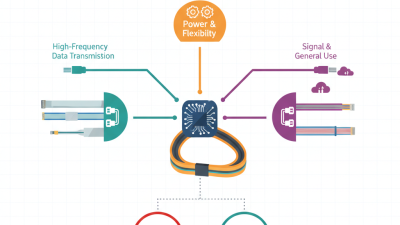
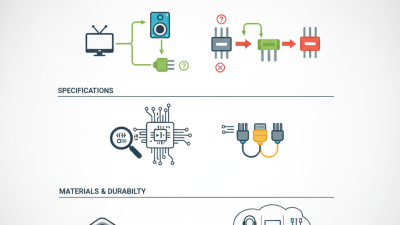
Choosing the right PC speaker cable can significantly enhance your audio experience. The quality of sound isn’t just about your speakers but also the cables connecting them. Many overlook this crucial component, leading to subpar performance. A suitable PC speaker cable ensures clear sound and optimal signal transmission.
Several factors come into play when selecting a PC speaker cable. You need to consider the length, gauge, and material. A longer cable can introduce interference. Thicker cables often improve the signal, but they may be cumbersome. Also, different materials impact durability and sound quality. It’s essential to understand these elements to avoid making a poor choice.
You might think all cables are similar, but that’s misleading. Many users have experienced issues due to substandard cables. Such mistakes can lead to frustration and wasted money. By carefully evaluating your options, you can make a more informed decision. A little research goes a long way in ensuring your audio setup is top-notch.
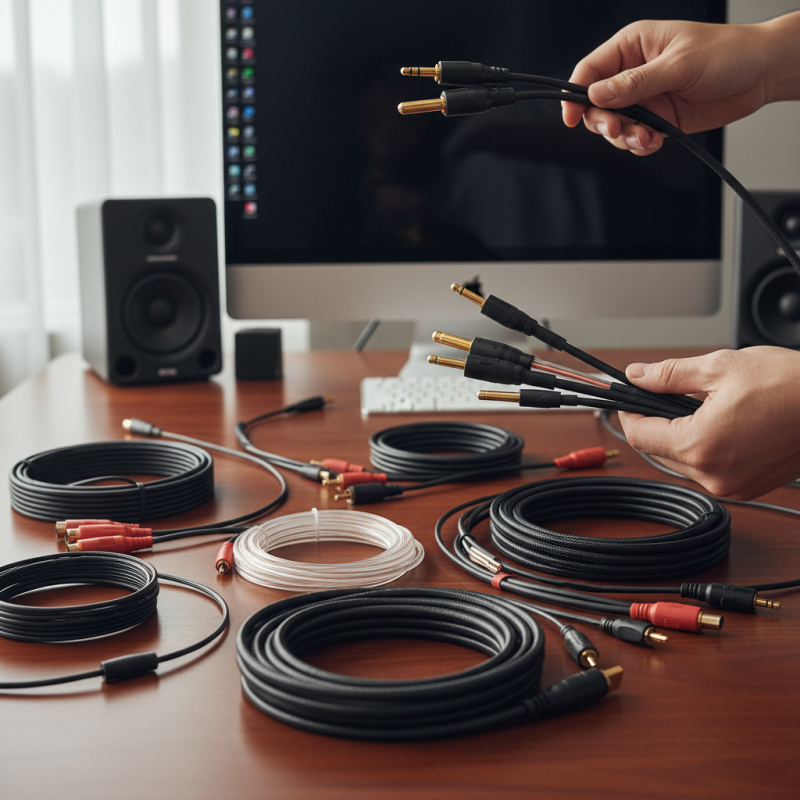
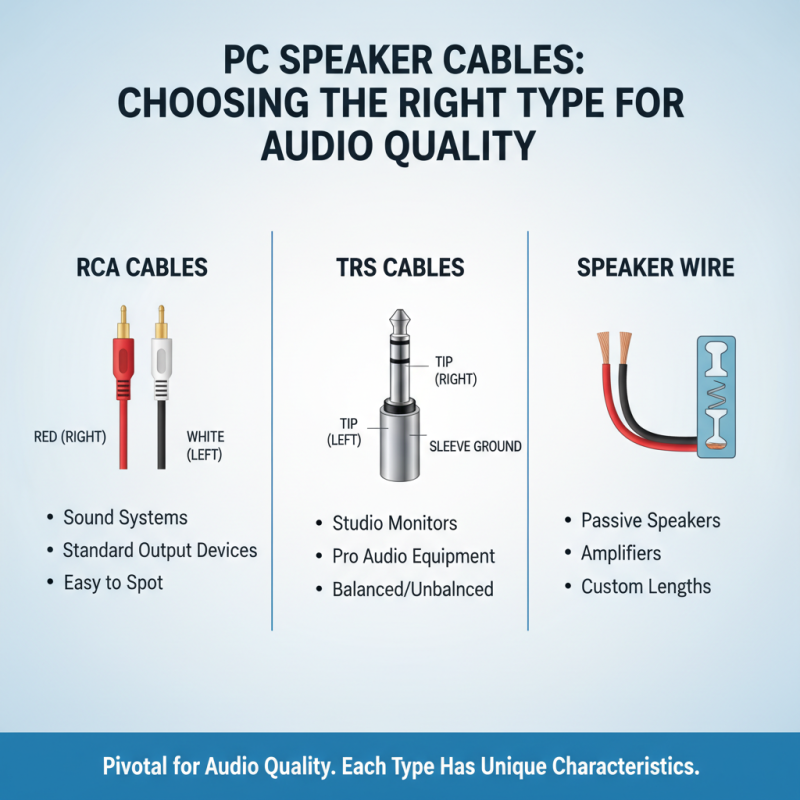
Choosing the right PC speaker cable is pivotal for audio quality. Different types serve various purposes. You may encounter RCA, TRS, and speaker wire cables. Each type has its unique characteristics. RCA cables are often used for connecting sound systems. Their red and white plugs are easy to spot. They work well with standard output devices.
TRS cables are another option. They can carry balanced or unbalanced audio signals. Usually, you find them in professional audio setups. They effectively reduce noise, making them ideal for studios. However, make sure your devices support this connection type. Some users may choose to mix and match cables. This can lead to unexpected audio issues or diminished sound quality.
Speaker wire cables are a more straightforward choice. They connect directly to a speaker and amplifier. However, the gauge or thickness of the wire matters. Thinner wires could affect sound. If you decide to go this route, do your homework. You may need to adjust the cable length, which can be tricky. Many users overlook these details, leading to frustration later on.
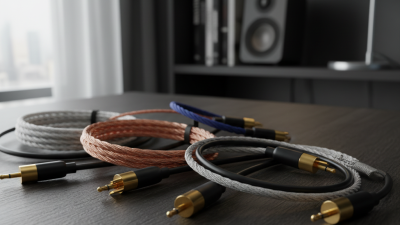
When evaluating cable length requirements for optimal sound quality, it's essential to consider the distance between your audio source and speakers. Research shows that longer cables can introduce signal loss. A study by Audio Engineering Society reveals that cable lengths beyond 25 feet can lead to noticeable degradation in sound. This loss can affect bass performance and overall clarity.
However, the optimal length is not always straightforward. Various factors, such as the type of speaker and amplifier, play a role. High-quality cables can minimize distortion over longer distances. Yet, even the best cables can suffer under suboptimal conditions. Some users may experience phase issues if the cables are too long or poorly matched. Choosing the right length involves striking a balance between flexibility and fidelity.
Many users underestimate the impact of cable length on sound. In practice, a common mistake is to choose cables based solely on convenience. Others may not follow industry guidelines. One report highlights that 40% of audio enthusiasts are unaware of their cables’ influence on performance. This oversight can lead to dissatisfaction with audio setups. Understanding these dynamics allows for better choices in cable selection and enhances the overall listening experience.
| Cable Length | Optimal Sound Quality | Common Uses | Recommended Connector Type |
|---|---|---|---|
| 3 feet | Good for desktop setups | Home Office | 3.5mm Stereo |
| 6 feet | Balanced sound experience | Gaming Setup | 1/4" TRS |
| 10 feet | Ideal for medium-sized rooms | Home Theater | RCA |
| 15 feet | Enhanced bass response | Professional Audio | XLR |
| 25 feet | Ideal for larger spaces | Live Performances | Speakon |
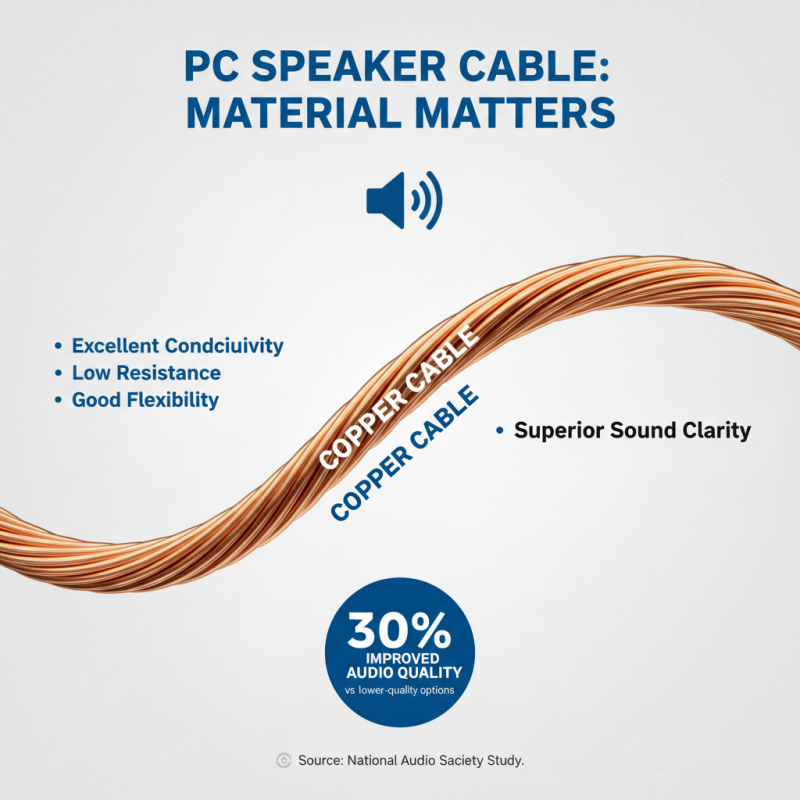
When choosing a PC speaker cable, the material is crucial. Copper is the most common choice. It offers excellent conductivity, low resistance, and good flexibility. Reports show that copper cables typically provide superior sound clarity. For instance, a study by the National Audio Society revealed that copper cables can improve audio quality by up to 30% compared to lower-quality options.
On the other hand, fiber optic cables are gaining popularity. They transmit signals as light, reducing interference and signal loss. This can lead to cleaner sound over longer distances. According to a recent industry analysis, fiber cables can outperform copper in scenarios where electromagnetic interference is a concern. Users might notice the difference in sound quality, especially in a home theater setup.
However, not every situation calls for premium materials. For casual use or budget setups, the differences may be negligible. Copper’s affordability often makes it the go-to choice for many. While fiber optic offers advanced capabilities, not all users need that level of performance. Sometimes, less is more, and understanding your specific needs is key.
Choosing the right PC speaker cable can significantly enhance your audio experience. One crucial factor to consider is the compatibility of connectors with your audio equipment. Different devices often require specific types of connectors. Take the time to examine what your speakers support. This will help you avoid frustration when setting up your system.
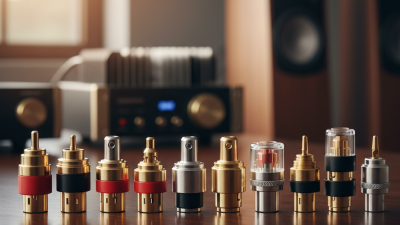
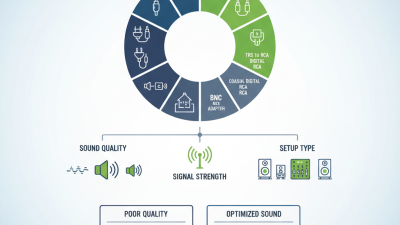
Look closely at the connector types. For instance, RCA connectors are common in many setups. However, you might run into situations where a 3.5mm jack is necessary. It's easy to overlook these details, and mismatched connectors can lead to performance issues. So, assess each device you have. Check input and output specifications carefully before purchasing cables. You may find yourself needing adapters, which can complicate matters further.
Incompatible cables may not fit properly, causing sound distortions. You could experience intermittent audio or complete silence. These issues often stem from not checking compatibility sufficiently. Additionally, think about cable lengths. A cable that's too short may strangle your setup, while an excessively long one could clutter your space. Balancing practicality and aesthetics is essential. Overlooking these aspects can lead to an unoptimal setup that could dampen your listening experience.
When it comes to choosing PC speaker cables, budgeting is crucial. You want quality without breaking the bank. Affordable options exist, but finding reliable cables takes some effort. Start by comparing prices online. Look for reviews that mention durability and sound quality. This can guide you to the best choices within your price range.
One key tip is to check the material of the cables. Copper wires tend to offer better conductivity. Look for oxygen-free copper for enhanced audio performance. Remember that shielding can also impact sound clarity. Invest wisely in cables that provide good shielding, even if they cost slightly more.
Don’t overlook that price doesn’t always equal quality. Some cheap cables may fail quickly or produce poor sound. It requires careful evaluation to avoid disappointment. Think about the length you need as well. Longer cables can degrade signal quality. It’s essential to find a balance between length and performance to get the best experience.