2026 How to Use RCA Plug Connections for Optimal Audio and Video Quality?
In the world of audio and video connectivity, the RCA plug holds a prominent place. Experts like Mike Hartley, a renowned audio engineer, emphasize its importance: “RCA plugs are fundamental for achieving the best sound and picture quality.” Understanding how to use RCA connections properly can significantly enhance your audio-visual experience.
RCA plugs allow transmission of both audio and video signals. Their design is simple yet effective. However, many users overlook specific details that can affect quality. For instance, ensuring tight connections is crucial. Loose connections can result in interference or degraded sound. Additionally, using the right cable length matters. Longer cables can introduce signal loss.
Many people commonly make mistakes with color coding. The red and white plugs are for stereo audio output, while yellow is for composite video. Misconnecting these can lead to poor performance. Experts suggest taking time to familiarize yourself with these details for optimal results. Being mindful of such nuances will lead to a more satisfying entertainment experience.
Understanding RCA Plug Connections and Their Types
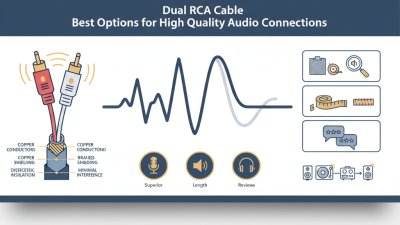
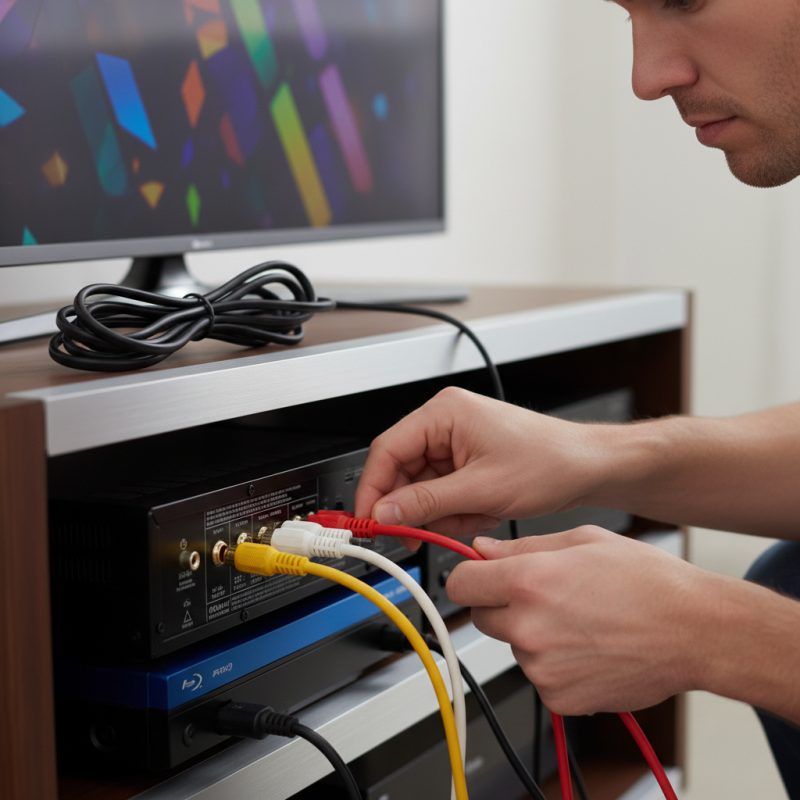
RCA plug connections are fundamental for audio and video systems. Understanding these connections enhances both performance and user experience. RCA connectors typically come in three colors: red, white, and yellow. The red and white connectors carry stereo audio, while the yellow one transmits composite video. Using the right connectors ensures optimal signal transmission.
Professional reports indicate that high-quality RCA cables can significantly reduce noise interference. However, many consumers overlook the importance of cable quality. A study shows that 30% of audio issues stem from low-quality connections. Properly matching cables to devices can improve the overall experience.
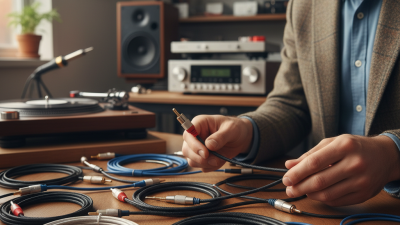
Tips: Always check your cable specifications. Look for connectors with gold plating for better conductivity. Regularly inspect cables for wear. Damaged cables can degrade audio and video quality. Furthermore, using shorter cables when possible minimizes signal loss. Ensuring a clean connection can greatly impact performance. Frequent cable management can prevent tangling and wear, leading to consistent audio-visual experiences.
Importance of Quality Cables for Audio and Video Performance
Using high-quality cables is essential for maximizing audio and video performance. Many users overlook their importance. Poor quality cables can lead to interference and signal degradation. This results in a loss of sound clarity and visual detail.
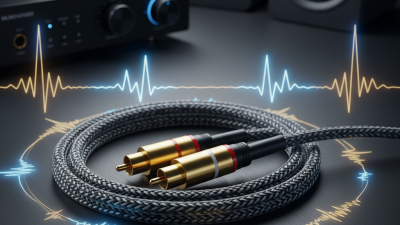
For audio connections, RCA plugs are a common choice. They transmit analog signals which require proper shielding. Quality cables significantly reduce unwanted noise. A flimsy cable may cost less, but it can seriously compromise your sound experience. Investing in robust cables leads to clearer bass, reduced distortion, and overall better sound quality.
In terms of video, the situation is similar. An inferior RCA cable can introduce color distortion or poor image sharpness. Users may not notice the difference at first glance, but subtle issues accumulate. By choosing the right cables, you enhance contrast and overall video fidelity. Reflect on your current setup. Are your cables doing justice to your devices?
Proper Setup: Connecting RCA Plugs to Devices
Connecting RCA plugs to devices can significantly enhance audio and video quality. The first step is to identify the correct inputs and outputs on your equipment. Most devices will have color-coded ports: red and white for audio and yellow for video. Ensure each RCA plug is firmly inserted into the corresponding port. A loose connection can result in poor sound quality or distorted video. According to a report from the Consumer Electronics Association, improper connections account for 25% of audio issues reported by users.
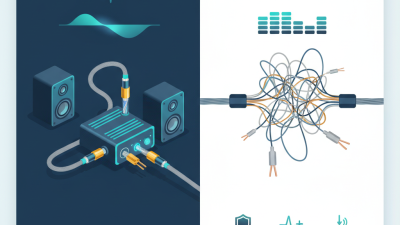
Using quality cables is essential. Low-quality RCA cables may introduce noise and reduce signal fidelity. Reports suggest that upgraded cables can improve overall performance by up to 30%. When connecting components, avoid running cables alongside power cords to minimize interference. Exposure to electrical interference can lead to unwanted hums or buzzing. It’s important to regularly check connections, as wear and tear can occur over time.
Make sure to consider room acoustics as well. The placement of devices can affect sound and picture quality. Reflections and echoes can muddy the audio experience. A study published by the Audio Engineering Society noted that strategic placement can enhance sound perception by 20%. Regularly evaluate your setup and make adjustments as needed. This attention to detail can lead to optimal performance and an improved entertainment experience.
Common Issues with RCA Connections and Troubleshooting Tips
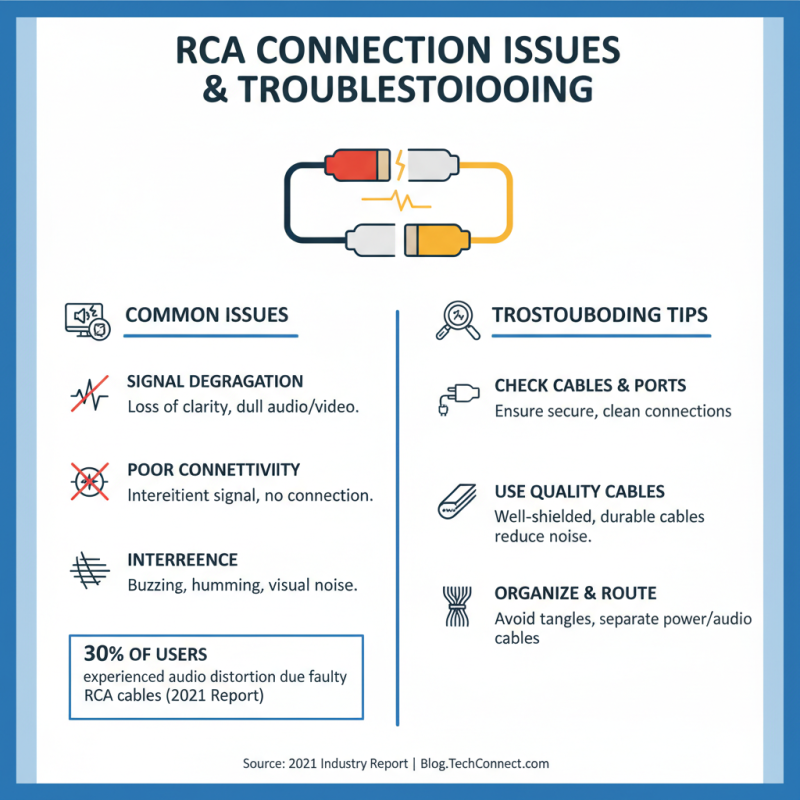
RCA connections are popular for audio and video setups, but they can present several issues. Common problems include signal degradation, poor connectivity, and interference. A 2021 industry report noted that nearly 30% of users experienced audio distortion due to faulty RCA cables. Many users overlook the importance of cable quality and shielding, leading to frustration during use.
To troubleshoot RCA connection problems, check for loose cables. Ensure that connectors fit snugly into their ports. Dirt or corrosion can also affect sound and video quality. Clean the connectors with a suitable cleaner to maintain optimal performance. Sometimes, simply replacing aged cables can yield significant improvements.
Tip: Use high-quality RCA cables. Many experts agree that investing in premium cables makes a noticeable difference. Additionally, avoid running RCA cables parallel to power cables. This step minimizes interference and enhances sound clarity. Small adjustments can greatly improve your overall experience. Professional audiophiles often stress the importance of proper setup for the best results.
Maximizing Audio and Video Quality with RCA Connections
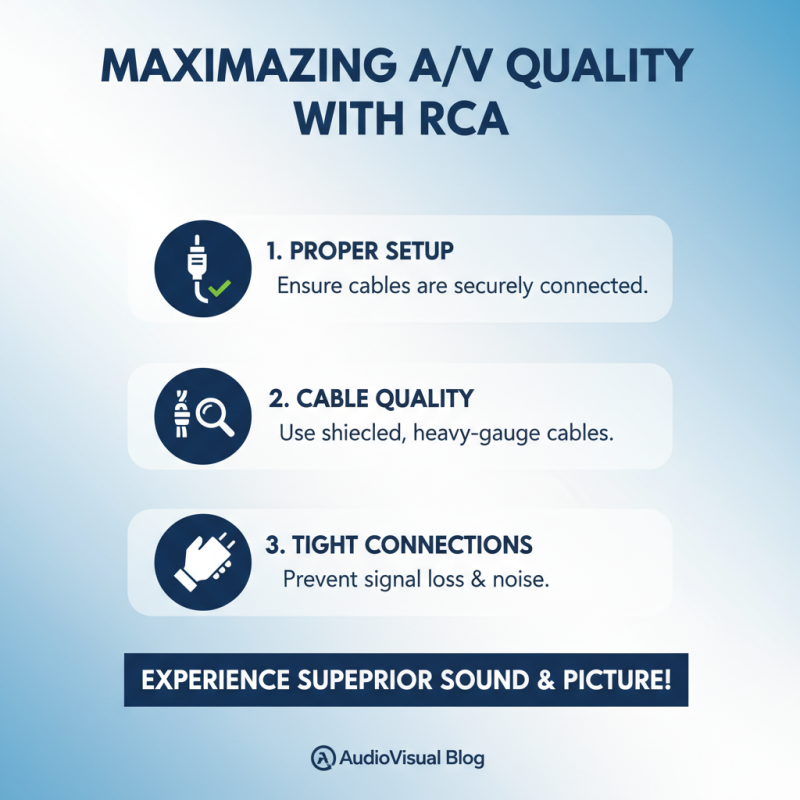
RCA connections can significantly enhance your audio and video experience. To make the most out of these connections, ensuring proper setup is essential. Always check the quality of your cables. Low-quality cables can introduce noise or loss of signal. Look for connectors that fit tightly. Loose connections can disrupt the audio and video chain, leading to frustrating dropouts.
When setting up, pay attention to color-coding. The red and white connectors are for audio, while the yellow one is for video. Ensure you plug them into the correct ports on your devices to avoid mixed signals. If you notice poor quality, try switching cables. Sometimes, simply using a different set can yield better results.
It's also crucial to consider your devices' settings. Adjusting the audio levels can drastically impact playback quality. High volumes can cause distortion while low settings may lose detail. Take time to fine-tune these settings. It might take a few tries to find the sweet spot. Don’t hesitate to experiment with placement and connections; a slight adjustment can lead to noticeable improvement.