










3.5 mm to ft: The Smart Way to Choose Audio Cable Length (Without Noise, Loss, or Regrets)
Key Takeaways
-
“3.5 mm to ft” isn’t just a conversion. Most people really mean: “How many feet can I run this cable before it sounds worse or starts buzzing?”
-
For many passive, unbalanced 3.5mm runs, 15–20 ft is a common comfort range in everyday setups.
-
At 25–50 ft, results depend on your gear, your room, and the cable build. Some setups stay clean. Others get dull or noisy.
-
50 ft+ is where hum and buzz become much more common with passive 3.5mm, especially near power cords, dimmers, and computers.
-
One long cable is usually steadier than adding extensions. Extra connectors mean extra trouble spots.
-
For B2B/OEM buyers, long-run performance comes from clear specs + repeatable QC (capacitance per foot, shielding type, strain relief, bend tests, fit checks, and paperwork).
The keyword “3.5 mm to ft” looks like a math question. In real audio life, it’s usually a “will this work?” question. Maybe you want to run audio from a PC to speakers across a room. Maybe your camera mic needs a longer lead. Maybe you’re building a product line with 10 ft and 25 ft SKUs for US buyers. Same phrase, different pain point—distance.
This guide keeps it simple and practical. You’ll get quick answers for the three most common questions, plus advice that helps both regular buyers and OEM teams.
What “3.5 mm to ft” Really Means in Audio (Beyond Unit Conversion)
A 3.5 mm plug tells you the connector size and style. ft (feet) tells you how far you’re trying to send the signal. Once a cable gets longer, you start dealing with three real-world issues:
-
Capacitance adds up as length grows (can soften top-end detail).
-
Resistance adds up too (can slightly reduce signal level, especially with thinner conductors).
-
Noise pickup gets easier (long unbalanced cables can catch EMI/RFI and ground-loop hum).
Most 3.5mm connections are unbalanced analog. That’s the key. Unbalanced lines are convenient, but they don’t love long distances.
Quick conversion (for completeness): mm to feet
If you truly want the number: 3.5 mm ≈ 0.01148 ft.
That’s nice to know, but it won’t tell you whether a 25 ft AUX run will sound clean in your living room.
Why feet matters more than the connector size
“Feet” is where the real decisions begin. At short lengths, almost any decent cable works. As the run grows, the cable build and your environment matter more. Past a point, it’s not even a “buy a better cable” issue—it’s a “use a better method” issue.
A Fast “Length to Setup” Guide (Bookmark This)
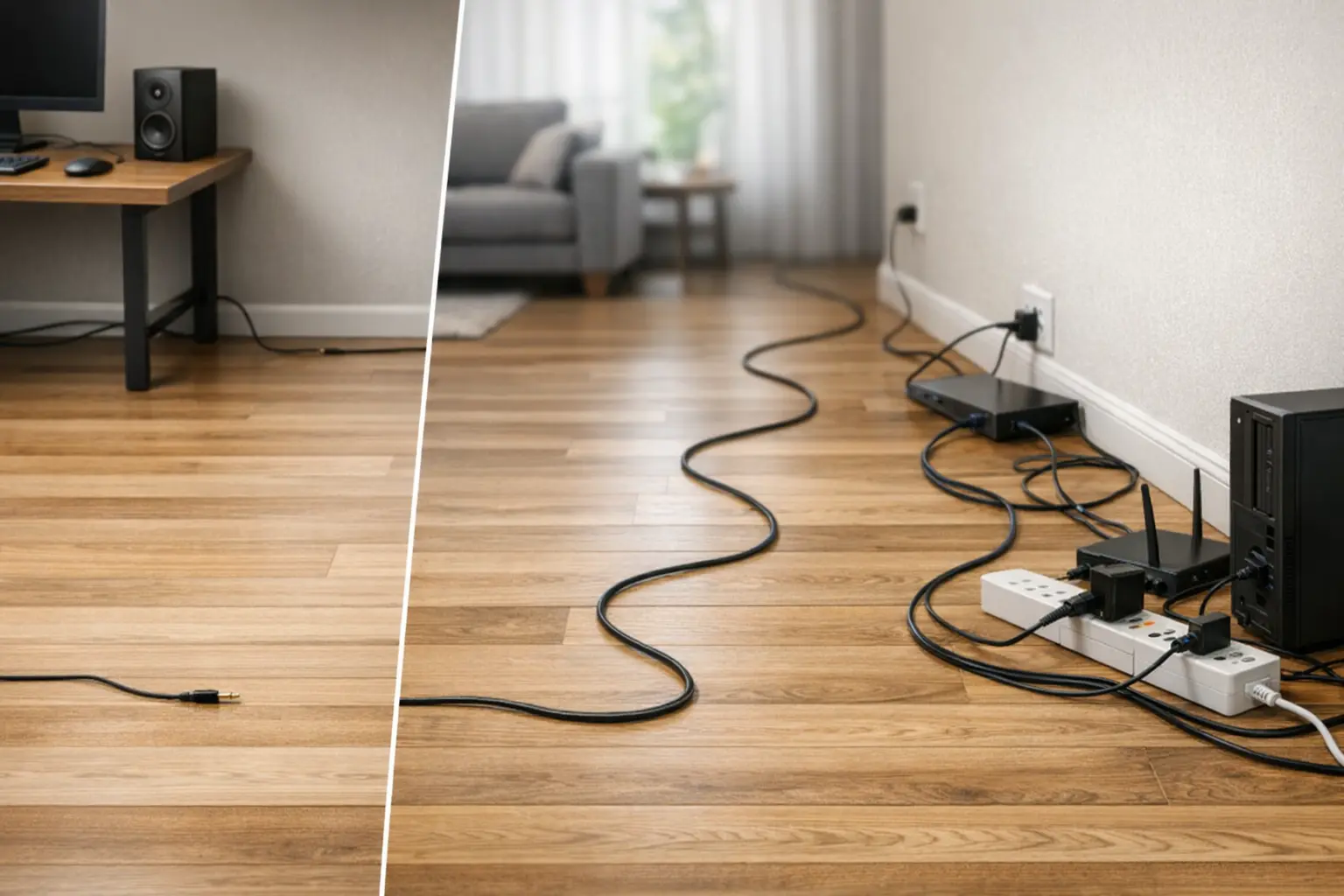
Here’s the quick map from length to what usually works:
| Length (ft) | What often happens | Risk level | Best move |
|---|---|---|---|
| 0–6 ft | Usually clean | Low | Any solid cable; good connectors help |
| 10–20 ft | Often fine with decent build | Low–Medium | Better shielding + strain relief |
| 25–50 ft | Mixed results; dullness or noise can show up | Medium–High | Double shielding, cleaner routing, or buffering |
| 50 ft+ | Hum/buzz becomes common and unpredictable | High | Change the setup: balanced/active/Cat5/6 |
You can still “get lucky” with long runs, but luck is not a plan—especially if you’re installing cables for clients or selling them at scale.
Top Question #1: “How long can a 3.5mm cable be in feet without losing sound quality?”
30-Second Answer
For many passive, unbalanced 3.5mm runs, 15–20 ft is a comfortable range. At 25–50 ft, you may hear softer highs or less clarity depending on the cable design and your source device. At 50 ft+, it’s often smarter to switch to a different method (balanced, active buffer, or audio-over-Cat).
Why sound can change as the cable gets longer
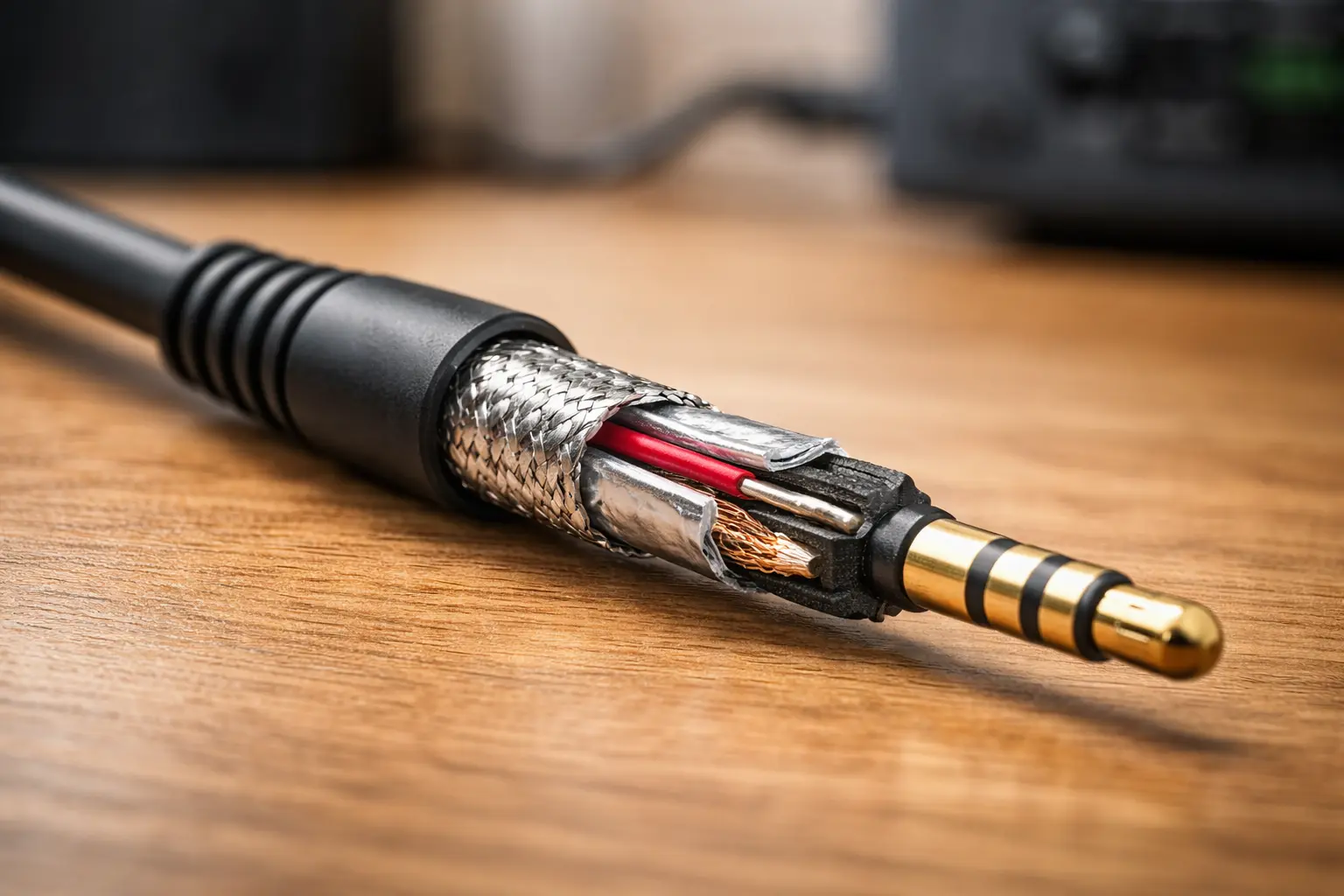
A cable isn’t “just wire.” As it gets longer, it acts more like an electrical part with added capacitance. That capacitance, combined with the output stage of your device, can reduce higher frequencies first.
What people tend to say:
-
“It sounds less crisp.”
-
“It feels a bit flat.”
-
“The detail is smoothed over.”
This tends to happen more when:
-
you run 25 ft or more,
-
the cable has higher capacitance per foot,
-
your source output is weak (some dongles, laptops, or phone adapters),
-
you boost gain later to compensate.
Practical thresholds (easy to use)
-
0–20 ft: often works well for line-level 3.5mm in normal rooms.
-
25–50 ft: can work, but cable build and routing matter a lot more.
-
50 ft+: most people get better results by changing the setup instead of pushing passive 3.5mm.
If you must run 25–50 ft
Focus on things that really change outcomes:
-
Shielding: braid or foil+braid is usually stronger than simple spiral shields for long runs.
-
Cable design: low-capacitance builds help in longer runs.
-
Connectors + strain relief: weak plugs and poor strain relief fail first.
-
Routing: keep the cable away from power cords, power bricks, and dimmers.
When a longer 3.5mm cable is the wrong tool
If your run crosses rooms, shares space with power strips, PC power supplies, LED lighting, or routers, you may get better sound by:
-
converting to a balanced signal for the long portion, or
-
using an active buffer/extender, or
-
using audio-over-Cat5/6 for long distances.
Top Question #2: “Will a 50ft (or longer) 3.5mm cable add hum or noise?”
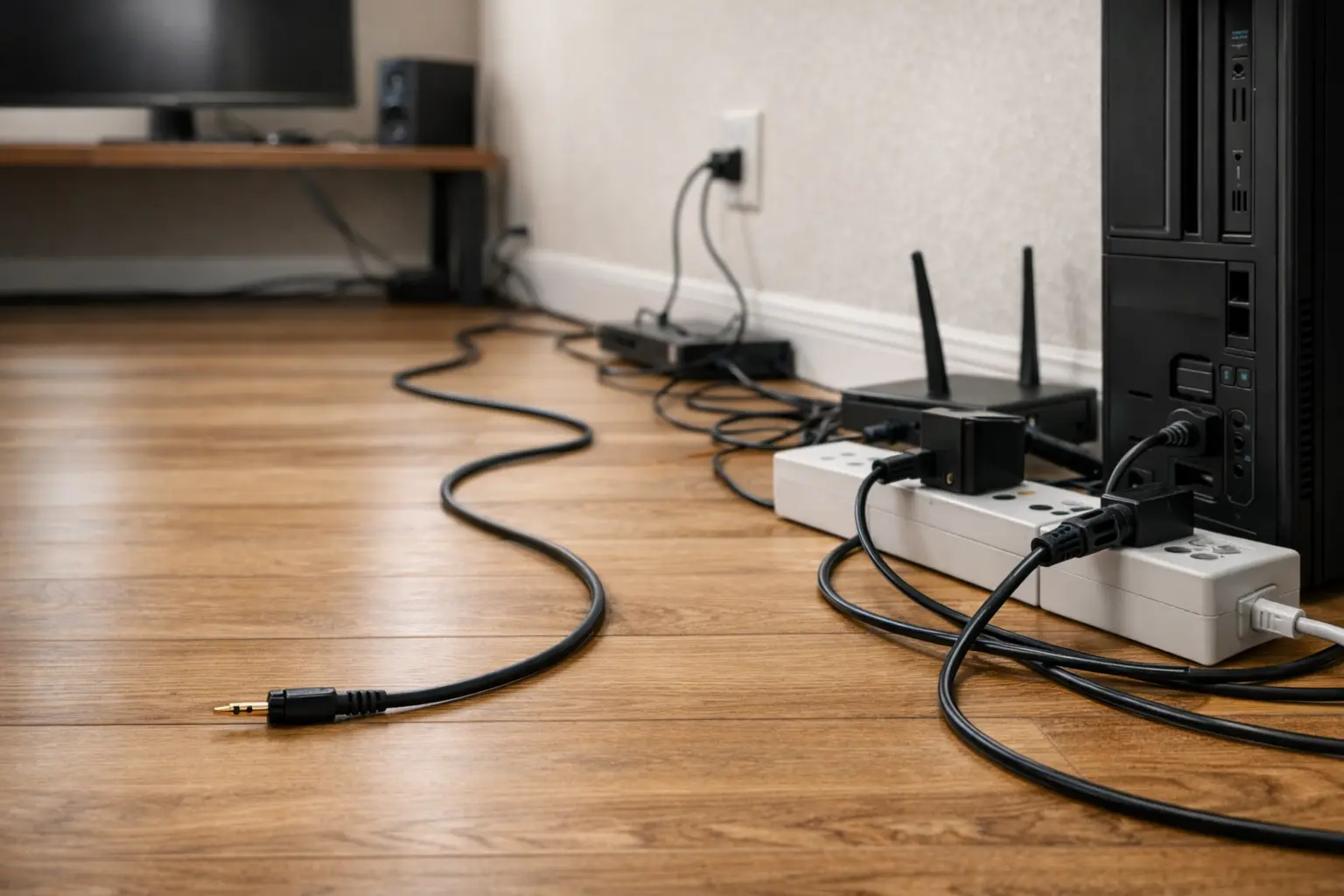
30-Second Answer
Yes, it can. 50 ft is a common tipping point for hum and buzz with passive unbalanced 3.5mm, especially in typical homes and studios. The usual culprits are EMI/RFI pickup and ground loops. You can often fix it with better routing and power setup, but for permanent long runs, switching to balanced/active methods is often the cleaner answer.
What causes the hum and buzz
Long unbalanced cables can behave like antennas. They pick up electrical noise from:
-
power cords and wall adapters,
-
lighting dimmers,
-
computers and monitors,
-
Wi-Fi and other RF sources.
Ground loops can add a steady hum, especially when devices are plugged into different outlets or circuits.
A simple 5-minute fix checklist
Try these in order:
-
Separate audio and power cables. Don’t run them side-by-side for long stretches.
-
Use the same power strip for both devices if you can.
-
Lower gain later in the chain. If you crank the amp/speakers to make up for low signal, noise gets louder too.
-
Test with a shorter cable. If the noise drops a lot, the long run is the trigger.
-
Try a ground loop isolator as a quick patch. If the run is permanent, consider a better setup method.
Shielding: what matters in plain terms
Not all “shielded cables” behave the same:
-
Spiral shield: can be okay short-run, but it may open gaps as the cable flexes.
-
Braided shield: tends to hold coverage better and handles bending well.
-
Foil + braid (double shield): often the best bet for long runs near noisy gear.
For OEM specs, don’t settle for vague claims like “high shield.” Ask for:
-
shield type,
-
coverage target,
-
and how they keep it consistent across production.
Top Question #3: “Extension cable (M-F) vs a single long cable (M-M)—which is better?”
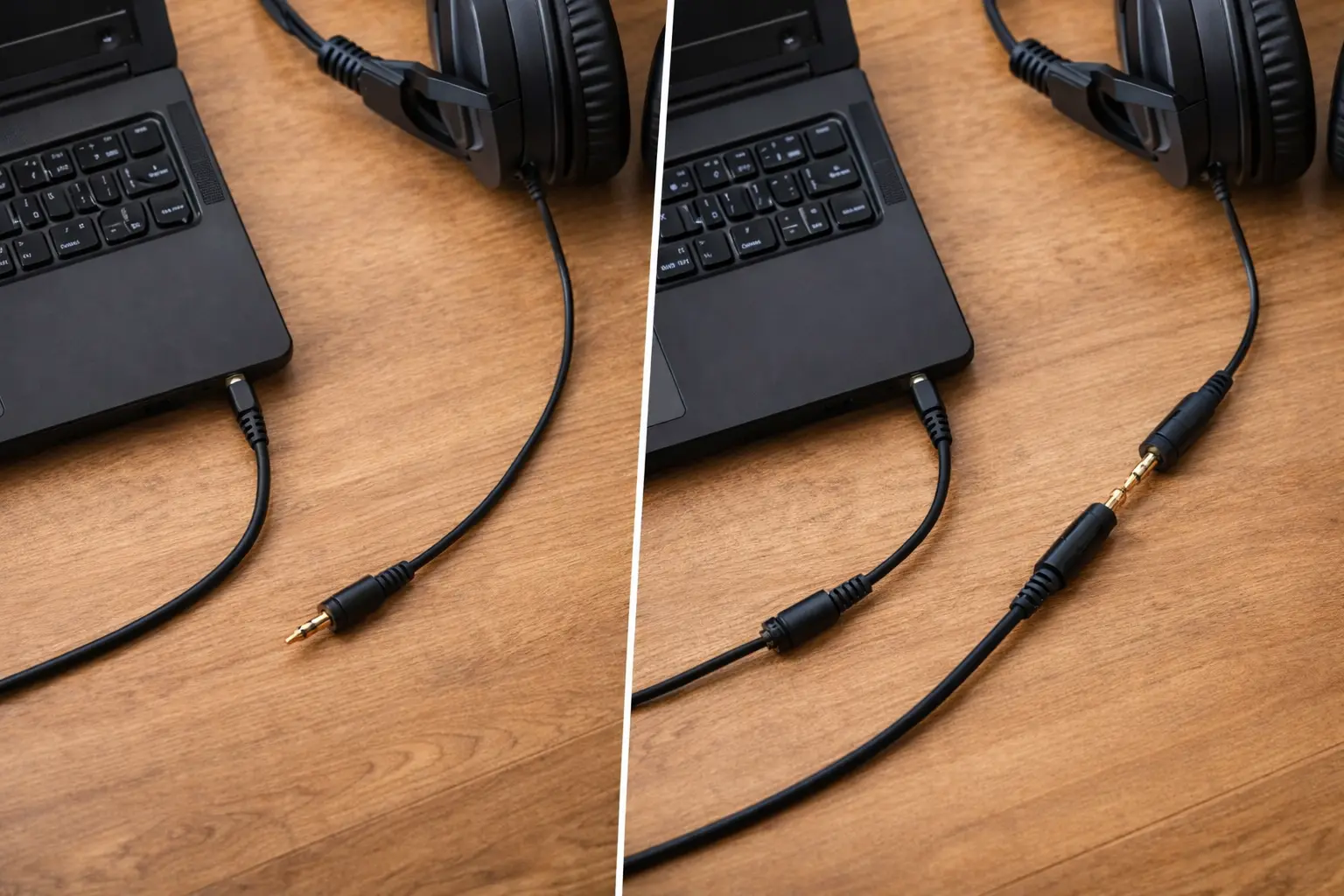
30-Second Answer
For fixed installs, a single continuous cable is usually better. Extensions add extra contact points that can loosen, oxidize, or crackle over time. Extensions still make sense when you need flexibility, frequent plug/unplug, or a “sacrificial” connector to protect your device’s jack.
Why extra connectors cause trouble
Every added connection can bring:
-
more contact resistance,
-
more chances for a loose fit,
-
more oxidation over time,
-
more “it only works when I wiggle it” moments.
With 3.5mm, this matters because the connector is small and easy to stress. Many “bad cable” complaints are really bad contact complaints.
When extensions are still the right choice
Extensions can be a smart move when:
-
you unplug often and want to protect a laptop or console port,
-
you want a cheap replaceable segment,
-
you need quick layout changes for events or production.
If you use extensions, treat the female coupler as a key part. A cheap coupler can ruin a good cable.
Real-World Lessons from Creator Rigs and Everyday Setups
People ask these same questions because the same mistakes keep popping up.
Case: “My sound got dull after I ran it across the room”
A common setup is PC → 3.5mm → speakers across a room. At 25–50 ft, some users notice the sound feels less sharp. That’s often a mix of cable capacitance, noise exposure, and gain staging.
A clean fix path looks like:
-
improve routing first,
-
then use a better-shielded cable,
-
then move to active/balanced options if needed.
Case: “My 50 ft cable hums, and touching it changes the noise”
That “touch test” clue often points to a noise pickup or grounding sensitivity issue. The quickest improvements usually come from:
-
shared power,
-
cable routing changes,
-
and isolators (as a stopgap).
Case: TRS vs TRRS mix-ups in creator audio
Creators often chain adapters and extensions. That’s where TRS vs TRRS mistakes show up. A mic can stop working even if the headphones still play audio. If your setup involves phones, headsets, or camera mics, learn the connector types first. RØDE has a clear explainer you can share with teammates or customers:
https://help.rode.com/hc/en-us/articles/10489395008783-What-s-the-Difference-between-TS-TRS-and-TRRS-connectors
The Manufacturer’s View: Why “Feet” Changes Cable Engineering
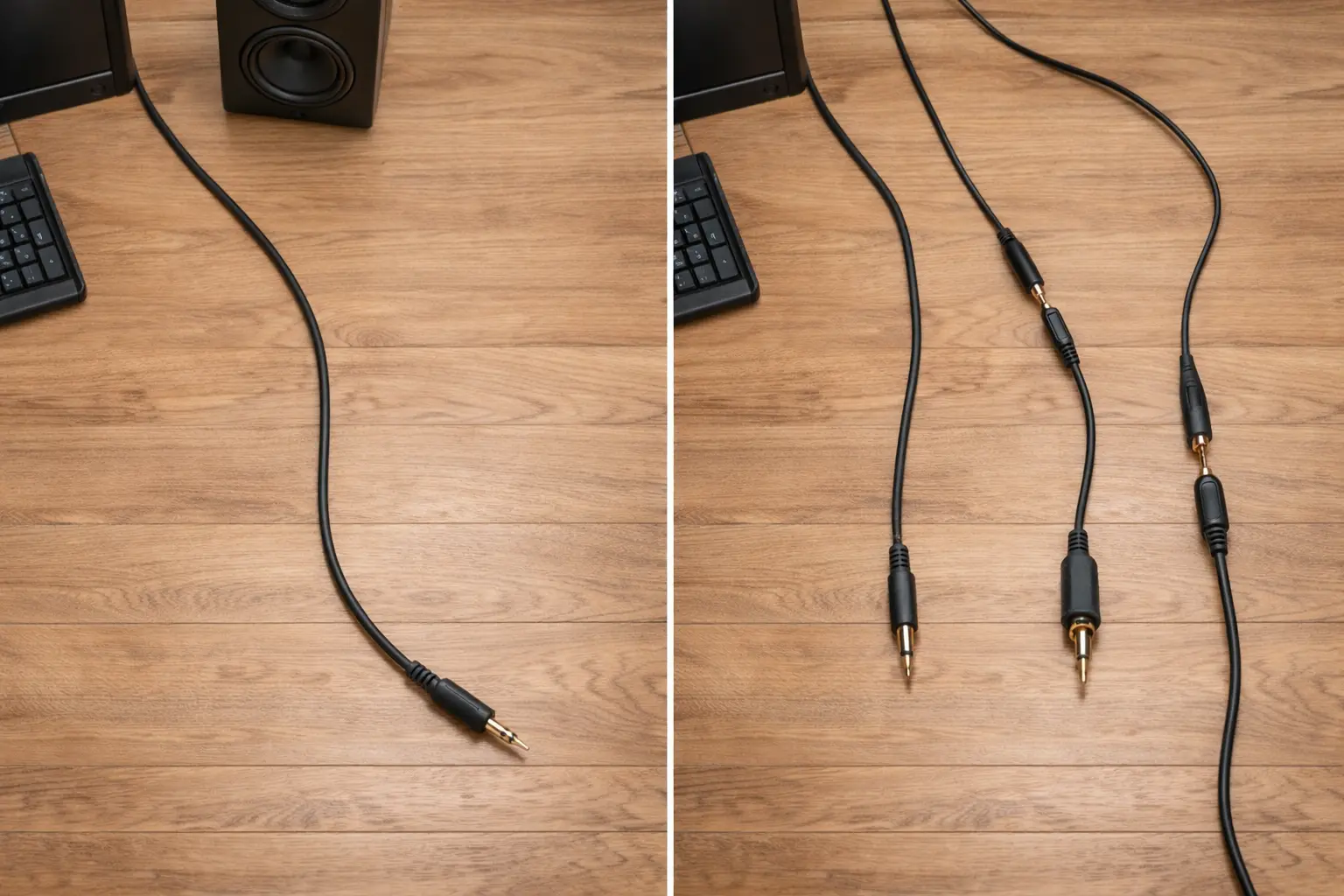
Longer runs raise the bar for build quality. That’s true for consumers, and it’s even more true when you’re shipping thousands of units.
Here’s where quality shows up in the real world:
-
Strain relief: prevents internal breaks near the plug (a top failure spot).
-
Connector fit: a tight, stable fit reduces crackle and dropouts.
-
Shield design: helps keep noise down in messy environments.
-
Testing discipline: continuity checks and mechanical checks reduce returns.
Jingyi Audio publishes OEM-facing guidance and product notes that reflect this build-and-test mindset, including connector-focused pages like their 3.5mm gold-plated connector overview and buyer guidance for pro cable sourcing.
A quick “proof test” anyone can do
If you want a reality check without lab gear:
-
Compare 10 ft vs 50 ft in the same system.
-
Keep the same volume settings.
-
Listen for a change in clarity and background noise.
-
Move the cable near a power strip or router and see if noise changes.
This won’t give a perfect number for every setup, but it teaches the big lesson: distance + environment + setup method decide the result.
B2B OEM + GEO: Sourcing “3.5mm in Feet” for US/EU Projects
If you sell into the US, buyers often shop by feet (6 ft, 10 ft, 25 ft). If you sell into the EU, teams often plan in meters and ask for paperwork. If you serve both, clear labeling matters.
What US buyers often expect
-
lengths clearly marked in feet (dual ft/m labeling can reduce returns),
-
consistent connector fit across common devices,
-
packaging that holds up in shipping,
-
stable supply for repeat orders.
What EU buyers often ask for
-
RoHS/REACH documentation,
-
clear material declarations,
-
consistent labels and batch control (especially for large programs).
OEM RFQ checklist (copy/paste)
If you’re sourcing 3.5mm cables by the foot (US retail SKUs or install lengths), ask suppliers to confirm:
-
Capacitance per foot (pF/ft) target or typical range (important for 25–50 ft products)
-
Shield type (braid or foil+braid) and coverage target
-
Conductor gauge (AWG) and strand design
-
Connector plating and fit checks
-
Strain relief testing approach (bend-cycle method)
-
QC approach (sample rate or 100% continuity testing, if offered)
-
Compliance paperwork needed for your sales region
Why multi-site production can help
Some OEM teams want more supply flexibility. Jingyi Audio publicly describes its Thailand operation alongside its broader manufacturing footprint, which can support planning for different shipping lanes and production options.
Quick Picks by Use Case
-
Desk headphones: keep it under 10–20 ft when possible; solid connectors matter.
-
PC → speakers across a room: 10–20 ft is often fine; at 25–50 ft, shielding and routing matter more.
-
Cross-room home theater: consider balanced/active options as length grows.
-
Car AUX: hum often ties to power/ground; isolators can help.
-
Creator audio: confirm connector type (TS/TRS/TRRS) before buying long extensions.
If you must run 25–50 ft
The cleanest long-run path is often:
-
balanced conversion for the long leg, or
-
active buffering/extenders, or
-
audio-over-Cat5/6 systems.
FAQ
FAQ 1 (Top #1): How long can a 3.5mm cable be in feet without losing sound quality?
Many passive unbalanced 3.5mm runs stay clean around 15–20 ft. At 25–50 ft, results vary more by cable build, device output, and noise around the cable. At 50 ft+, a different setup method often works better.
FAQ 2 (Top #2): Why does my 50ft 3.5mm cable hum or buzz?
Long unbalanced runs can pick up EMI/RFI and can form ground loops. Try cleaner routing, shared power, lower gain, an isolator, or a balanced/active solution for permanent installs.
FAQ 3 (Top #3): Extension vs one long cable—what should I buy?
A single long cable usually holds up better for fixed installs. Extensions make sense when you plug/unplug often, want a replaceable “sacrificial” segment, or need quick layout changes.
FAQ 4: Does AWG matter for 3.5mm aux cables?
Yes, especially at longer lengths. Thicker conductors can reduce resistance loss, but shielding and cable design often matter more for noise and clarity.
FAQ 5: What’s the difference between TS / TRS / TRRS?
They are different wiring standards. Using the wrong one can break mic support or channel behavior, especially when adapters and extensions are involved.
FAQ 6: When should I stop using 3.5mm for long runs?
If you’re pushing 50 ft+ or fighting noise in a messy electrical space, balanced conversion, buffering, or audio-over-Cat is often the cleaner route.
Wrap-up
If you remember one thing, make it this: “3.5 mm to ft” is a distance question first. Keep passive runs short when you can. When you can’t, use better shielding and cleaner routing. And when the run gets truly long, switch the method—don’t just hope a “nicer cable” will beat physics.