










Choosing between analog and digital audio cable connectors for home audio
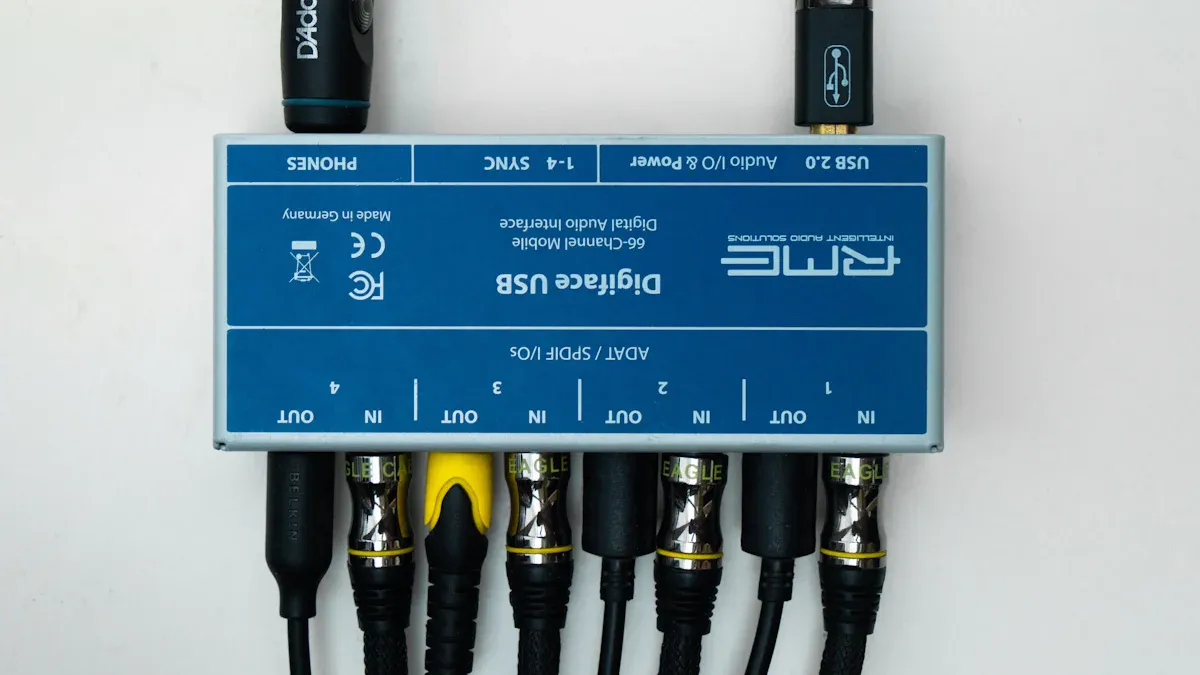
You face many choices when setting up home audio. The right Audio Cable Connector can change your listening experience. Digital connectors often give you clear sound with less noise. Analog connectors can bring a warm, natural tone. Always check your devices for compatibility and trust your own listening preferences.
Key Takeaways
- Check your audio devices’ ports first to pick the right cable type—analog connectors fit older gear, digital connectors suit modern devices.
- Choose analog cables for warm, natural sound and digital cables for clear, noise-free audio, especially with long cable runs.
- Use the simple checklist: know your equipment, decide your sound preference, set a budget, match cables to devices, test sound, and buy from trusted brands.
Understanding Audio Cable Connector Types
Analog Audio Cable Connectors Explained
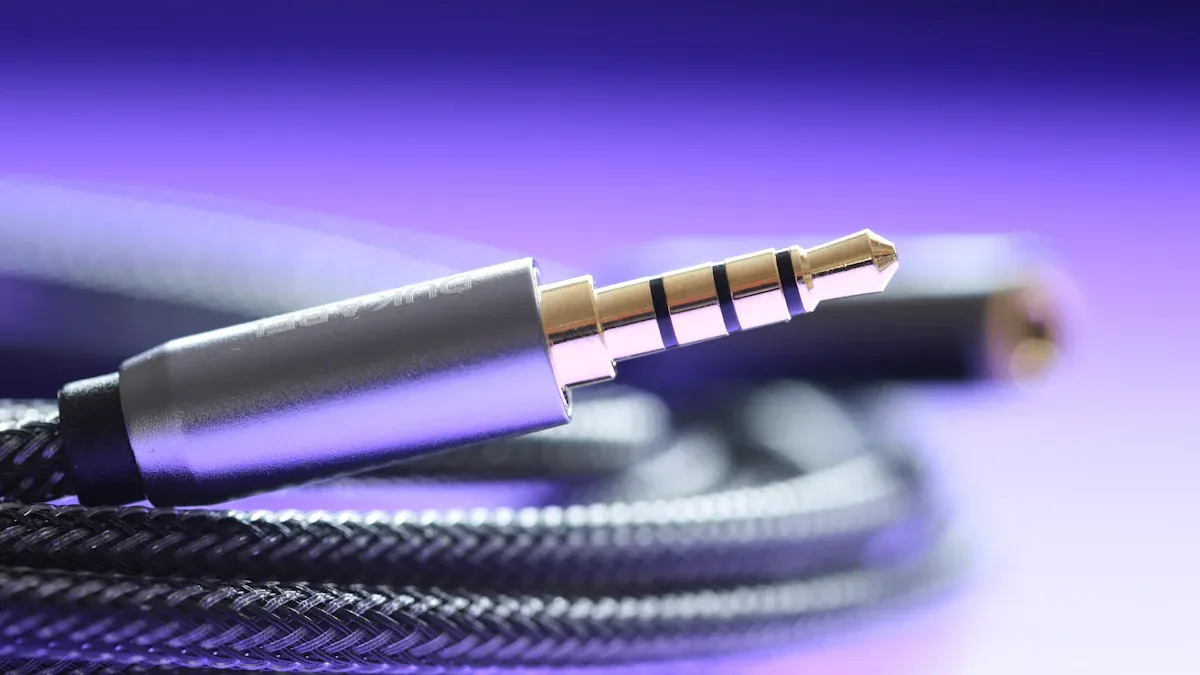
You often see analog connectors in many home audio setups. These connectors carry sound as electrical signals. RCA and 3.5mm jacks are common types. You might use RCA connectors for stereo systems or older TVs. XLR connectors appear in some high-end audio gear. Analog connectors can give you a warm and rich sound. They work well with vintage equipment.
Digital Audio Cable Connectors Explained
Digital connectors send audio as digital data. This means they use ones and zeros instead of electrical signals. Optical (TOSLINK) and HDMI are popular digital connectors. You may also find coaxial digital connectors in some systems. Digital connectors help you avoid signal loss and interference. They often provide clearer sound, especially with modern devices.
Tip: Digital connectors work best when you want crisp, noise-free audio.
Typical Uses in Home Audio
You use analog connectors when you connect turntables, older amplifiers, or classic speakers. Digital connectors fit best with soundbars, gaming consoles, and smart TVs. Many home theaters use HDMI for both audio and video. You should always check your device’s ports before choosing an Audio Cable Connector.
Key Differences in Audio Cable Connector Performance
Signal Transmission Methods
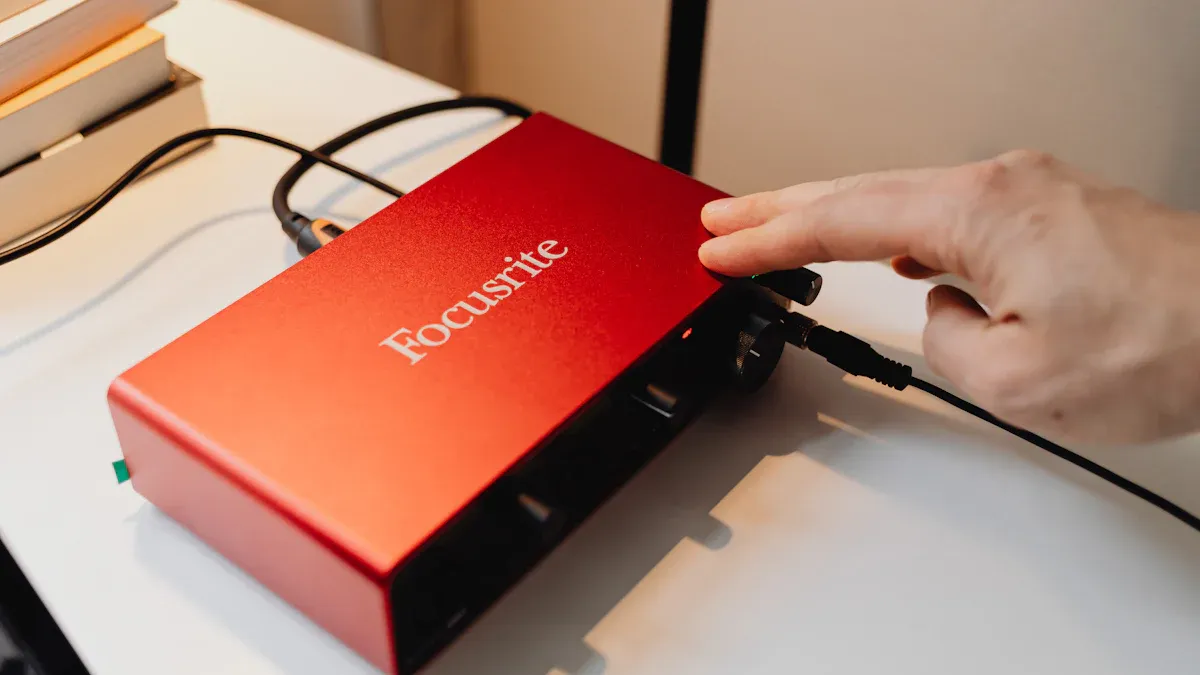
You will notice that analog and digital cables send audio signals in different ways. Analog cables carry sound as electrical signals. These signals can pick up noise from other electronics. Digital cables send audio as data, using a series of ones and zeros. This method helps you avoid most interference. You get a cleaner sound with digital cables, especially in longer cable runs.
Note: Digital transmission often keeps your music clear, even if you use long cables.
Common Connector Types (RCA, XLR, Optical, HDMI)
You will find several connector types in home audio. Here is a quick comparison:
| Connector Type | Analog or Digital | Typical Use |
|---|---|---|
| RCA | Analog | Stereo systems, TVs |
| XLR | Analog | High-end audio gear |
| Optical | Digital | Soundbars, game consoles |
| HDMI | Digital | Home theaters, smart TVs |
You should match the connector type to your device for the best results.
Compatibility with Home Audio Equipment
You need to check your equipment before choosing an Audio Cable Connector. Older gear often uses analog connectors like RCA or XLR. Newer devices support digital options such as HDMI or optical. Some receivers and amplifiers offer both types. Always look at the ports on your devices. This step helps you avoid buying the wrong cable.
Pros and Cons of Analog Audio Cable Connectors
Sound Quality and Signal Integrity
You may notice that analog cables often deliver a warm and natural sound. Many music lovers enjoy this quality, especially when listening to vinyl records or classic audio gear. Analog signals can lose some detail over long distances, so you get the best results with shorter cables. If you want a classic listening experience, analog connectors can help you achieve it.
Interference and Noise Issues
Analog cables can pick up noise from other electronics in your home. This interference may cause humming or buzzing sounds. You should keep analog cables away from power cords and wireless devices to reduce these problems.
Tip: Use shielded analog cables to help block unwanted noise.
Cost and Availability
You will find analog cables in most electronics stores. They usually cost less than digital cables. If you need to connect older equipment, analog cables are easy to find and replace. Many brands offer affordable options, so you do not have to spend much.
| Feature | Analog Cables |
|---|---|
| Price | Low to moderate |
| Availability | Very common |
Ease of Use
Analog connectors are simple to use. You just plug them in, and they work right away. You do not need to change any settings on your devices. This makes analog cables a good choice if you want a quick and easy setup for your home audio system.
Pros and Cons of Digital Audio Cable Connectors
Sound Quality and Clarity
You get very clear sound with digital audio cables. These cables send audio as digital data, so you hear music and voices without extra noise. Many people notice that digital cables keep the sound sharp, even when you use long cables. If you want to enjoy movies or games with crisp audio, digital connectors work well.
Resistance to Interference
Digital cables resist interference from other electronics in your home. You do not hear buzzing or humming like you might with analog cables. This makes digital cables a good choice if you have many devices close together. You can place your cables near power cords without worrying about noise.
Tip: Digital cables help you keep your sound clean, even in busy rooms.
Cost and Equipment Requirements
You may pay more for digital cables than for analog ones. Some digital cables, like HDMI, cost more because they carry both audio and video. You also need devices that support digital connections. If your equipment is older, you might need an adapter or a different Audio Cable Connector.
| Feature | Digital Cables |
|---|---|
| Price | Moderate to high |
| Equipment Needed | Modern devices |
Setup and Usability
You will find digital cables easy to use. Most digital connectors fit only one way, so you cannot plug them in wrong. Many devices detect the cable and set up the sound for you. You do not need to adjust many settings. This makes digital cables simple for most home audio setups.
Choosing the Right Audio Cable Connector for Your Home Audio
Assessing Equipment Compatibility
You should always start by checking your audio equipment. Look at the ports on your speakers, amplifiers, and music players. Most modern devices use digital connectors like HDMI or optical. Older gear often uses analog connectors such as RCA or XLR. If you see both types of ports, you have more options. You can match the cable to the port for the best sound.
Tip: Take a photo of your device’s ports before shopping for cables. This helps you remember what you need.
If you use a turntable or vintage receiver, you likely need analog connectors. For a soundbar or smart TV, digital connectors work best. Some receivers support both, so you can mix and match as needed.
Considering Audio Quality Preferences
Your listening style matters when you choose cables. If you love the warmth of vinyl records or classic music, analog connectors may suit you. Many people say analog sound feels rich and natural. If you want crisp, clear sound for movies or games, digital connectors deliver that experience.
You can try both types if your equipment allows. Listen to your favorite song with each connector. Notice the difference in sound. Choose the one that matches your taste.
| Preference | Best Connector Type |
|---|---|
| Warm, classic sound | Analog |
| Crisp, clear sound | Digital |
Budget Considerations
You should think about your budget before buying cables. Analog cables usually cost less. You can find them in most stores, and they work with many older devices. Digital cables, like HDMI, may cost more, especially if they carry both audio and video.
If you want to save money, start with basic cables. Expensive cables do not always mean better sound. Focus on getting the right type for your equipment.
Note: You do not need to buy the most expensive cable. Choose a reliable brand and the correct connector type.
Practical Checklist for Decision-Making
You can use this checklist to help you pick the right Audio Cable Connector:
- Check your device’s ports.
- Decide if you want analog or digital sound.
- Set your budget for cables.
- Match the cable type to your equipment.
- Test the sound if possible.
- Buy from a trusted store or brand.
If you follow these steps, you will find the best cable for your home audio setup. You can enjoy music, movies, and games with great sound.
You get the best sound with digital cables if you use modern equipment. Analog connectors work well for older gear and give you a warm sound. Use your checklist to help you choose.
Remember, your choice depends on your needs, your equipment, and your listening style.
By: Lynn
Tel: +86 574 86100572#8816
Whatsapp: +86 15168592711
E-mail: sales@jingyiaudio.com
Youtube: JINGYI
Facebook: JINGYI