










Decoding the Difference in Ethernet Cables: The Only Guide You Need for US Homes and Businesses
The 30-Second Cheat Sheet
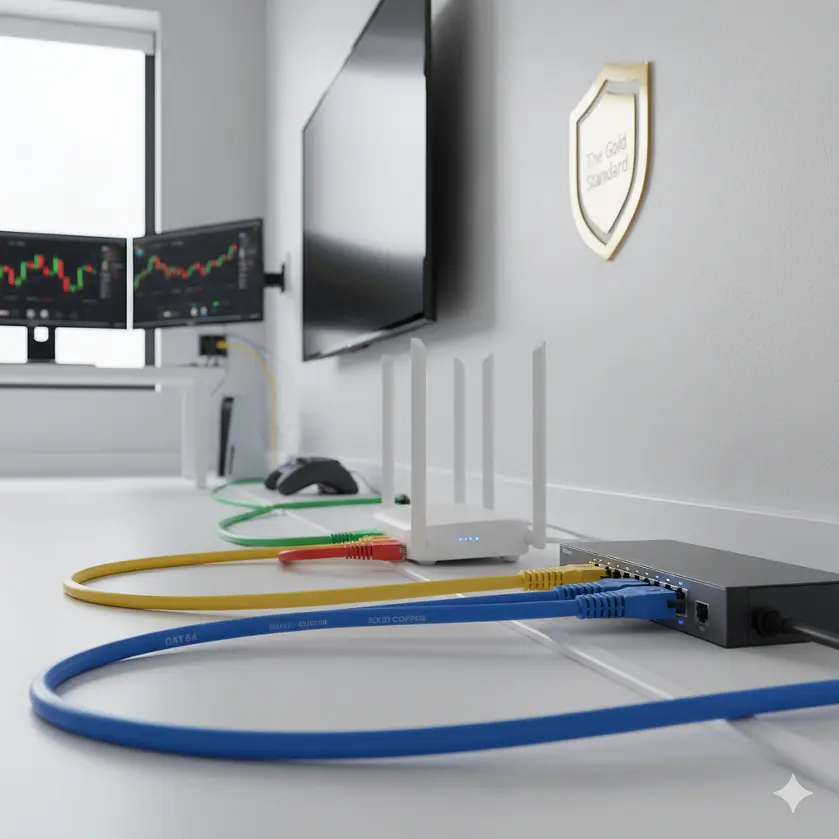
Cat 6A = The Gold Standard for homes and offices.
Shielding Helps if cables run near HVAC, power lines, or fluorescent lighting.
Avoid CCA — only buy solid copper cables for PoE safety and reliability.
Cat 8 = Overkill unless you’re running a data center.
Why Ethernet Cables Matter More Than You Think
Most people think internet performance is all about the router or ISP plan. In reality, the wrong cable can quietly ruin your experience.
A cheap or outdated cable can:
Drop packets (video calls freeze or glitch)
Struggle with streaming (buffering during Netflix 4K)
Cause gaming lag (not higher ping, but jitter and spikes)
Fail to power cameras or WiFi access points with PoE
👉 Case in Point (Reddit): One user upgraded to gigabit internet but saw no speed improvement. Turned out they were still using Cat 5e. Once swapped to Cat 6A, their wired speed finally matched what the ISP advertised.
Breaking Down Ethernet Cable Categories
Cat 5e
Speed: 1 Gbps
Bandwidth: 100 MHz
Use Case: Old homes, budget builds
Downside: Struggles with noise and not fit for modern PoE++
Cat 6
Speed: 1 Gbps stable, 10 Gbps under 55m
Bandwidth: 250 MHz
Use Case: Still found in many offices and homes
Downside: Not future-proof for long runs
Cat 6A (Recommended Minimum)
Speed: 10 Gbps across full 100m
Bandwidth: 500 MHz
Use Case: Smart homes, offices, PoE++
Real-World Proof: A small business on Twitter installed Cat 6A and avoided costly rewiring later when upgrading to WiFi 7 APs that needed multi-gig connections.
Cat 7 / 7A
Speed: 10 Gbps, sometimes 40 Gbps with proprietary gear
Bandwidth: 600–1000 MHz
Shielding: Always S/FTP
Use Case: Audio/Video over IP (AVoIP), studios, noise-heavy offices
Cat 8
Speed: 25–40 Gbps
Bandwidth: 2000 MHz
Distance Limit: 30m max
Use Case: Data centers only
Not For Homes: Expensive, stiff, and wasted outside of server racks
Table: Category Comparison
|
Category |
Max Speed |
Bandwidth |
10G Distance |
Best For |
|
Cat 5e |
1 Gbps |
100 MHz |
N/A |
Old setups |
|
Cat 6 |
1–10 Gbps |
250 MHz |
55m |
Small installs |
|
Cat 6A |
10 Gbps |
500 MHz |
100m |
Homes & offices |
|
Cat 7 |
10 Gbps |
600–1000 MHz |
100m |
Studios & AV |
|
Cat 8 |
25–40 Gbps |
2000 MHz |
30m |
Data centers |
Shielding: UTP vs F/UTP vs S/FTP
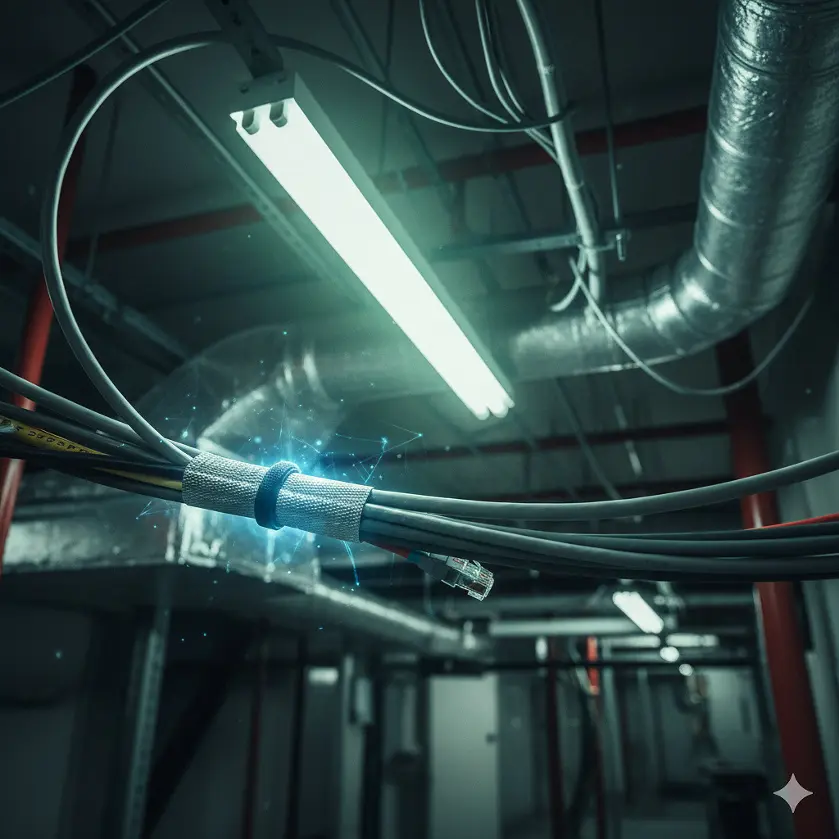
UTP (Unshielded): Good for quiet residential runs.
F/UTP (Foil around bundle): Middle ground, blocks outside noise.
S/FTP (Foil per pair + braid overall): Best choice for noisy environments.
👉 Real Example (Facebook): An IT admin had VoIP phones dropping calls every time the office elevator motor ran. Replacing UTP with S/FTP Cat 6A solved the problem overnight.
The Copper vs. CCA Battle
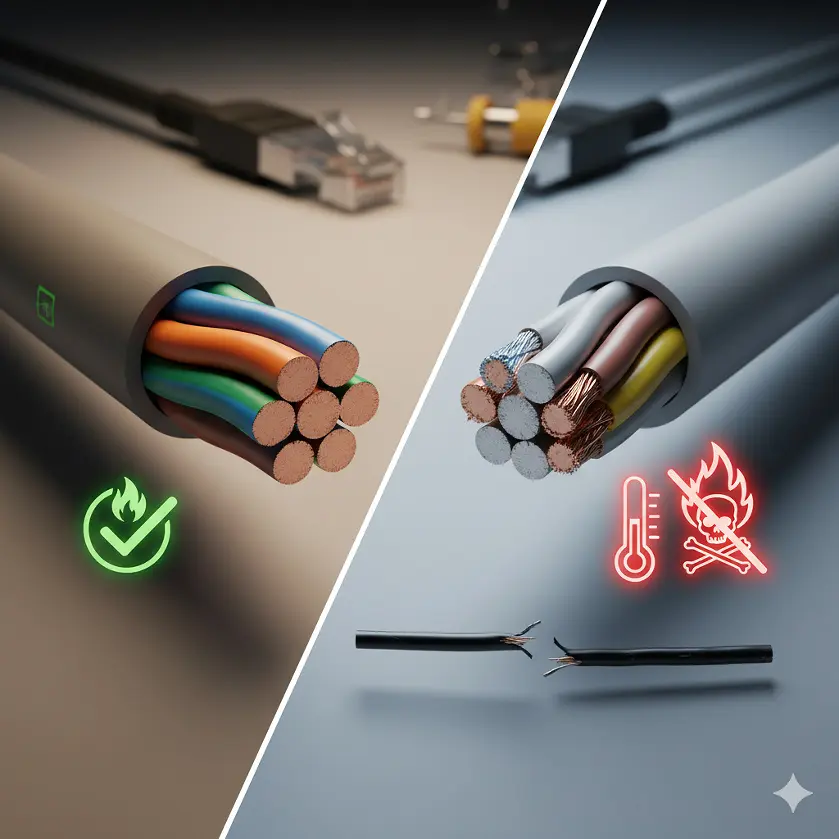
Solid Copper (✅):
Lower resistance
Safe for PoE
Flexible, durable
Meets US building codes
CCA (🚫):
Runs hot, melts under PoE loads
Breaks easily
Drops voltage, rebooting PoE devices
Can void fire safety compliance
👉 Amazon Review Snapshot: Many 1-star reviews for “cheap Cat 6 bulk cable” mention cameras cutting out — the hidden culprit? CCA.
Ethernet Cables and Gaming
Gamers often ask: Will Cat 8 lower my ping?
Answer: No. Ping is ISP + distance to server.
What matters: jitter and packet loss.
High-quality Cat 6A or shielded Cat 7 reduces random lag spikes.
👉 Twitch Streamer’s Note (Twitter):
“Switched to shielded Cat 6A and my streams stopped dropping frames. Ping stayed the same, but gameplay feels way smoother.”
PoE and Smart Homes
Power over Ethernet is huge for:
Security cameras
WiFi access points
Smart lighting
VoIP phones
Why Cat 6A Solid Copper Wins:
Handles PoE++ (90W)
Doesn’t overheat
Runs safely through walls and risers
👉 Case (YouTube): A DIY smart home installer warned against CCA after his PoE doorbell kept rebooting. Swapping to pure copper Cat 6A fixed it.
Top 3 Mistakes People Make
Buying by Category Alone
Example: A cheap “Cat 7” cable that’s actually CCA = worse than solid Cat 6A.
Overbuying Cat 8
Homes don’t need 25/40 Gbps. You’re wasting money.
Mixing Cable Types
Your network is only as fast as its weakest link.
FAQs: Common Questions About the Difference in Ethernet Cables
Q: Is Cat 7 better than Cat 6A for home or office networking?
Cat 7 is not actually faster than Cat 6A. Both support 10 Gbps speeds up to 100 meters, which is the limit for most Ethernet networks. The main difference is shielding. Cat 7 cables are usually built with S/FTP shielding (each pair is individually shielded plus an overall screen), which helps in noisy environments like offices with heavy electrical equipment. However, for a typical US home or small business, Cat 6A solid copper cables are more cost-effective and easier to install, while still providing the same 10 Gbps performance.
Q: Will Cat 8 cables future-proof my home network?
No, Cat 8 is not a good choice for home installations. While it supports 25–40 Gbps speeds, it is strictly limited to 30 meters in length. That distance works inside a server rack but not across an entire home or office. Cat 8 is also stiff, expensive, and unnecessary because most home networking gear (routers, switches, access points) only supports up to 10 Gbps. For real future-proofing, Cat 6A is the practical standard for in-wall wiring.
Q: What’s the biggest issue with using CCA (Copper-Clad Aluminum) Ethernet cables?
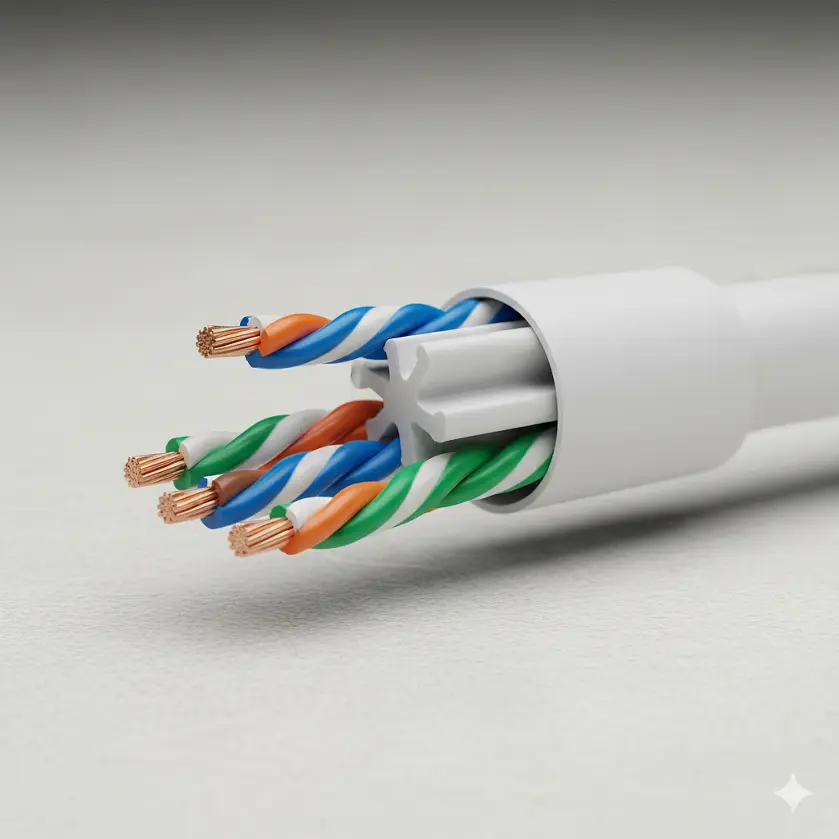
CCA cables look like real copper cables, but they are actually aluminum wires coated with a thin layer of copper. The problem is that aluminum has much higher electrical resistance than copper. This leads to:
Overheating in bundles (fire hazard in walls or risers)
Voltage drop that prevents PoE devices like cameras or WiFi access points from working properly
Shorter lifespan due to brittleness when pulled through walls
Because of these issues, CCA is not compliant with US building and safety standards and should always be avoided.
Q: Do I really need shielded Ethernet cables in my home?
In most homes, unshielded Cat 6A (UTP) works perfectly. Shielded cables are only necessary if your runs are close to high-voltage power lines, HVAC systems, or heavy electrical equipment. In offices, studios, or apartment complexes where interference is common, F/UTP or S/FTP cables are worth the investment. They block electromagnetic interference (EMI) and reduce crosstalk, which makes the connection more stable—especially for audio/video streaming and VoIP calls.
Q: Can Ethernet cables affect gaming performance and latency?
Yes, but not in the way most people think. A better Ethernet cable won’t reduce your ping time—that’s controlled by your ISP and distance to the server. However, a poor-quality or outdated cable can cause packet loss, jitter, and random disconnects. These issues show up as stuttering, missed inputs, or lag spikes during online gaming. Upgrading to Cat 6A solid copper, or using shielded cables in noisy environments, ensures smoother gameplay by eliminating those physical connection errors.
Final Thoughts
Ethernet cables look similar, but the difference in Ethernet cables is massive when it comes to real-world use.
For most US homes and businesses, Cat 6A solid copper is the smart choice. It supports 10 Gbps for 100m, handles PoE, and is far safer than cheap alternatives.
Yes, Cat 8 exists — but unless you’re wiring a data center rack, you’ll never need it.
👉 Rule of thumb: Spend a little more now, save a lot later.