










How do I synchronize live drums with DMX lighting for zero-latency performance?
By: Lynn Zhang | Audio Manufacturing Specialist ,CEO of Jingyi Audio
Published: December 30, 2025
Reading Time: 5 Minutes
Author's Note:
I’ve been on enough stages to know that specific sinking feeling when the strobe hits just a fraction of a second after the kick drum. It kills the vibe. Over the last decade troubleshooting rigs at Jingyi Audio, I’ve learned that "lag" is rarely about the speed of electricity—it’s about the messy reality of cables and protocols. Here is how we fix it in the real world.
What causes "lag" in a Drum-to-Light setup?
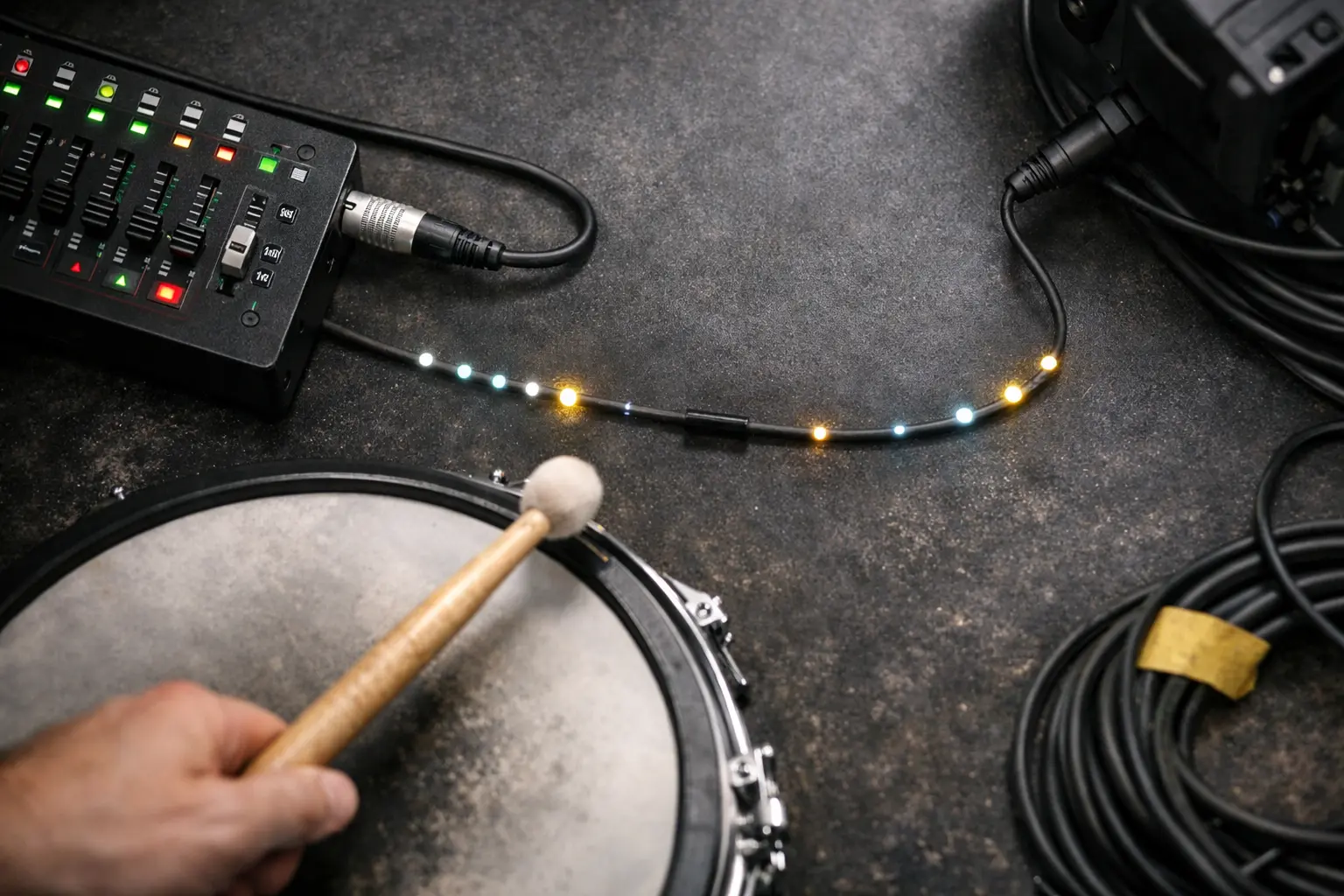
The Bottom Line: It is almost never because the electricity is slow. It’s usually because DMX waits for "frames," or your physical cables are messing up the data stream.
Where the delay actually hides:
- Waiting for the Bus (Frame Timing): DMX sends data in packets, or "frames." If your kick hit arrives just after a frame leaves the station, it has to wait for the next one. That wait creates that tiny, annoying disconnect.
- Messy Signals: If you use bad cabling or forget the terminator, the signal gets distorted. The fixture might miss the first command and only catch the second one, making it feel sluggish.
- Computer Distractions: If you use a cheap USB-DMX dongle, your computer's CPU has to do the timing. If the computer gets busy, the lights get jittery.
Can I use standard microphone cables for DMX lighting?
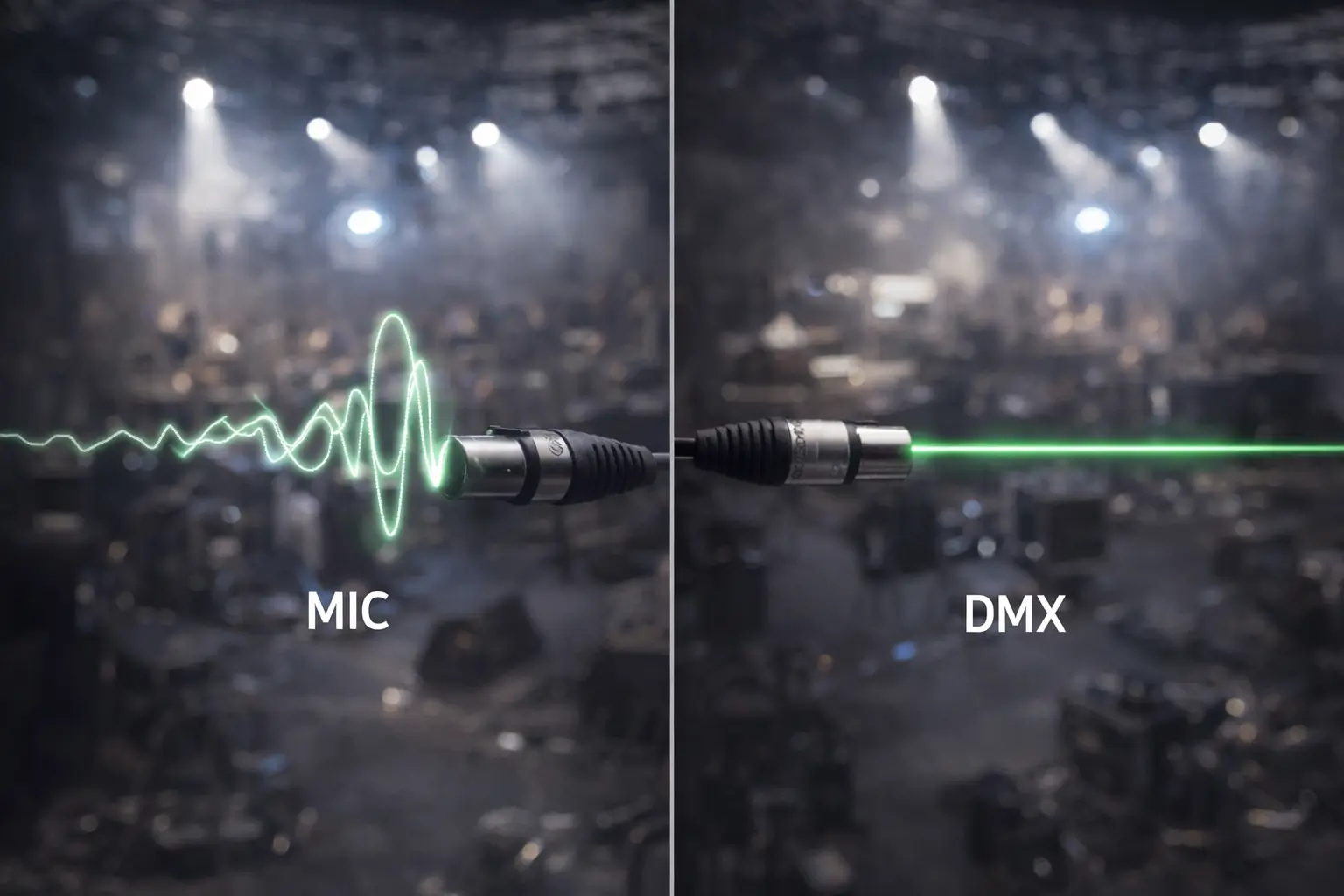
The Short Answer: No. Seriously, don't do it. They look the same (XLR connectors), but mic cables don't have the 120 Ω resistance that DMX data needs.
Why it messes up your show:
DMX is a high-speed data signal. Mic cables are built for analog audio. When you run data through an audio cable, the signal "bounces" back from the end of the line like an echo.
How to wire it like a Pro:
- Get Real Cable: You need cable specifically rated for 110–120 Ω. At Jingyi Audio, we design our DMX cables specifically to maintain this impedance so the data edges stay sharp.
- No "Y" Cables: Never split DMX with a simple Y-cable. Daisy chain it: go from the controller to Fixture 1, then to Fixture 2.
- The $5 Fix: Always plug a 120 Ω terminator into the last fixture. It soaks up those signal reflections and solves half the "glitching" problems tech crews face.
How do I set up a hit-sensitive light system? (Roland SPD-SX Example)
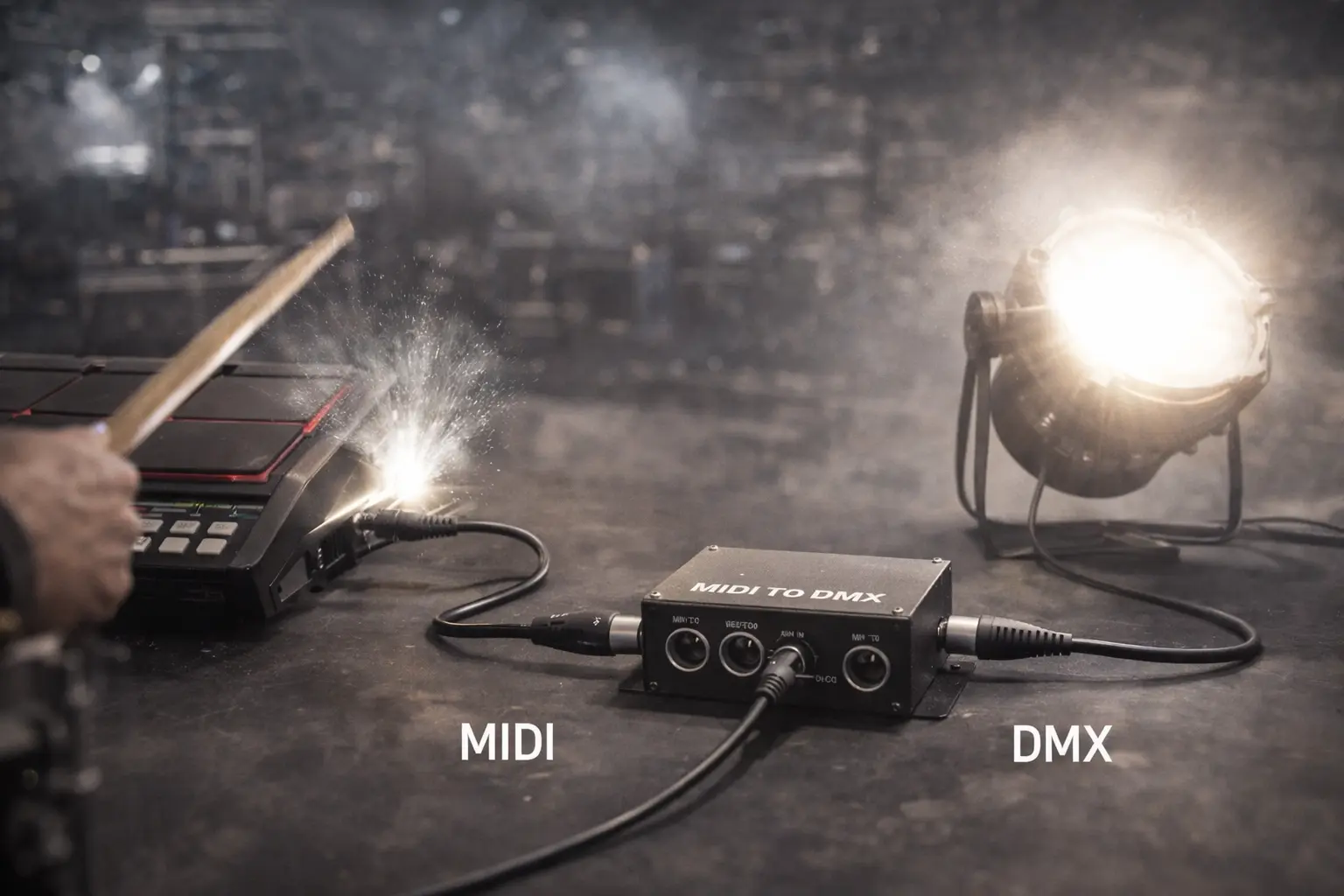
Question: I have a Roland SPD-SX and a MIDI-to-DMX box. How do I make the kick drum fire a light instantly?
The Short Answer: Lock down your MIDI note and velocity, then map it 1-to-1 in your hardware converter.
The Setup:
- Make the SPD-SX Predictable:
- Pick a Note: Set the kick pad to send one specific MIDI Note (like Note 36).
- Fix the Velocity: Set the pad's velocity to a fixed, high number (like 127). You don't want a soft hit to give you a dim light; you want a full-brightness flash every single time.
- Check the Channel: Make sure the SPD-SX sends on the MIDI Channel your converter is listening to (usually Ch 1 or Ch 10).
- Tell your converter: "When you hear Note 36, send Value 255 to DMX Channel 1."
- Pro Tip: Map the kick note to the Dimmer channel or the Strobe Duration channel on your light.
- Don't hook up the whole rig yet. Get one light working perfectly with one pad. Once that feels tight, then add the rest.
Why does my fixture keep going back to Sound/Auto mode?
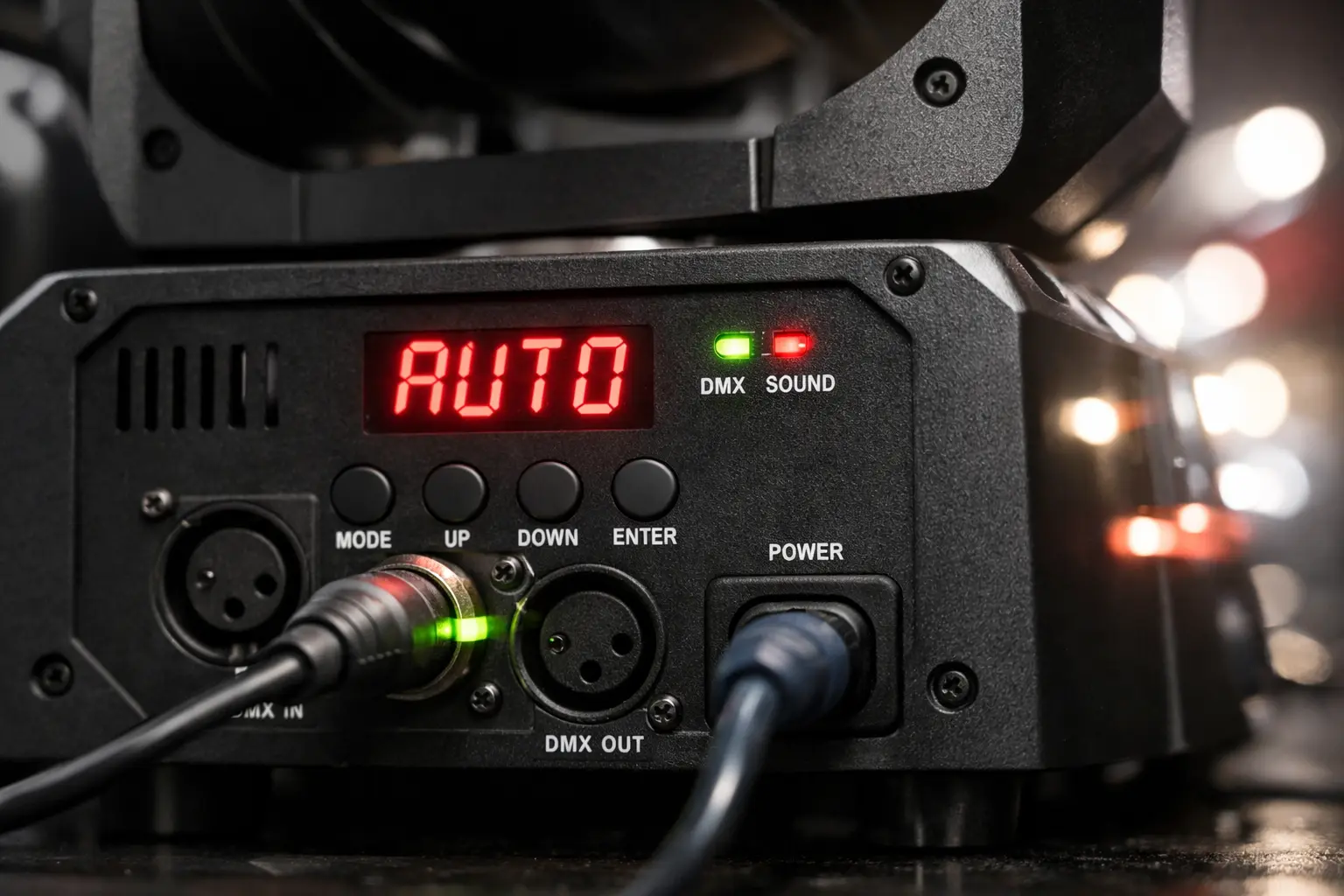
The Short Answer: The fixture isn't usually broken. It's often receiving "Sound Active" commands from a confused controller, or it thinks it lost the DMX signal.
Troubleshooting Checklist:
- Check the Controller: Look for a "Music" or "Sound" button on your board. If it's on, turn it off. It overrides everything else.
- Check the Menus: Some lights stop listening to DMX while you are digging through their settings menu. Exit back to the main address screen (usually shows d001).
- The "Generic Light" Trick:
- Budget fixtures have weird menus. If you see A001, that might be a distinct mode from d001.
- Switch to d mode, set it to 001, and push the first fader up.
- Clean the Line: If the light flickers or changes modes randomly, you probably have interference. Add that terminator and swap out any audio cables for real DMX lines.
How do I handle pixel strips and chasing effects? (WS2815, WLED)
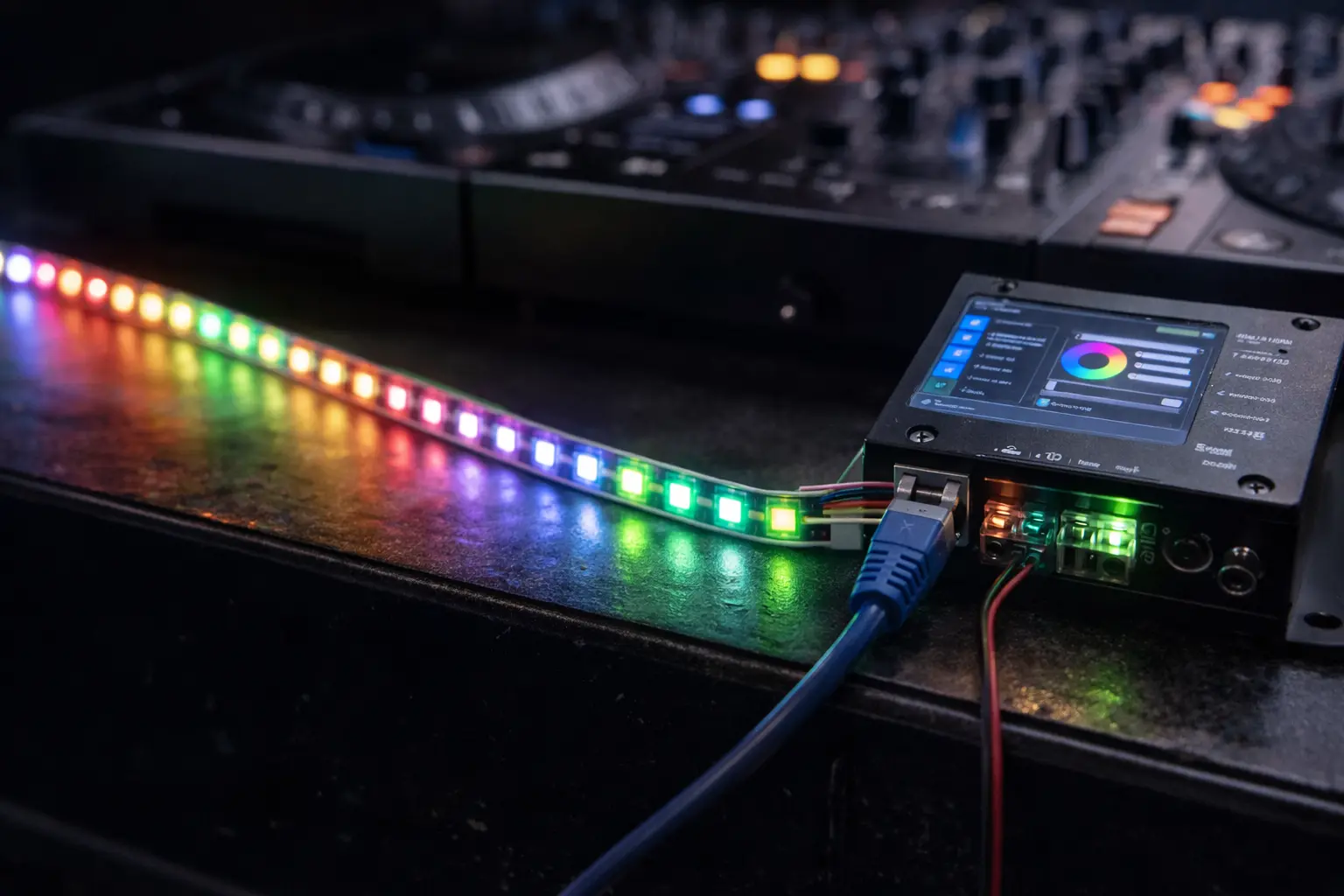
Question: Can I run chase effects on WS2815 strips using a standard DMX decoder?
The Short Answer: Not really. A standard decoder treats the whole strip as one color. For chasing, you need a Pixel Controller and network data.
Two ways to do it:
- Method A: The "Big Rig" Way (Art-Net/sACN)
- Use software like SoundSwitch or Madrix to send Art-Net data over an Ethernet cable.
- Plug that into a pixel controller. This gives you total control over every LED dot.
- Note: Use wired cables. Wi-Fi can lag when sending this much data.
- Method B: The "Preset" Way (Great for WLED)
- Use a controller running WLED. Create your cool chase patterns and save them as Presets.
- Tell your DMX console to just trigger "Preset 1" or "Preset 2."
- This is much lighter on data.
- Big Tip: If you run WLED over Wi-Fi, disable Wi-Fi Sleep in the settings. It kills latency.
My fixture isn't in Rekordbox. How do I control it?
Question: I can't find my light in the Rekordbox library. Now what?
The Short Answer: Fake it with a "Generic" profile.
The Workaround:
- Read the Manual: Look at the chart that tells you what each channel does (e.g., "8-Channel Mode: 1=Dimmer, 2=Red...").
- Find a Match: In Rekordbox, search for "Generic 8-channel LED."
- Test Faders:
- Patch it to Address 1.
- Push up Fader 1. Does the light turn on? Push Fader 2. Is it Red?
- If the colors are mixed up, try a different Generic profile or change the mode on the light itself.
The "Save My Show" Checklist
Before you start the set, run this quick check to make sure your timing stays tight:
- Source: SPD-SX note is fixed? ✅ Velocity is locked at 127? ✅ MIDI Channel matches? ✅
- Converter: Mapping is set (Note → DMX Ch)? ✅
- Fixtures: Correct Mode (d001) selected? ✅ Not in "Sound/Auto"? ✅
- Cabling: Real 110-120Ω DMX Cable used? ✅ No "Y" splits? ✅
- The Magic Fix: 120Ω Terminator plugged into the last light? ✅
- Laptop: Background apps closed? ✅ Wi-Fi Sleep disabled? ✅
About the Author
Lynn Zhang is the CEO of Jingyi Audio with over 30 years of experience in signal transmission. She specializes in the "invisible" layer of live production—cables, connectors, and protocols. When she isn't helping engineers troubleshoot DMX flicker, she is working with the R&D team to improve the durability of XLR and Ethernet connectors for touring environments.
Why Trust This Guide?
This playbook is based on the USITT DMX512-A standard and real-world field testing. We don't just sell cables; we test them in high-noise environments to ensure they hold up when the show starts.