










How to Choose the Right Microphone Cable for Studio (2025 Updated Guide)
1.Why Your Microphone Cable Deserves Attention
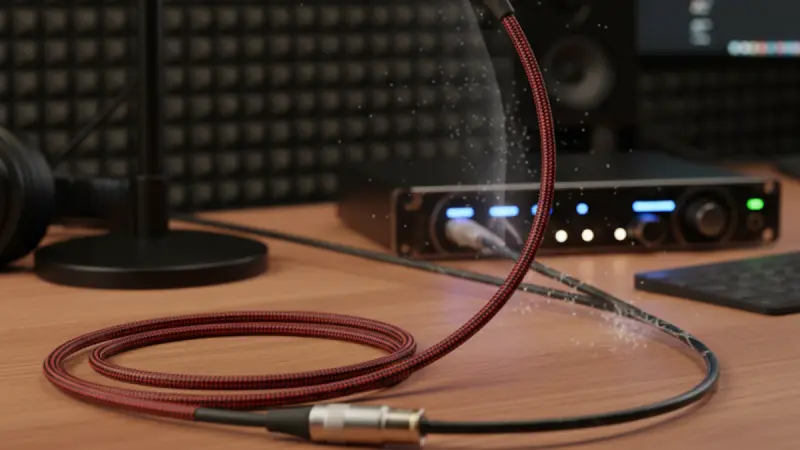
A microphone cable might seem like a small piece of gear, but it can make or break your recordings. You can have the best mic and preamp in the world, yet a poorly built cable can add hum, hiss, or even cause signal loss.
Think of your cable as the road your sound travels on. A clean, well-designed road gets you there smoothly. A rough, poorly built one adds bumps and noise along the way.
This guide walks you through what really matters — conductor materials, shielding, geometry, and connector quality — so you can choose a cable that keeps your sound pure.
2.Balanced vs. Unbalanced: What’s the Difference?
|
Cable Type |
Conductors |
Noise Rejection |
Typical Use |
|
Balanced |
2 wires + shield |
Excellent |
XLR microphones, studio gear |
|
Unbalanced |
1 wire + shield |
Poor |
Guitar cables, short runs |
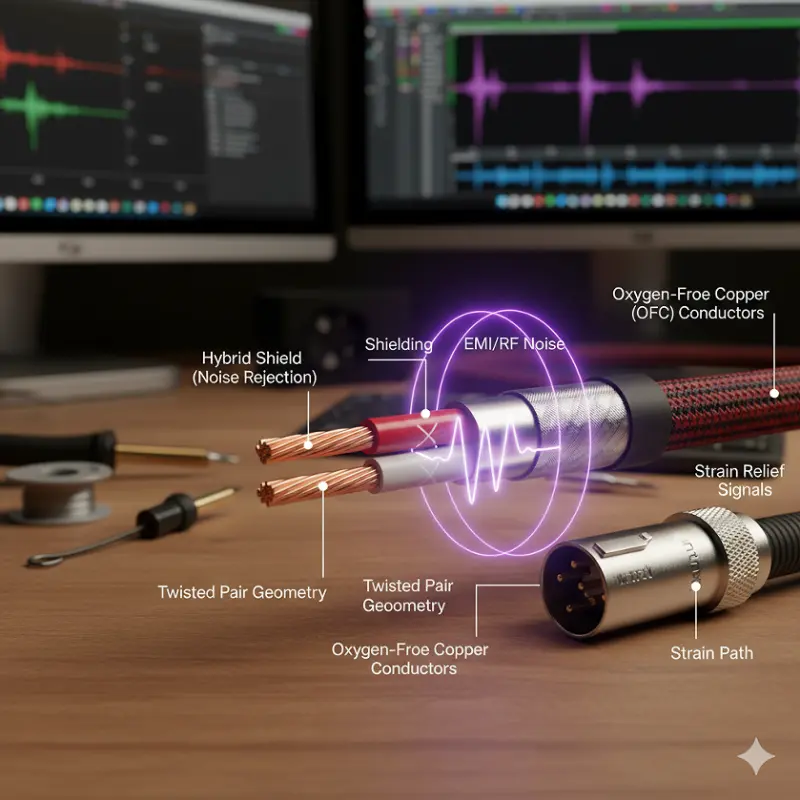
Balanced microphone cables send the same signal on two wires with opposite polarity. When outside noise enters, both wires pick it up equally, and the preamp cancels it out.
That’s why balanced lines are quiet even in messy studio environments full of lights and wireless gear.
Unbalanced lines, by contrast, can pick up hum easily — best to avoid them for microphones.
3.What’s Inside a Microphone Cable
Every microphone cable has four main layers:
- Conductors– the copper wires carrying your signal
- Insulation– keeps the wires separate
- Shielding– protects from electrical noise
- Outer Jacket– gives flexibility and toughness
The way these parts are built determines how well your cable handles interference, movement, and long runs.
- The Wire Itself: Choosing the Right Copper
|
Material |
Conductivity |
Durability |
Cost |
Ideal Use |
|
OFC (Oxygen-Free Copper) |
★★★★★ |
★★★★☆ |
Moderate |
Studio work |
|
Tinned Copper |
★★★★☆ |
★★★★★ |
Moderate |
Touring, humid areas |
|
CCA (Copper-Clad Aluminum) |
★★☆☆☆ |
★★★☆☆ |
Cheap |
Entry-level gear |
|
Silver-Plated Copper |
★★★★★ |
★★★★☆ |
Expensive |
Broadcast or aerospace use |
Cheap CCA cables might save a few dollars, but they lose signal strength and break faster.
For studio setups, OFC is the sweet spot — strong, low resistance, and consistent in sound.
5.Shielding: How Your Cable Blocks Noise
|
Shield Type |
Coverage |
Flexibility |
Best Use |
|
Braided |
85–98% |
Medium |
Studio and broadcast |
|
Spiral |
70–90% |
High |
Live setups needing flexibility |
|
Foil |
100% |
Low |
Permanent installations |
|
Hybrid (Foil + Braid) |
100% |
Medium |
Noisy or digital studios |
If your studio sits near dimmers or wireless systems, go for hybrid shielding — it combines full RF coverage with good flexibility.
6.Cable Geometry: Twisted Pair vs. Star-Quad
Cable geometry affects how well a cable cancels noise.
|
Geometry |
Conductors |
Noise Rejection |
Flexibility |
Best Use |
|
Twisted Pair |
2 |
Good |
Very Flexible |
Standard studio runs |
|
Star-Quad |
4 (paired diagonally) |
Excellent |
Medium |
Broadcast, EMI-heavy rooms |
Star-quad cables use four wires arranged in an X pattern. This makes outside interference cancel out more evenly, cutting noise by as much as 20 dB compared to regular twisted pairs.
If you work near transformers, lighting rigs, or Wi-Fi routers, go star-quad.
7.Capacitance and Why It Matters
Every meter of cable adds a little capacitance, which can dull your signal over long distances.
Most good microphone cables have 45–70 pF/m capacitance. Lower numbers are better for clarity.
Example:
A 50-meter cable at 70 pF/m adds up to 3.5 nF — enough to roll off a bit of high end.
That’s why studios running long mic lines prefer low-capacitance cable designs.
Tip:
If your cable run is over 20 meters, look for specs under 50 pF/m.
8.Connectors: The Small Part That Matters Most
A bad connector can cause crackling, signal drops, or hum. Always pick trusted brands like:
|
Brand |
Type |
Benefits |
|
Neutrik |
XLR |
Gold contacts, tough housing |
|
Switchcraft |
XLR/TRS |
Secure latch, long lifespan |
|
REAN |
XLR |
Affordable Neutrik alternative |
Gold-plated pins prevent corrosion. Make sure the cable has proper strain relief — it keeps the solder joints from snapping during movement.
9.Real-World Scenarios: Picking the Right Setup
|
Setup |
Cable Type |
Shield |
Notes |
|
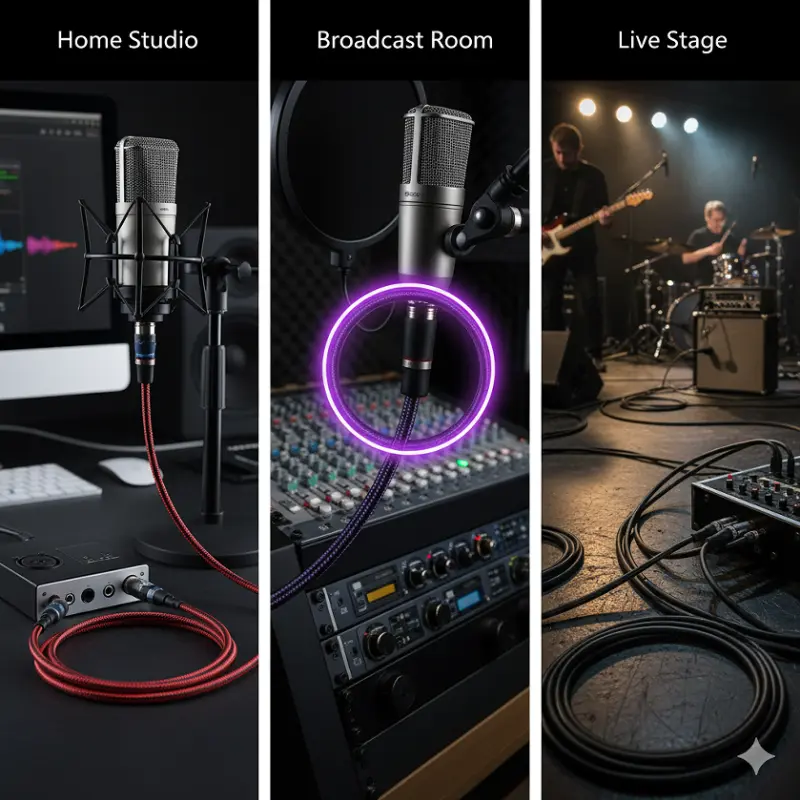
Home Studio |
Twisted Pair |
Braided |
5–20 m runs |
|
Broadcast Room |
Star-Quad |
Hybrid |
Maximum noise rejection |
|
Live Stage |
Twisted Pair |
Spiral |
Flexible and durable |
|
Long Runs (30 m+) |
Star-Quad |
Foil/Hybrid |
Keep capacitance low |
For most studios, star-quad with a braided or hybrid shield is a solid investment — quiet, strong, and reliable.
10.How to Test and Maintain Your Cables
A few minutes of care can save you hours of troubleshooting later.
- Use a multimeterto check continuity
- Inspect connectors for corrosion or loose solder
- Clean with isopropyl alcoholoccasionally
- Coil cables loosely — never over-tighten them
If you hear hum, try moving the cable. If the noise changes, you might have a broken shield or poor ground connection.
11.Common Myths About Microphone Cables
|
Myth |
Truth |
|
“All cables sound the same.” |
Cable geometry and materials affect noise and clarity. |
|
“Short cables don’t need shielding.” |
Even short cables can pick up EMI. |
|
“Price equals performance.” |
Not always — midrange cables often perform as well as expensive ones. |
|
“Gold connectors change your tone.” |
They just stop corrosion. The sound stays the same. |
12.Ordering or Building Custom Cables
If you’re buying cables in bulk or for OEM work:
- Ask for the shield coverage percentageand capacitance specs
- Check RoHS complianceand flame-retardant rating
- Test samples for microphonic noisebefore ordering large batches
For deeper technical standards, see AES.org Signal Transmission Guidelines.
13.Quick Cable Selection Flow
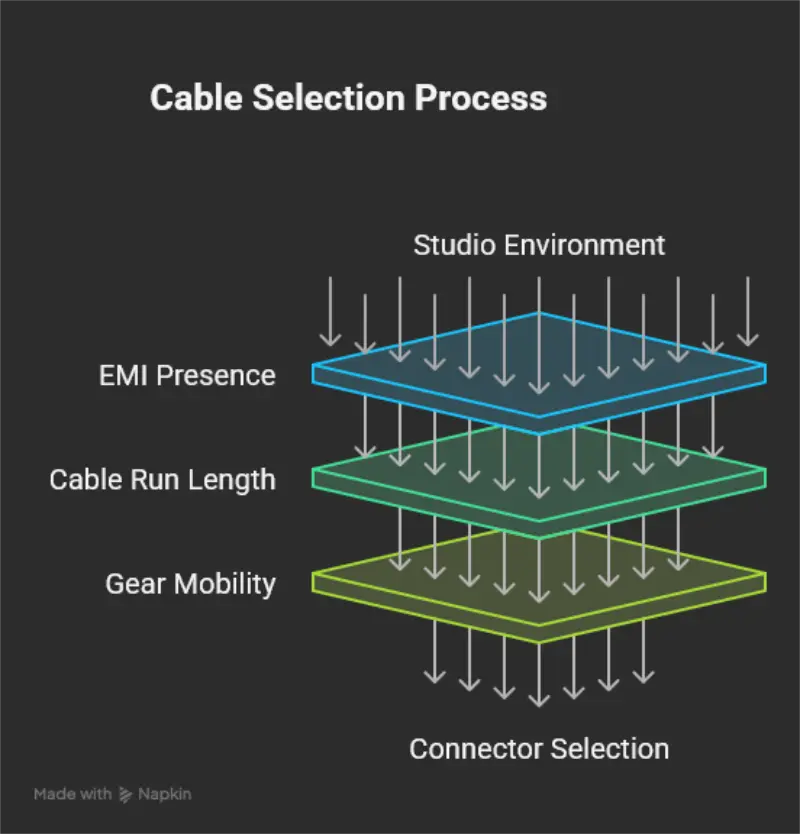
Start
↓
Is your studio near strong EMI (lights, Wi-Fi, transformers)?
→ Yes → Star-Quad + Hybrid Shield
→ No → Twisted Pair + Braid
↓
Cable run over 20 m?
→ Yes → Low Capacitance (<50 pF/m)
↓
Do you move gear often?
→ Yes → Spiral Shield for flexibility
→ No → Braided Shield for strength
↓
Use Neutrik or Switchcraft connectors → Done
14.FAQs About Microphone Cables
Q1: Does cable length change the sound?
Yes, longer cables add capacitance, which can slightly dull high frequencies.
Q2: Is star-quad worth it?
Yes, especially if you deal with buzz or hum. It reduces noise better than a standard pair.
Q3: Can I use guitar cables for microphones?
No, they’re unbalanced and much noisier.
Q4: How long do microphone cables last?
Good ones can last over 10 years with proper care.
Q5: Should I always use gold connectors?
Gold helps with corrosion, but silver or nickel work fine too.
Q6: How can I test if a cable is balanced?
Use a multimeter: pins 2 and 3 should have equal resistance to ground.
15.Final Thoughts
Choosing a microphone cable isn’t about hype — it’s about matching the right build to your studio’s needs.
Good shielding, solid copper, and dependable connectors are what keep your recordings quiet and clean.
Once you’ve picked the right cable, label it, care for it, and it’ll serve you for years without a hiccup.