










Pin jack xlr: The Practical Guide to Wiring, Noise, and OEM Connector Choices (2025 Edition)
Key Takeaways
Most pin jack xlr mix-ups come from wiring and grounding, not the connector shape. Balanced audio (XLR or balanced TRS) can reduce noise on long runs, but only when the gear is truly balanced. A reliable wiring table plus a short hum checklist solves most setups. If you buy for OEM, the details that matter are contact material, plating, strain relief, tolerances, and QC documents. Good sourcing also means steady lead times and consistent QC, not just a low unit price.
If you’ve ever asked “Why does this cable buzz?” while staring at an XLR on one end and a jack on the other, you’re not alone. pin jack xlr questions show up when you connect two different worlds—like a mixer to powered speakers, a camera to a recorder, or an instrument rig to a stagebox. This guide gives you a clear pinout reference, safe adapter patterns, and a simple way to track down hum. If you source products, it also covers what matters in OEM connector and cable specs—so you ship fewer returns and get fewer late-night support emails.
Quick Answer Box
XLR is commonly used for balanced audio, which often stays cleaner over long cable runs by rejecting interference. “Pin jack” usually refers to RCA, 1/4" TS/TRS, or 3.5mm connectors. Many of those, especially TS and RCA, are unbalanced, which makes them more sensitive to noise on long runs. Choose based on distance, interference, and the real I/O design of your devices, not what looks more “pro.”
Definitions
Balanced audio uses two signal wires (Hot and Cold) plus a shield. The input compares Hot versus Cold and cancels noise picked up by both. Unbalanced audio uses one signal wire plus a ground or shield return, which is more likely to pick up hum on long runs. A 3-pin XLR is a locking connector used for mics and balanced line signals. A TS jack is Tip/Sleeve and is unbalanced. A TRS jack is Tip/Ring/Sleeve and can be balanced mono or stereo headphones depending on the gear.
What “Pin Jack” and “XLR” Really Mean
People use “pin jack” in a few different ways, but in audio it usually points to RCA, 1/4" phone connectors (TS or TRS), and 3.5mm mini-jacks (TRS/TRRS). Sometimes it even refers to the metal pins inside a connector.
XLR is more consistent. In most audio work it means a connector used for balanced signals, strong retention, and repeatable connections, especially in studio, stage, and install jobs.
Pin Jack Types You’ll Actually See
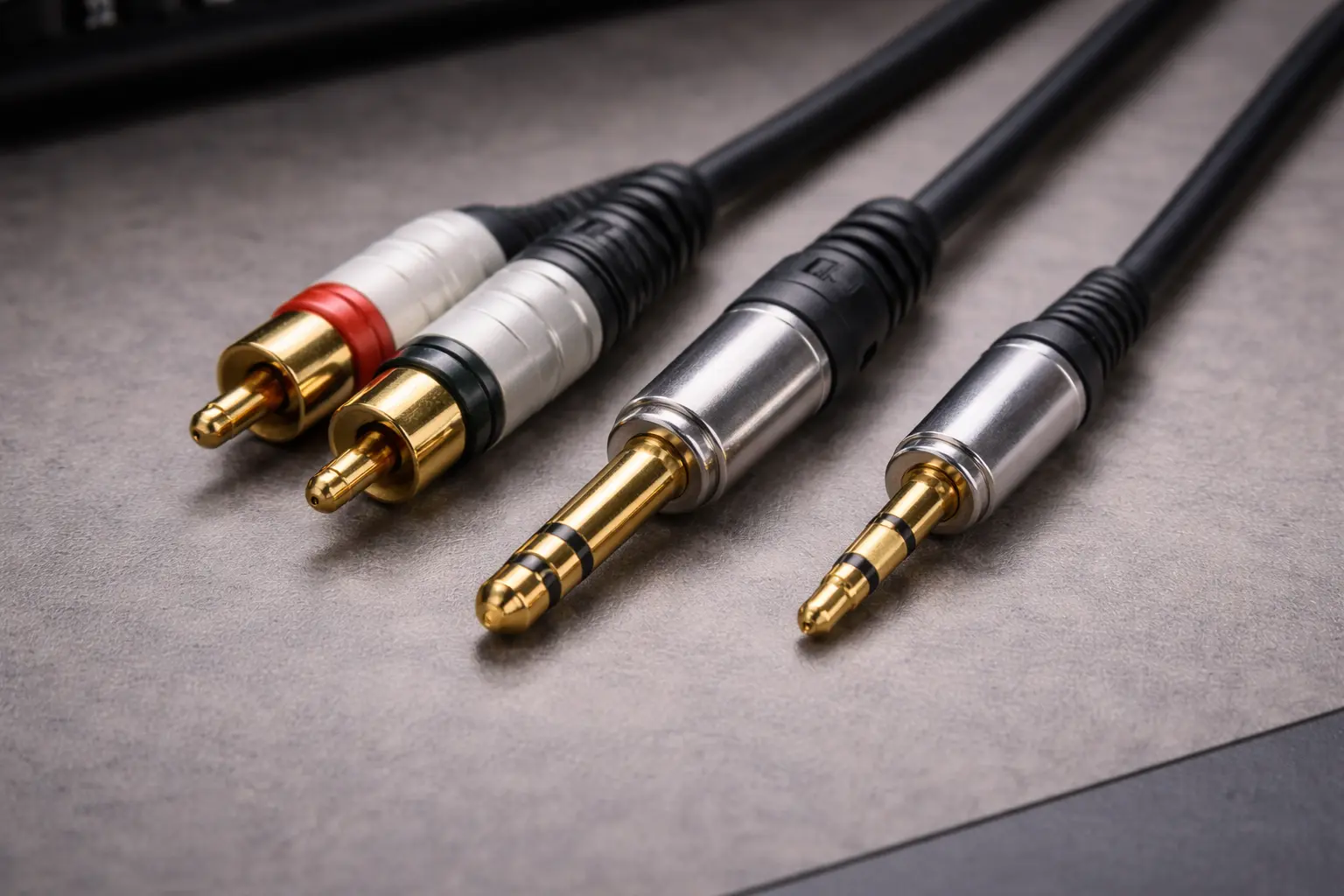
| Connector | Common Use | Balanced? | Common Problem |
|---|---|---|---|
| RCA | Consumer line, DJ, hi-fi, subwoofers | No | Hum/ground loops on longer runs |
| 1/4" TS | Guitar/instrument, unbalanced line | No | Noise pickup and loud pops on hot-plug |
| 1/4" TRS | Balanced line or stereo headphones | Sometimes | “Stereo TRS” mistaken for “balanced TRS” |
| 3.5mm TRS/TRRS | Phones/cameras/small recorders | Sometimes | TRRS mismatch causing wrong channels or buzz |
XLR Types (Beyond Standard 3-Pin)
A 3-pin XLR is used for mics, balanced line, and sometimes AES/EBU. Multi-pin XLR (4/5/7) is used in special systems such as intercom, power/control, and custom rigs. Mini XLR (TA3/TA4) is common in wireless packs and compact devices.
Balanced vs Unbalanced: Why XLR Often Wins Over Distance
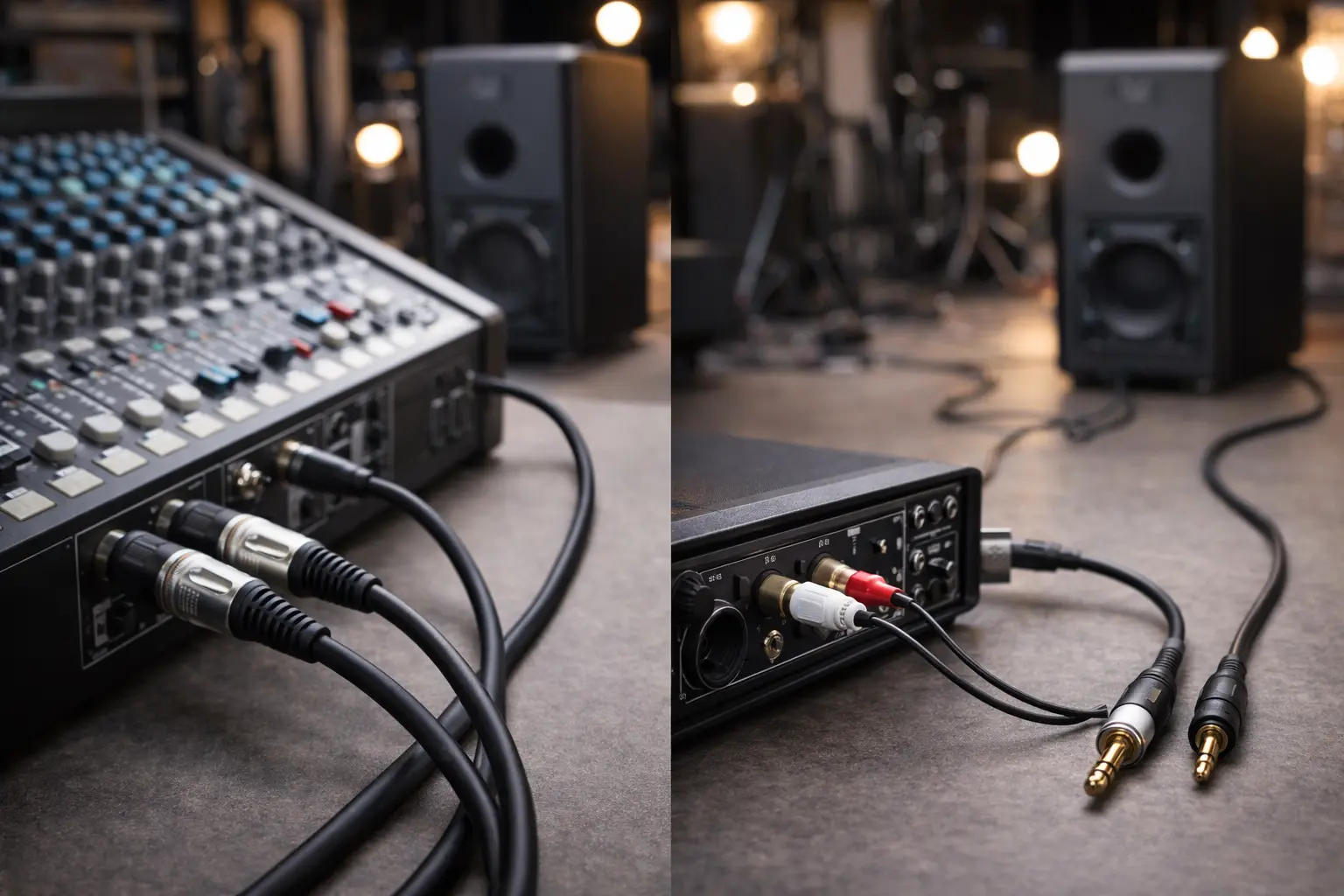
Balanced audio tends to behave better in noisy places—stages with lighting, racks with power supplies, studios full of computers, and long cable runs near mains wiring.
The simplest explanation of noise rejection
Balanced lines send the audio twice. Hot carries the normal signal. Cold carries the same signal but flipped. Interference often hits both wires in a similar way, so the input keeps what’s different (your audio) while cancelling what’s the same (a lot of the noise).
A jack can be balanced too
A TRS jack can be balanced mono when Tip is Hot, Ring is Cold, and Sleeve is shield/ground. But TRS can also be stereo headphones. So “XLR vs jack” isn’t always the real question. A better question is whether the connection is balanced end-to-end.
XLR Pinout: The Standard, and the Mistakes That Cause Hum
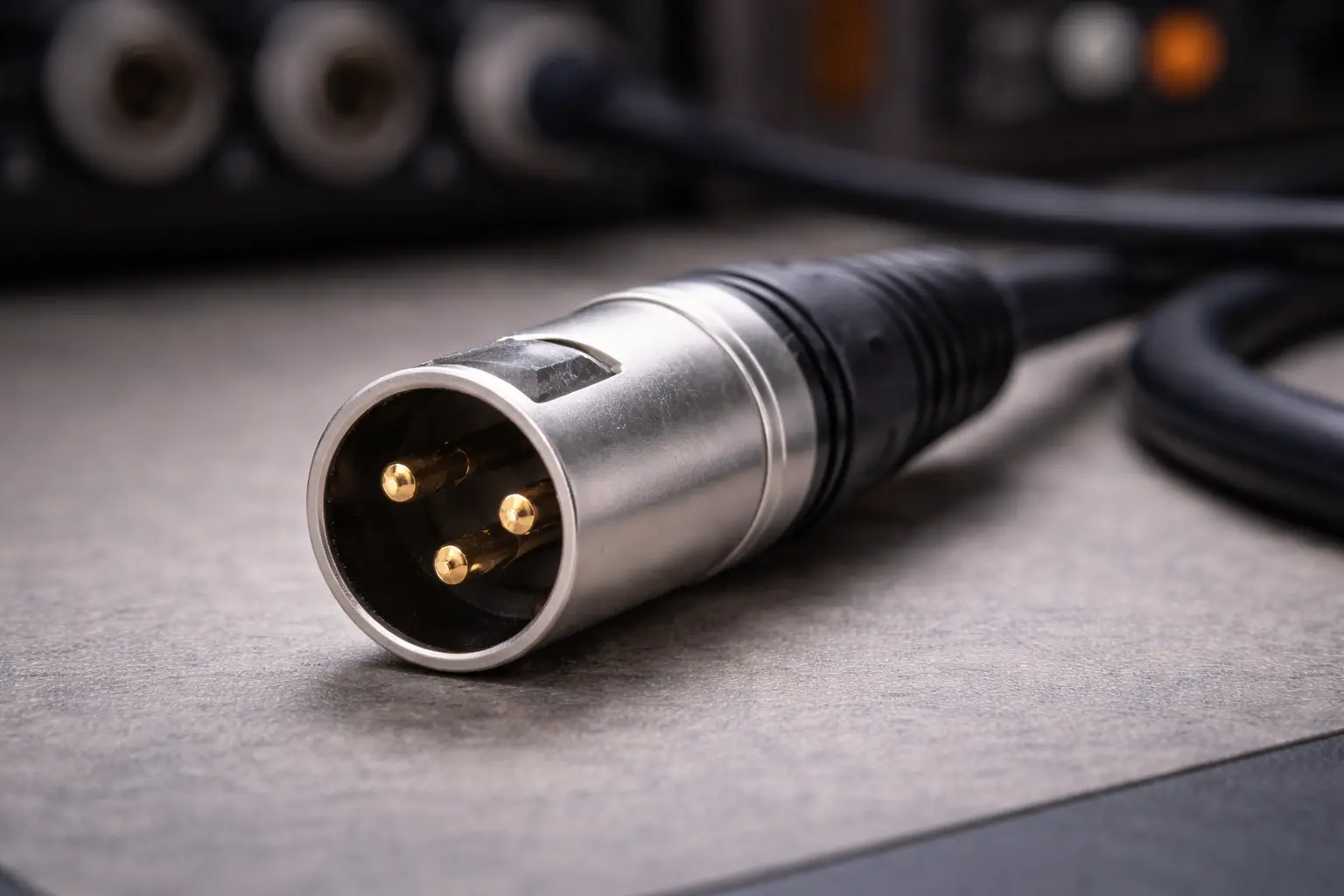
For a standard 3-pin XLR in analog audio, Pin 1 is shield/ground, Pin 2 is Hot (+), and Pin 3 is Cold (–). That’s the simple part. The messy part comes from adapters, mixed gear, and grounding.
The “Pin 1” reality (why people argue about it)
Hum issues often show up when shields bond to chassis in multiple spots, devices sit on different power circuits, laptops and switching power supplies leak noise, or adapters wire pins in a way that changes the return path. A plain rule that holds up well is to avoid treating “lift the shield” as a default fix. Use it only as a test step when you’re chasing a loop and you know what you’re changing.
XLR to Jack Wiring: Use This Table, Avoid the Headaches
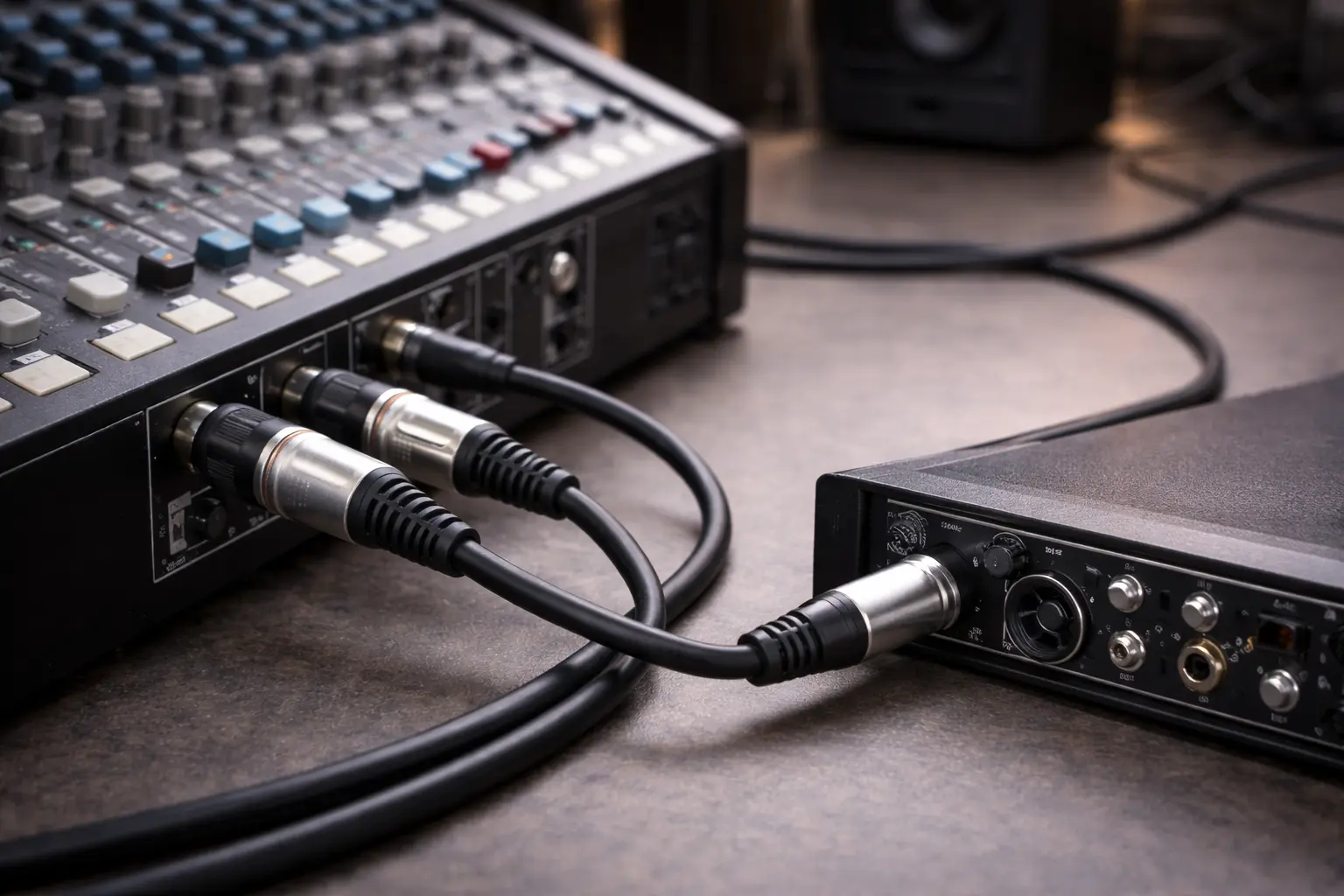
Most real problems start here. Your goal isn’t “convert connectors.” Your goal is to keep the signal referenced correctly, avoid ground loops, avoid upsetting an output stage, and avoid phantom power surprises.
Wiring Table: Common XLR ↔ Jack Patterns
This table covers the most common cases. Some outputs behave better with Pin 3 tied versus floating, so check the device manual when you can.
| Use Case | Cable/Adapter | Typical Wiring | What to Watch |
|---|---|---|---|
| Balanced XLR output → Balanced TRS input | XLR-F to TRS | Pin2→Tip, Pin3→Ring, Pin1→Sleeve | Usually the cleanest path |
| Balanced XLR output → Unbalanced TS input | XLR-F to TS | Pin2→Tip, Pin1→Sleeve, Pin3→(tie to Pin1 or float) | Wrong choice can raise hum |
| Balanced XLR output → RCA input | XLR-F to RCA | Pin2→Center, Pin1→Shell, Pin3→(tie or float) | Keep runs short; isolation may help |
| Unbalanced TS output → XLR input | TS to XLR-M | Tip→Pin2, Sleeve→Pin1+Pin3 tied | Works, but it’s not truly balanced |
| 3.5mm stereo → XLR mono | Proper interface/summing | Use summing resistors or an interface | Don’t hard-sum L/R blindly |
Adapter safety comes down to a few habits. It helps to use balanced lines for long runs when both devices support it, to use a DI/isolator when hum won’t quit, and to label custom cables clearly so they don’t get used in the wrong place. It also helps to avoid assuming TRS always means balanced, to avoid assuming XLR always fixes hum, and to avoid plugging unbalanced adapters into phantom-powered inputs unless you’ve checked first.
Phantom Power Warning
If an XLR input has 48V phantom power, a careless adapter can feed voltage into gear that isn’t built for it. When in doubt, switch phantom off and use the right interface, DI, or isolating transformer for the job.
Hum Troubleshooting Checklist (7 steps that solve most cases)
If you changed cables and still hear hum, start by confirming the I/O type: is it truly balanced, or does it only look balanced? Next, check adapter wiring and consider whether your setup prefers Pin 3 tied or floating. Then shorten the unbalanced section, keeping RCA/TS runs as short as possible. After that, separate audio from power and avoid bundling signal cables with mains cords. If the hum stays, try isolation; a DI or transformer often settles it fast. Also check power, because same outlet versus different circuits can change loop paths. Finally, change one thing at a time—one cable, one device, one power feed—so you know what actually helped.
Sometimes the quietest fix isn’t a new cable. It’s the right conversion step and cleaner grounding.
Real-World Experiences: What People Actually Report
Theory is nice, but real rigs are messy. Across forums and product reviews, you see the same patterns. One pattern is “switched to XLR and the hum disappeared,” which usually happens when both devices support true balanced I/O and the run is long or the area is electrically noisy. The practical takeaway is simple: if you can make the whole path balanced, do it.
Another pattern is “XLR made it worse.” That often happens when the “balanced” port isn’t fully balanced internally, when the adapter wiring creates a new loop, or when shield bonding changes where noise flows. The takeaway is that XLR isn’t a promise; the system decides the outcome.
A third pattern shows up a lot on stage: people care about fewer pops when unplugging, less damage from yanks, and faster swaps. Even if your product is “just a cable,” the buyer experience is often about stress and mistakes, not just sound.
Unique Take: Don’t Choose a Connector—Build a Simple Interconnect Plan
Most setups are chains, not single links. Think about where the signal becomes balanced, where it turns unbalanced, where cables cross power-heavy zones, and where connectors get stepped on, yanked, or constantly plugged and unplugged.
A practical plan looks like this. If the run is longer than about 5–7m (15–25ft), go with balanced (XLR or balanced TRS). If you’re near dimmers, power bricks, or RF sources, use balanced plus strong shielding. If you must use RCA/TS, keep it short and add isolation if needed. If it’s 3.5mm stereo/TRRS, verify the standard first and use proper conversion gear. If it’s for stage use, pick locking connectors, tough strain relief, easy repair, and clear labels.
OEM/ODM Buyer Section: How to Spec pin jack xlr Products That Don’t Come Back
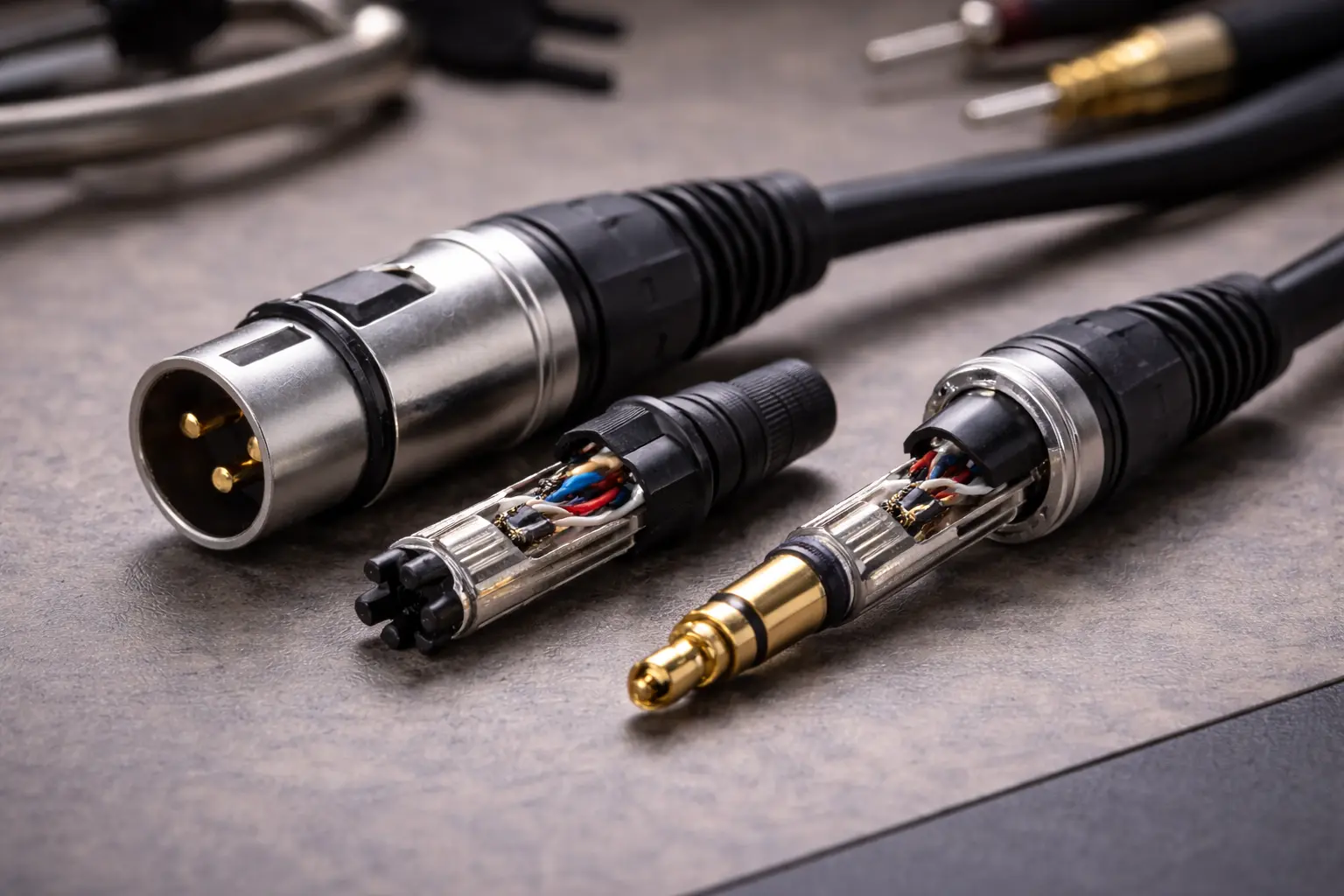
If you source connectors or assemblies for your brand, success comes from clear specs and repeatable QC.
Materials & Plating: What “Quality” Looks Like on Paper
Base metal affects spring tension, fatigue, and long-term contact reliability. Plating affects corrosion and wear. Nickel is durable and common. Gold holds up better against corrosion in humid storage and low-motion contact. Black nickel is often chosen for stage looks, but it still needs solid specs underneath. A useful OEM habit is to ask for plating thickness targets and mating cycle targets, not just “gold plated.”
Mechanical Design: The Warranty Trap
Most failures happen at the connector exit. For OEM builds, look for real strain relief (clamp/chuck style when available), boots designed for repeated bending, consistent solder cup geometry, and shells that don’t loosen after repeated cycles.
QC + Compliance Checklist
A sourcing workflow should cover RoHS/REACH docs, engineering drawings with tolerances, plating spec and thickness, a defined mating cycle test method, pull-force/strain relief targets, a continuity test plan (100% or a clear sampling plan), packaging and labeling rules, and lot traceability.
Where Jingyi Audio Fits (Without the Sales Pitch)
When you build a connector and cable catalog, you usually need a whole set: XLR, 1/4", 3.5mm, RCA, plus matching finishes and packaging. A manufacturer like Jingyi Audio publishes pro-audio cable and connector information and also discusses manufacturing output planning on its site, which can matter to OEM buyers who care about stable delivery. The practical buyer question is simple: can the supplier meet spec, keep QC steady, and ship on schedule across the full connector family?
Implementation Toolkit: RFQ Template That Gets You Better Quotes
A clean RFQ gets you cleaner quotes and fewer mistakes. Include connector types (XLR-M/XLR-F, TS/TRS 1/4", RCA, 3.5mm, mini XLR), finish (nickel/gold/black nickel), strain relief requirement (clamp/chuck/boot type), and marking method (logo/laser/ink/heatshrink label). For cable, include conductor type and AWG, shield type and coverage, jacket material and OD, flexibility target, and length options with tolerance. For wiring, include the wiring standard with a diagram, note whether Pin 3 is tied or floated when unbalancing, and state test needs (continuity, insulation, polarity). For packaging, specify bulk vs retail, barcode needs, inserts, and master carton rules. For compliance, request RoHS/REACH declarations, COO needs, and the QC report format you expect.
FAQ: pin jack xlr
Is TRS always balanced like XLR?
No. TRS can be balanced mono or stereo headphones. Check your device specs.
What is the correct XLR pinout?
For most analog audio, Pin 1 is shield/ground, Pin 2 is hot (+), and Pin 3 is cold (–).
How do I wire XLR to TS safely?
Typically Pin 2 goes to TS tip and Pin 1 goes to TS sleeve. Pin 3 may be tied to Pin 1 or left floating depending on the source output design. If hum stays, use a DI or isolator.
Why does XLR sometimes hum when RCA is quiet?
Because the issue can be grounding topology, a port that only looks balanced, or adapter wiring that changes return paths.
Can I connect an XLR mic to a 3.5mm camera input?
Only with the right adapter/interface for that camera input (mic-level vs line-level, TRS vs TRRS). Wrong adapters can cause noise, low level, or gear damage.
For OEM orders, what affects cost and reliability most?
Contact base metal, plating thickness, strain relief design, tolerance control, QC test coverage, and packaging/labeling requirements.
Citations (URLs)
https://m.site_5615465d-0395-48c6-b01f-dc3d38213fc5/news/why-thai-manufactured-audio-cables-dominate-the-pro-audio-market/
https://rasantekaudio.com/connectors/understanding-xlr-pin-out/
https://digilent.com/blog/balanced-xlr-cables-explained/
https://www.iconnectivity.com/blog/2017/7/13/get-connected-pt1-analogue-connections
https://www.premiumbeat.com/blog/xlr-vs-jack-cables/