










TRS vs XLR: Which Connection Should You Use for Studio Monitors? [2025 Guide]
Introduction: Staring at the Back of Your Monitors in Confusion
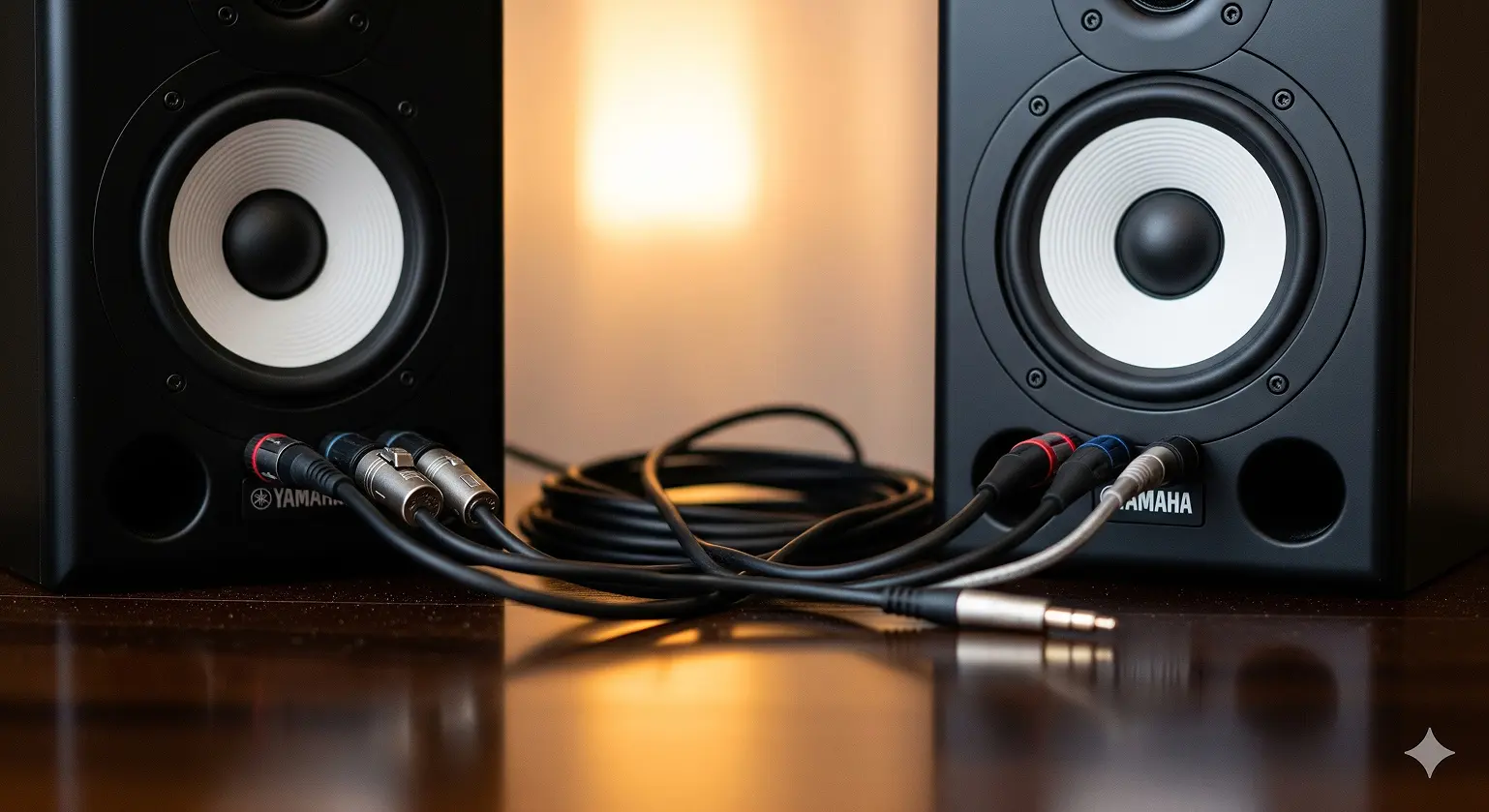
So, you just bought a shiny new pair of studio monitors—maybe Yamaha HS8s or KRK Rokit 5s. You unbox them, set them on your desk, and get ready for that first crystal-clear playback. But then you look at the back panel: one input is XLR, the other is a 1/4-inch jack. Meanwhile, your audio interface—maybe a Focusrite Scarlett or a Universal Audio Apollo—probably has balanced 1/4-inch TRS outputs.
Now you’re wondering: Which cable should I use? Will it affect the sound?
This guide will clear up the confusion once and for all. By the end, you’ll know exactly when to use TRS and when to use XLR, and why the choice isn’t as complicated as it looks.
Spoiler: Both TRS and XLR sound the same when used correctly. The difference comes down to durability, connection security, and what your gear supports.
Why Balanced Connections Matter More Than the Cable Type
The Studio Buzz Problem
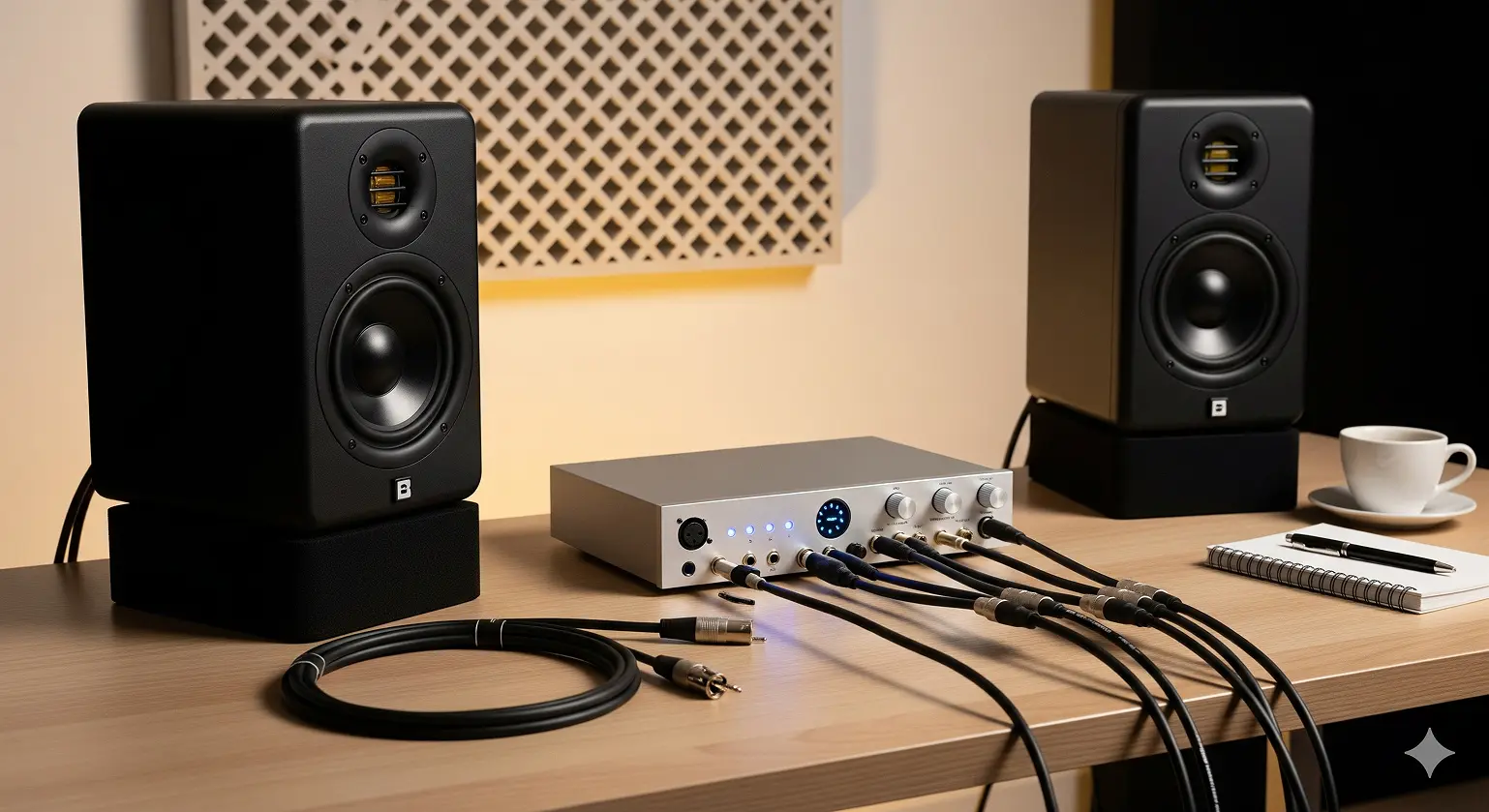
If you’ve ever heard that low humming noise (60Hz in the U.S.) sneaking into your speakers, you know how frustrating interference can be. In a home studio, you’ve got power cables, Wi-Fi routers, monitors, and maybe even fluorescent lights—all of which can mess with your audio.
The wrong cable can act like an antenna, pulling in all that interference. That’s why choosing the right type of connection—balanced vs unbalanced—is way more important than TRS vs XLR.
How Balanced Cables Kill Noise
Here’s the magic of a balanced cable (whether TRS or XLR):
- The audio signal is sent down two wires—one normal, one inverted.
- Any interference picked up along the way hits both wires equally.
- At the receiving end, the inverted signal is flipped back, so the audio adds together while the noise cancels out.
Result? Clean, noise-free audio—even over longer cable runs. That’s why every professional studio uses balanced connections wherever possible.
Meet the Players: XLR, TRS, and Why You Should Avoid TS
XLR: The Classic Pro Connector
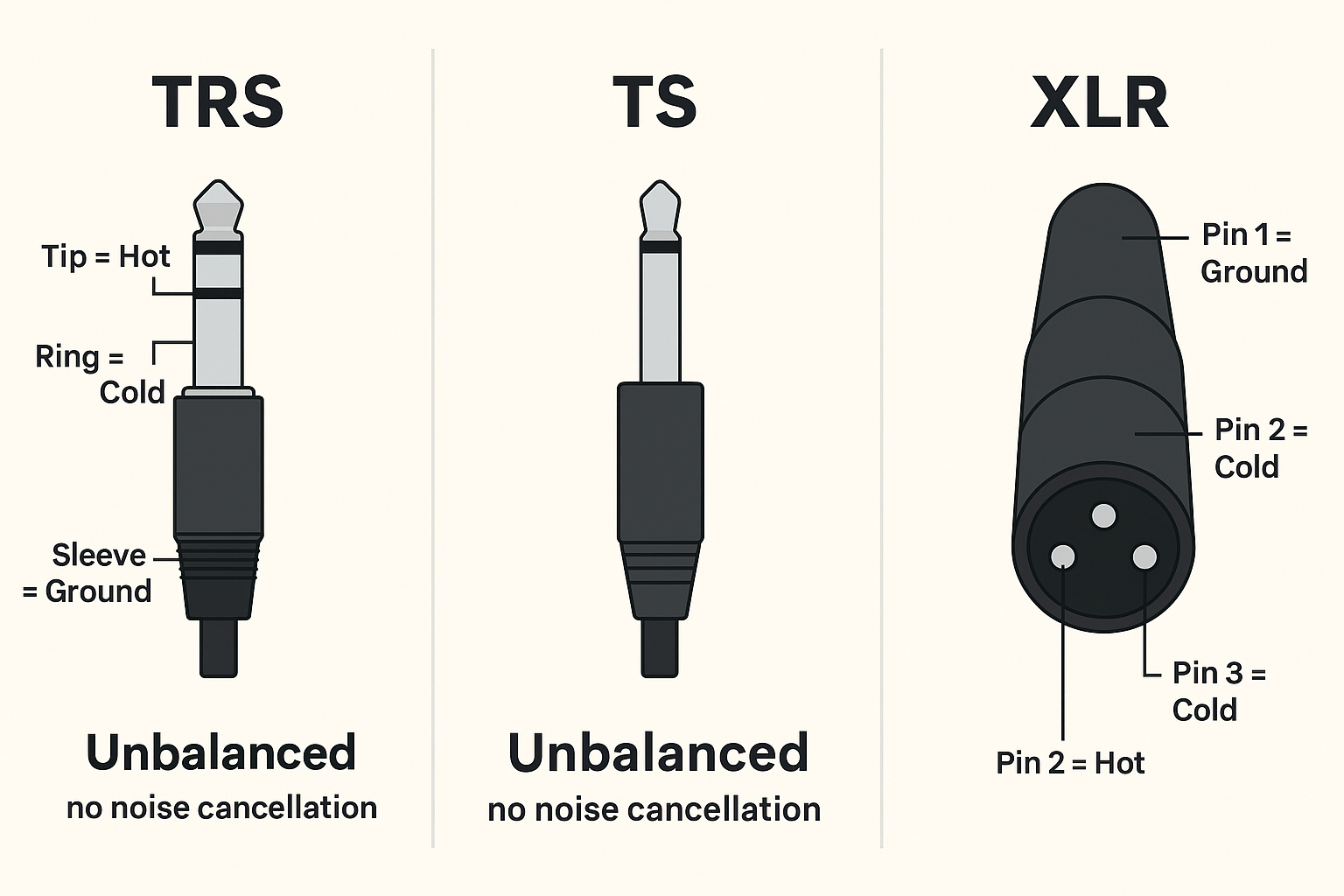
XLR connectors are the three-pin plugs you see on microphones and studio monitors. They’re rugged, lock securely in place with a satisfying click, and are designed for reliability. Each pin serves a purpose: ground, hot, and cold.
For live sound and professional studios, XLR is the gold standard because it’s tough and virtually fail-proof.
TRS: The Versatile All-Rounder
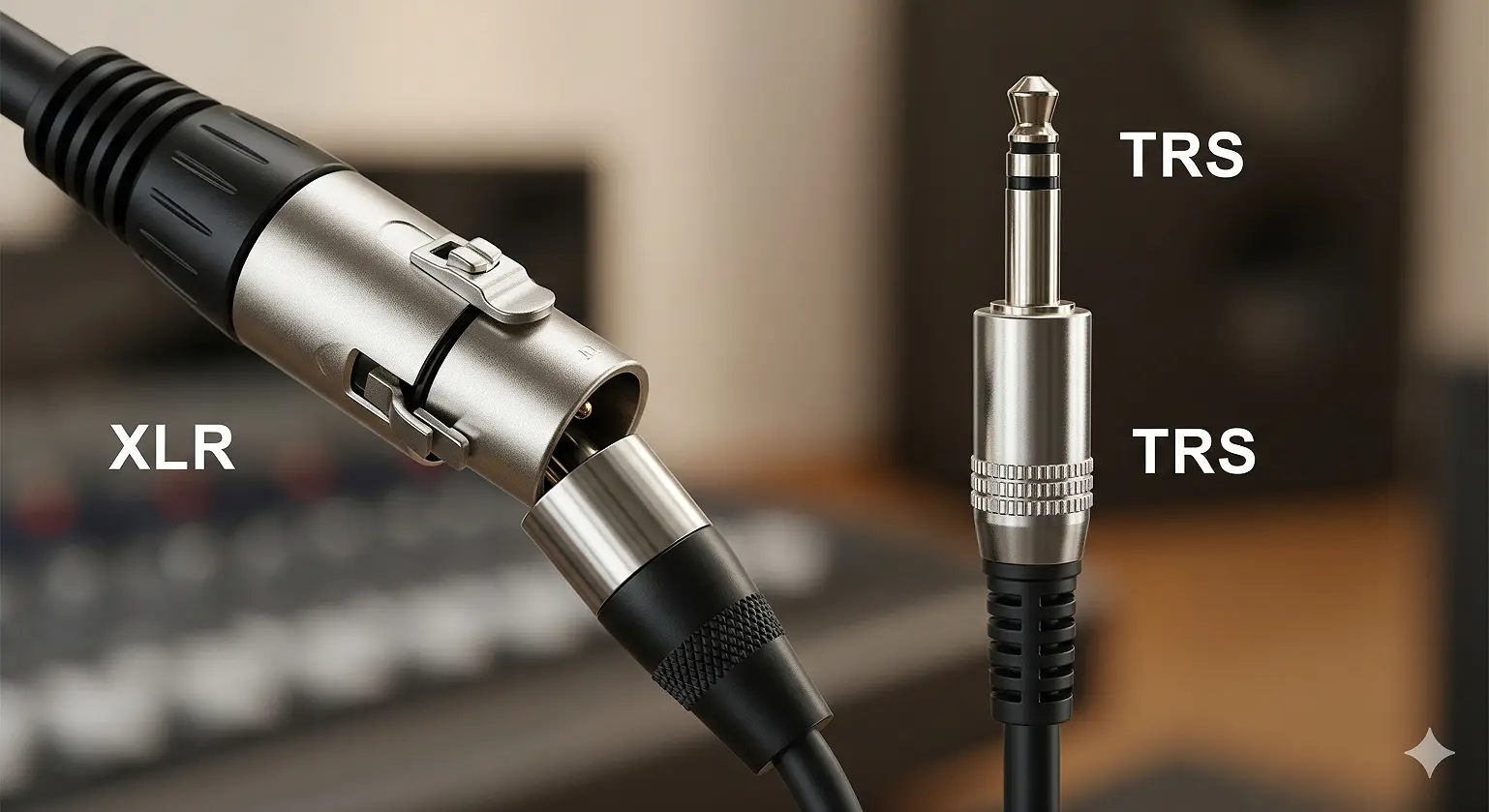
TRS stands for Tip-Ring-Sleeve. If you’ve seen a 1/4-inch jack with two black bands, that’s TRS. It can carry a balanced mono signal (just like XLR) or an unbalanced stereo signal (like headphones).
In studio setups, TRS is commonly used for balanced connections between interfaces and monitors.
TS: The One You Shouldn’t Use
TS (Tip-Sleeve) looks almost identical to TRS, but only has two conductors. That means it’s unbalanced. Using a TS cable with your monitors can:
- Reduce signal level by about 6dB
- Introduce more noise and hum
- Make your system more vulnerable to interference
TS is great for electric guitars, but not for studio monitors. Avoid it here.
TRS vs XLR: The Real Differences
Sound Quality: Identical
Let’s get this out of the way—if both connections are balanced, there’s no difference in sound quality between TRS and XLR (shundigital.com, musicianwave.com).
Your ears won’t be able to tell them apart. The quality of the cable (shielding, build) matters more than the connector type.
Connection Security: XLR Wins
- XLR: Has a locking mechanism, so once it’s in, it’s not coming out unless you press the release tab. Perfect for live gigs and critical recording sessions.
- TRS: Relies on friction. A good jack holds tight, but it’s still easier to accidentally yank out compared to XLR (com, myelearningworld.com).
Plugging Safety: Another Point for XLR
When you insert a TRS cable, the tip may momentarily connect before the ground, which can cause a nasty “pop” in your speakers. XLR is designed so ground connects first, preventing this issue.
Common Studio Setups in 2025
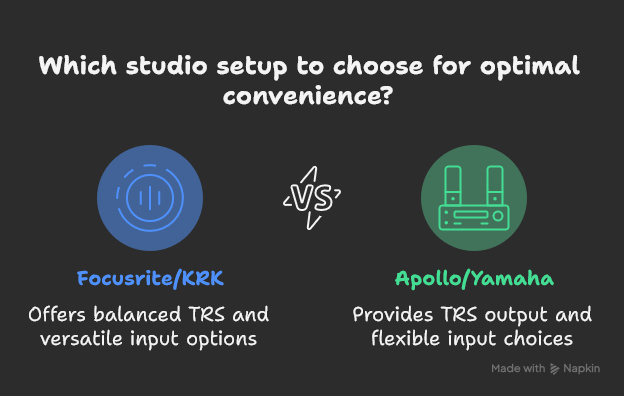
Setup 1: Focusrite Scarlett 2i2 → KRK Rokit 5 G4
Scarlett outputs balanced TRS, and the KRKs accept both TRS and XLR. You can go TRS-to-TRS or TRS-to-XLR—both will work flawlessly.
Setup 2: Universal Audio Apollo Twin → Yamaha HS8
Apollo Twin also outputs TRS, and the HS8 has both TRS and XLR inputs. Again, either TRS-to-TRS or TRS-to-XLR will do the job.
In both cases, your choice is more about convenience than sound quality.
Buying Cables: What Actually Matters
Budget-Friendly but Reliable
- Monoprice– Inexpensive, solid build, great for home studios.
- Hosa– Affordable, widely used, and consistent quality.
Mid-Range “Buy Once, Use for Years”
- Mogamior Canare cable cores for durability and shielding.
- Neutrik connectorsfor ruggedness and reliability.
Premium “Audiophile” Cables: Not Worth It
Don’t waste money on overpriced, gold-plated “super cables.” At short studio monitor distances, you won’t hear a difference. Shielding and build quality matter; exotic metals don’t.
Real-World Feedback: What Users Say
Plenty of home studio owners have reported night-and-day differences when switching to balanced connections.
“Swapped to TRS-to-XLR and the hum disappeared instantly. The noise floor dropped, and everything sounded clearer.”
— Reddit user (reddit.com)
Stories like these show that it’s not about TRS vs XLR—it’s about balanced vs unbalanced.
Quick Decision Guide
- Check your gear’s outputs/inputs: TRS or XLR?
- If both ends have XLR, go XLR-to-XLR: Strongest, safest option.
- If your interface is TRS and monitors are XLR, use TRS-to-XLR.
- If both ends are TRS, use TRS-to-TRS.
- Never use TS: Too noisy and unreliable for studio monitors.
If you still hear noise after using balanced cables, the problem is likely elsewhere—ground loops, USB noise, or poor power management.
FAQ: TRS vs XLR for Studio Monitors
-
Can you hear a difference?
No. Both carry the same balanced signal, so they sound identical. -
What if my interface only has TRS and my speakers only have XLR?
Use TRS-to-XLR cables. That’s exactly what they’re for. -
Why do interfaces often use TRS instead of XLR?
TRS jacks take up less space. On compact audio interfaces, this matters. -
Can I use a guitar (TS) cable in an emergency?
Yes, but you’ll get lower volume, more noise, and more interference. Not recommended. -
Are gold-plated connectors better?
Not for sound. They resist corrosion, but won’t improve audio quality. Shielding and connector quality matter far more.
Conclusion
At the end of the day, the TRS vs XLR debate is mostly about practicality, not sound.
- Both provide identical audio qualitywhen used as balanced connections.
- XLR is sturdierand locks in place, making it the professional standard.
- TRS is compactand perfectly fine for home studios.
- The real danger is TS cables, which should be avoided for studio monitors.
So, don’t overthink it: match your cables to your gear, use balanced connections, and you’ll get clean, reliable sound.
Citations
- TRS and XLR are electrically identical balanced connections; only connector style differs (com, musicianwave.com).
- XLR connectors are more secure and less likely to disconnect accidentally (com, myelearningworld.com).
- Balanced connections improve signal-to-noise ratio and reduce interference (com, prostudiogear.com).
- Real user reports confirm TRS-to-XLR reduces hum and noise (com).