










What Are Aux Cables? The Ultimate Guide for Everyday Audio
Key Takeaways
- Aux cables are simple 3.5mm audio connectors that help you send sound between devices.
- They are known for reliability and plug-and-play use, working with most phones, speakers, and cars.
- Choosing the right aux cable can make your listening experience better.
What Is an Aux Cable?
Q: What is an aux cable used for?
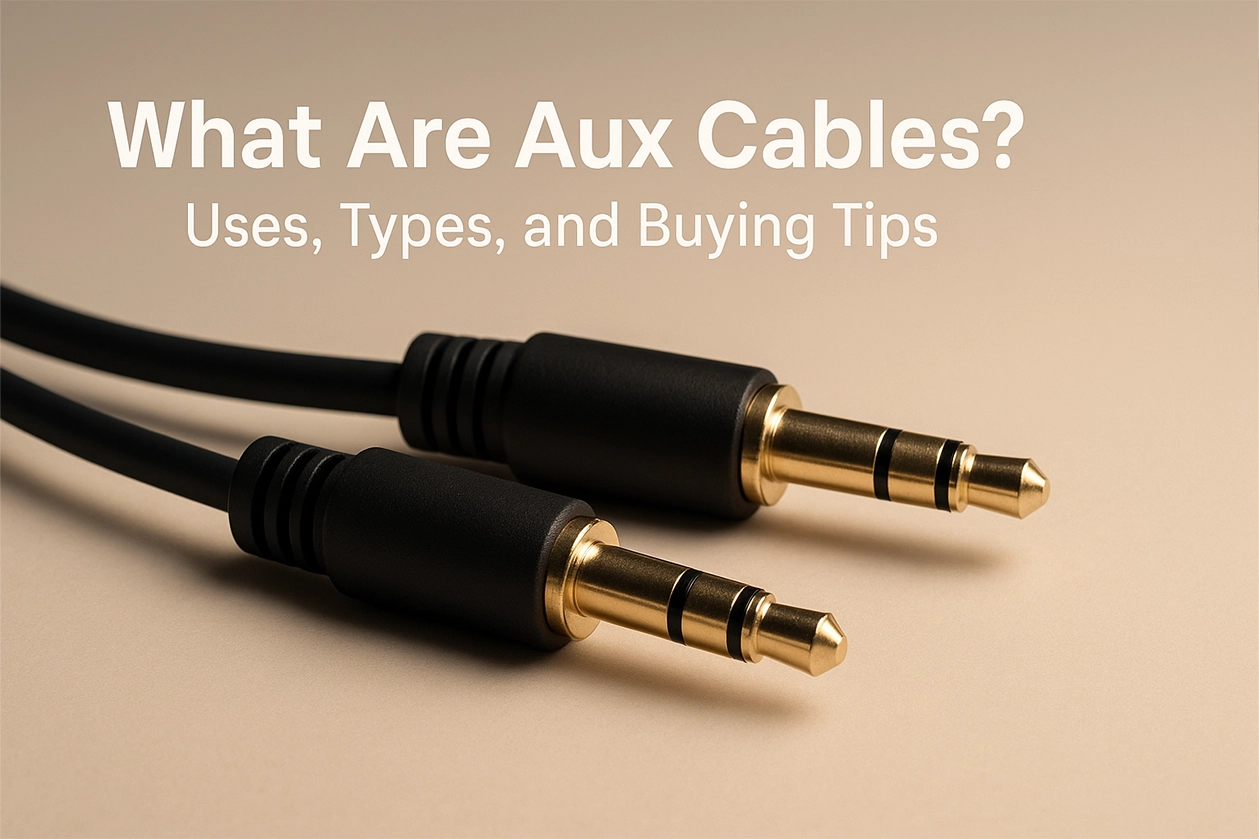
An aux cable is a basic audio cord with a 3.5mm plug at each end. You can use it to connect your phone to your car stereo, plug your laptop into speakers, or use headphones with almost any device that has an audio jack. Aux cables carry analog signals, which means they send sound as variations in voltage instead of computer code.
How Does an Aux Cable Work?
Q: How do aux cables send sound?
Inside, the cable has wires for the left and right audio channels and a wire for ground. When you use it, it moves the electrical signals from one device to another, turning those signals into music, podcasts, or calls once they hit your headphones or speakers.
Where Do You Use an Aux Cable?
- Play music from your phone in your car.
- Patch a computer or tablet into bigger speakers.
- Link older audio devices, like CD players, to modern powered speakers.
- Connect DJ or home recording tools for simple, clear sound.
Types of Aux Cables
Q: Are all aux cables the same?
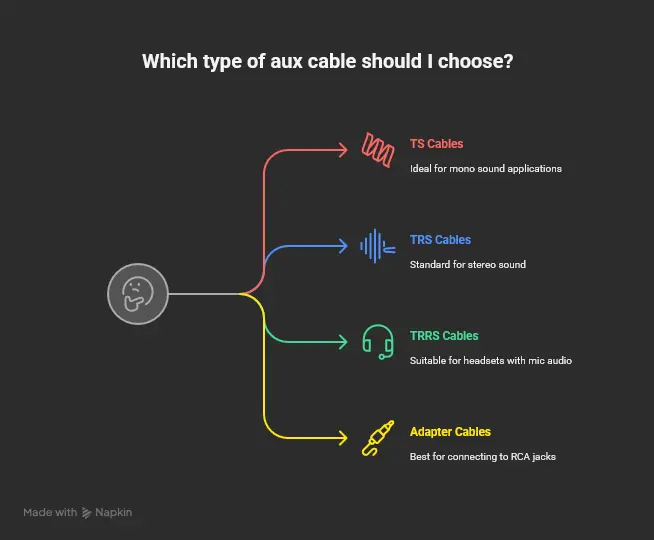
Not exactly. Most use the standard three-part plug, but there are some differences:
- TS cables: For mono sound.
- TRS cables: Standard stereo with three parts on the plug—most common.
- TRRS cables: Four parts and can send mic audio or controls, perfect for headsets.
- Adapter cables: For connecting to things like RCA jacks on old stereos.
Cables also come in different materials and lengths.
Aux Cables vs. Bluetooth
Q: Why not just use wireless audio?
Bluetooth and other wireless options are convenient, but aux cables offer:
- Fast, direct connections with almost no sound delay.
- No need for pairing or charging.
- Steady performance—no random dropouts.
- Use with almost any device that has a headphone or aux plug.
Picking the Best Aux Cable
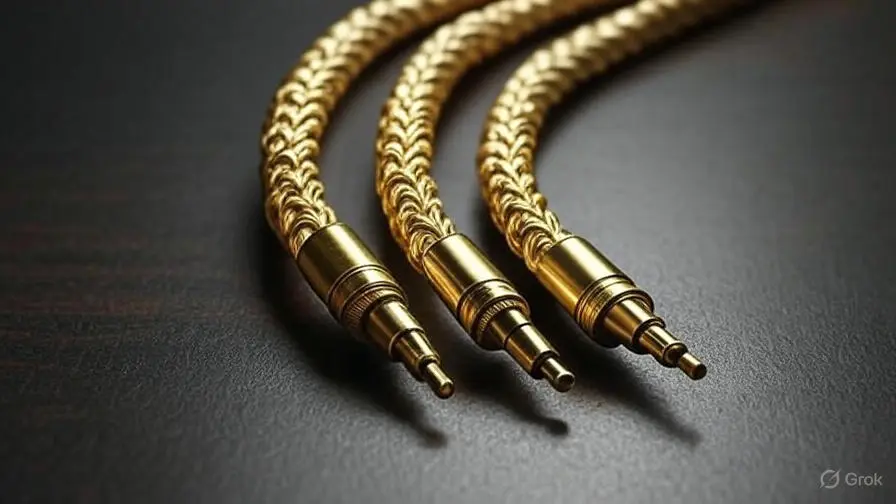
- Plated connectors: Gold options fight rust and keep signals clean.
- Solid wire: Cables made with oxygen-free copper are great for crisp audio.
- Good shielding: Extra layers inside can block outside noise.
- Tough jacket: Braided or rubber covers help the cable last longer.
- Keep it short: Longer cables can lose signal, so choose what you need.
Does Cable Quality Change the Sound?
Cheap, thin cables can pick up noise or lose some sound detail. Higher quality cords help keep your music crisp, especially if you’re connecting nice speakers or sensitive audio gear.
Devices That Use Aux Ports
- Phones, tablets, and laptops (if they still have a jack)
- Car stereos with AUX IN
- Standalone speakers
- Headphone amps and professional mixing gear
Using Aux Cables With Newer Devices
Many new phones have removed the headphone jack. You can still use aux cables with:
- USB-C or Lightning adapters
- RCA and other converter cables
- Bluetooth receivers with 3.5mm outputs(for a mix of old and new tech)
Tips for Getting the Most From Your Aux Cables
- Don’t yank or twist the cable too much.
- Wipe the plugs if they get dusty.
- Swap cables at the first sign of static or if music drops in and out.
- Store cables untangled to help them last longer.
Frequently Asked Questions (FAQ)
-
What’s the difference between an aux cable and headphone cable?
Headphone cables might add microphone or control buttons (look for plugs with four metal sections). Aux cables are usually just for sound. -
Can all aux cables work in the car?
Almost any 3.5mm aux cord will work if your car has an AUX port. Always check for compatibility if you’re unsure. -
Why does my music sometimes cut out when using an aux cable?
This could be due to a loose or dirty connector, or a worn-out cable. -
Is there a wireless replacement for aux cables?
Bluetooth adapters exist, but they may have sound delays or require charging. -
Does a longer cable mean worse sound?
Generally, yes—extra length can add faint noise or lower the volume slightly. -
Can I use an aux cable with a microphone?
Most standard aux cables don’t support microphones unless designed for TRRS headsets. -
How do I know if my device supports a microphone?
Look for four metal bands on the plug or check your device’s instructions. -
What’s the difference between analog and digital cables?
Aux sends analog (electrical signal) sound, while USB or HDMI sends digital data. -
Can you use an aux cable for video?
No, aux cables are only for sound. -
Why does sound sometimes seem muffled over aux?
Possible causes include a damaged cable, poor device match, or dirty connectors.
References
-
Auxiliary Connector: The Bridge Between Your Devices - Lenovo
- What Is An Auxiliary Audio Cable - Audio Lover
- What is an Aux Port and Audio Aux Cable? - Wandkey
- Aux Cables: 5 Fast Facts - Ezvid Wiki (YouTube)
- Aux Cables Buying Guide - Tzumi
- RCA Aux Cables - RS Components
- What Are Aux Cables? - CableCreation Blog
- What is an Aux Cable? - Quora
- What is the difference between an AUX and an audio cable? - Quora
-
Aux Cables and Ports: What Do You Need to Know? - Wandkey
Aux cables might seem basic, but the right one keeps your favorite tunes and podcasts sounding the way they should.