










What Is a 3.5mm Audio Cable? Your Complete Guide to Headphone Jacks in 2025
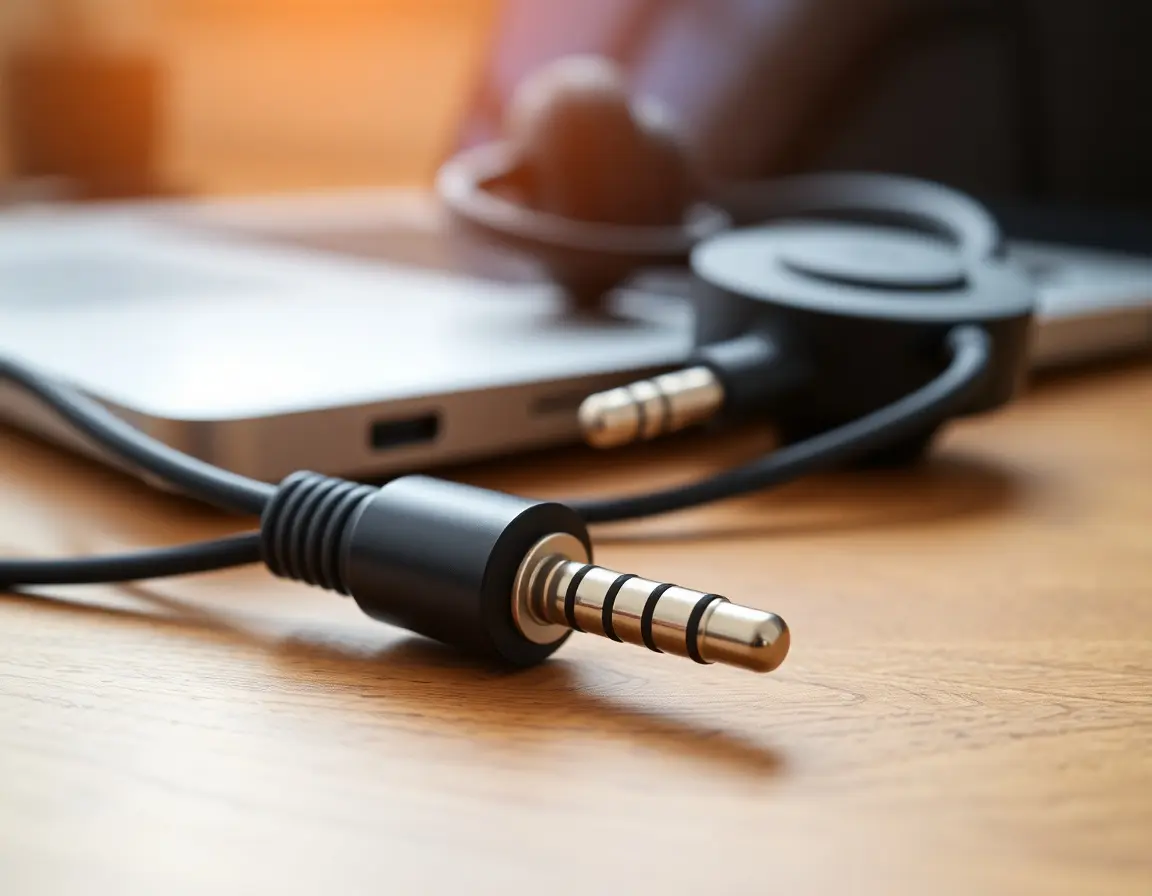
You know that little port where you plug in your headphones? Whether you're joining a Zoom call on your laptop or connecting your phone to your car stereo for the morning commute, that 3.5mm audio cable is still everywhere. But what exactly makes this tiny connector so important, especially when everything seems to be going wireless?
This guide covers what you need to know about 3.5mm audio cables—the different types, how to pick good ones, and why big tech companies like Apple and Google ditched them from phones (spoiler: it wasn't just about making phones thinner).
Key Points
- A 3.5mm audio cable is that standard 1/8-inch connector that carries analog audio between devices
- Different ring patterns (TS, TRS, TRRS) handle everything from basic mono audio to stereo plus microphone
- Even though most phones dropped the headphone jack, cars, gaming PCs, and pro audio gear still rely on them
- Good cables focus on solid shielding and sturdy build—don't fall for expensive gold-plating hype
- Wired 3.5mm connections give you zero-lag audio that's perfect for gaming and professional work
Understanding 3.5mm Audio Cable Types: TS vs TRS vs TRRS
The 3.5mm audio cable—also called a 1/8-inch or mini-jack—has been the go-to for personal audio for decades. To figure out what type you have, just look at those thin black rings that separate the metal sections on the plug.
How to Spot Different 3.5mm Types by Counting Rings
The quickest way to identify your cable is counting those black rings on the metal plug. Each ring separates different parts that handle specific audio jobs.
TS (Tip-Sleeve) Cables have one black ring and two sections. The "tip" carries your audio signal, the "sleeve" handles the ground connection. This setup sends mono (single-channel) audio and you'll see it on electric guitars, professional mics, and some audio equipment. Not as common for everyday stuff, but still standard in recording studios and live music setups across America.
TRS (Tip-Ring-Sleeve) Cables have two black rings and three sections—this is what most people recognize. The tip and ring carry left and right stereo channels, while the sleeve provides the ground. This is your basic "aux cable" that connects phones to car stereos or headphones to laptops. Pretty much every stereo connection in American homes uses this setup.
TRRS (Tip-Ring-Ring-Sleeve) Cables pack in three black rings and four sections, adding microphone capability to stereo audio. That extra section lets smartphone earbuds and gaming headsets handle both audio out and mic input through one connector. This became huge when phones started combining communication and media in one device.
CTIA vs OMTP Standards: What You Need to Know
While the plugs look identical, there are two different wiring standards for TRRS cables—but this mostly affects older devices. The CTIA standard is what Apple, Samsung, Google, and basically every device sold in US markets since 2010 uses. The older OMTP standard was mainly Nokia and early Sony Ericsson territory, but you'll rarely see it in American markets today.
Bottom line: any TRRS cable or headset you buy from major US retailers like Best Buy, Amazon, or Target will use CTIA and work perfectly with modern American smartphones, tablets, and laptops.
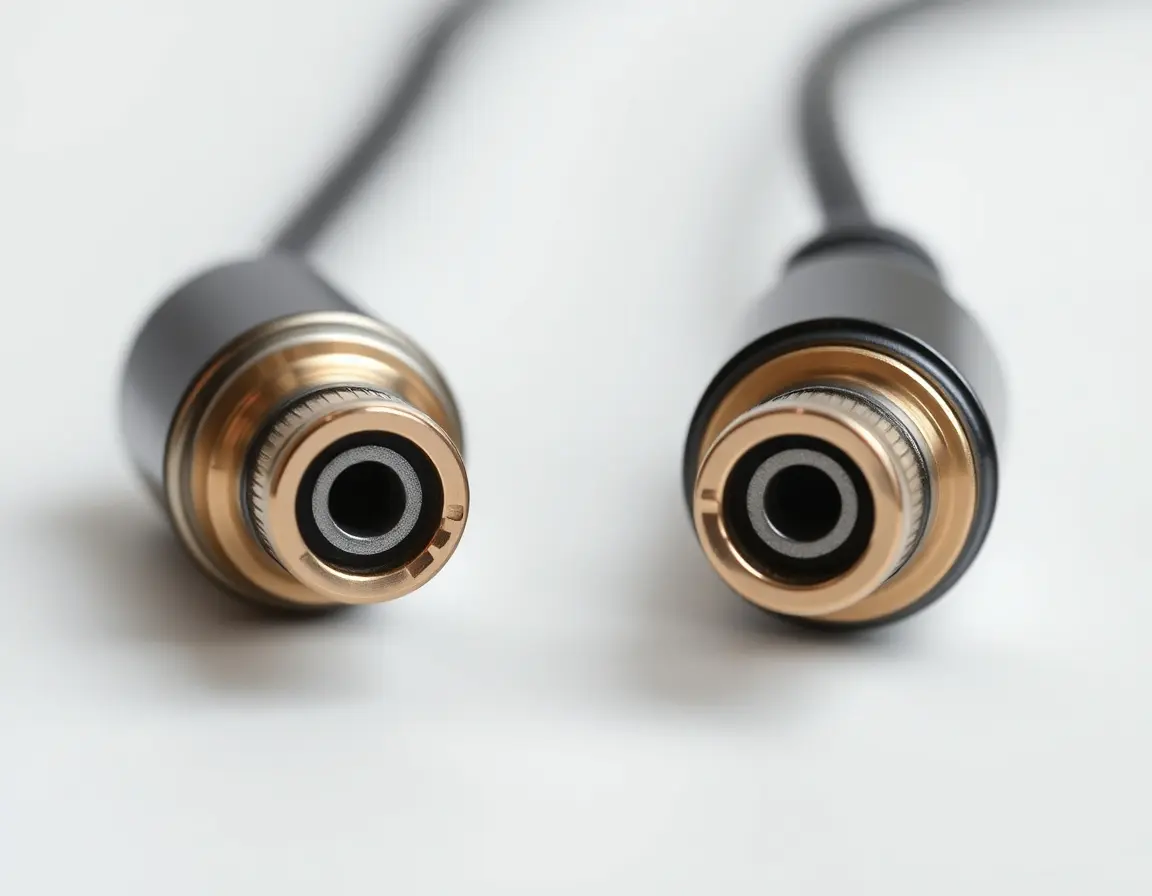
Where Americans Actually Use 3.5mm Audio Cables
The versatility of 3.5mm cables keeps them relevant across homes, offices, and cars throughout America. Understanding these uses explains why this "old" tech still matters in 2025.
Car Audio: Aux Input for US Vehicles
The aux input might be the most universal feature in American car audio systems. Nearly every car made after 2005 includes a 3.5mm aux input, making it compatible with any smartphone, tablet, or music player regardless of brand.
This reliability really shines during long drives across routes like I-95, I-10, or the classic Route 66, where Bluetooth might fail from interference or device issues. Unlike Bluetooth, which can have pairing problems or audio drops, a 3.5mm aux connection gives you instant, reliable audio for road trip playlists, podcasts, or GPS directions.
The aux input also serves as backup for older vehicles or rental cars where Bluetooth might be limited or missing entirely, so American travelers can always access their audio content no matter what car they're driving.
Home and Office Audio: Connecting to PC Speakers and Sound Systems
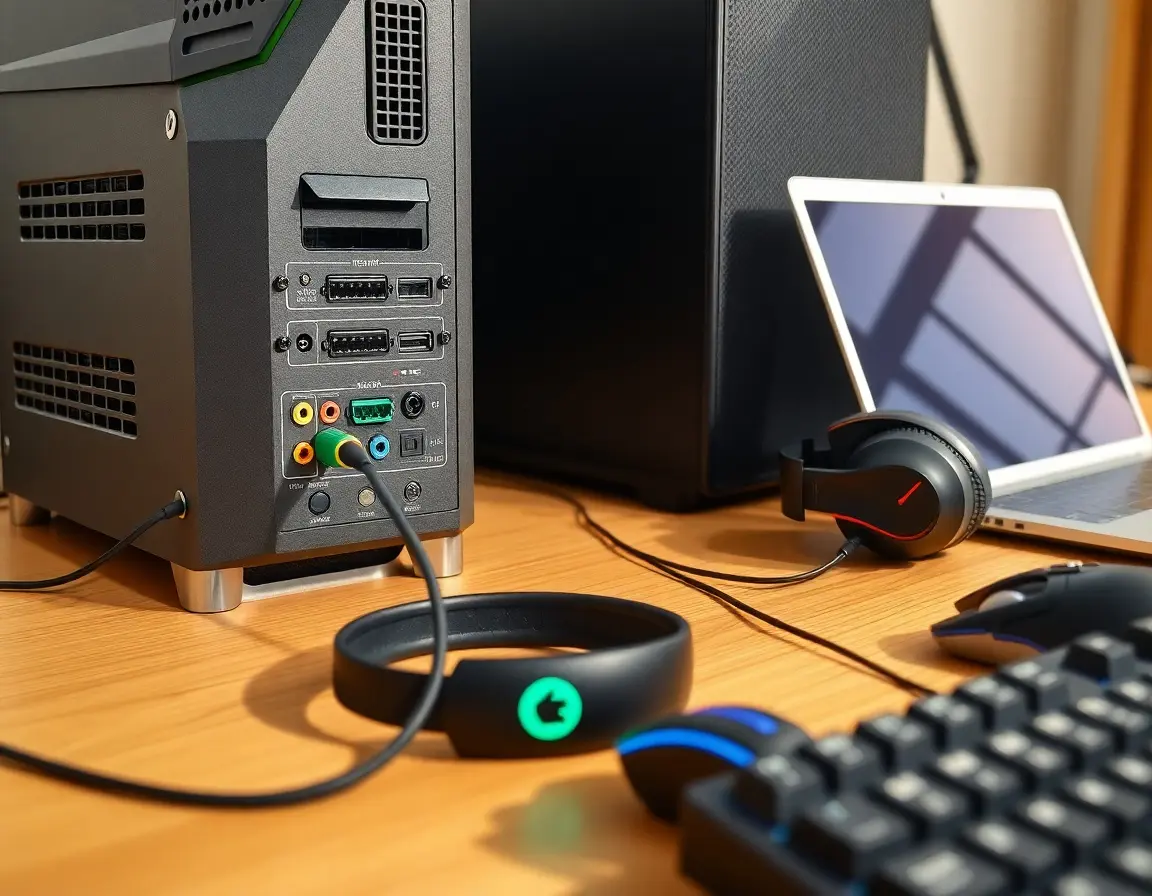
Desktop computer audio still depends heavily on 3.5mm connections, with that standard green audio port found on virtually every American PC build. This color system from the 1990s uses green for stereo out, blue for line input, and pink for microphone.
Work-from-home setups, which became crucial during and after COVID-19, often rely on 3.5mm connections to link laptops with external speakers for video conferences, presentations, and better audio during long work sessions. The plug-and-play nature eliminates the setup headaches you sometimes get with USB or Bluetooth audio devices.
Gaming represents another critical use case. Competitive esports players and casual gamers depend on zero-lag audio that only wired connections provide. Games like Call of Duty, Fortnite, and Valorant require split-second audio cues for competitive advantage, making 3.5mm connections essential for serious American gamers.
Professional Audio Adapters: 3.5mm to RCA and Quarter-Inch
The adapter world around 3.5mm cables has expanded their usefulness far beyond simple device connections. 3.5mm to RCA cables are the standard way to connect smartphones, tablets, or laptops to American home theater receivers, which typically have red and white RCA inputs for stereo audio.
3.5mm to 1/4-inch (6.35mm) adapters bridge consumer and professional audio equipment. These simple adapters let standard consumer headphones connect to professional mixing boards, guitar amps, and high-end headphone amps found in American recording studios and music venues.
Y-splitters and multi-port adapters enable shared listening, letting two people use headphones from a single device—popular for airplane travel, study sessions, or shared entertainment in American households.
How to Choose the Best 3.5mm Audio Cable: US Shopping Guide
With tons of options at American retailers, picking the right 3.5mm cable means understanding what features actually matter versus marketing designed to jack up prices.
Don't Fall for Gold-Plated Hype
Gold-plated connectors are one of the biggest marketing tricks in the audio cable world, often used to justify much higher prices. While gold plating does provide real benefits, it's important to understand what it actually does.
Gold plating mainly prevents rust and oxidation on connector contacts, keeping connections reliable over time. This helps in humid climates or when connectors get plugged and unplugged frequently. However, gold plating doesn't meaningfully improve sound quality compared to properly made standard connectors.
The real factors affecting audio transmission are cable shielding quality, conductor materials, and overall build. A well-made cable with standard connectors will sound identical to an expensive gold-plated version in typical consumer use. Put your budget toward build quality rather than premium materials marketing.
Essential Cable Features: Shielding, Durability, and Length
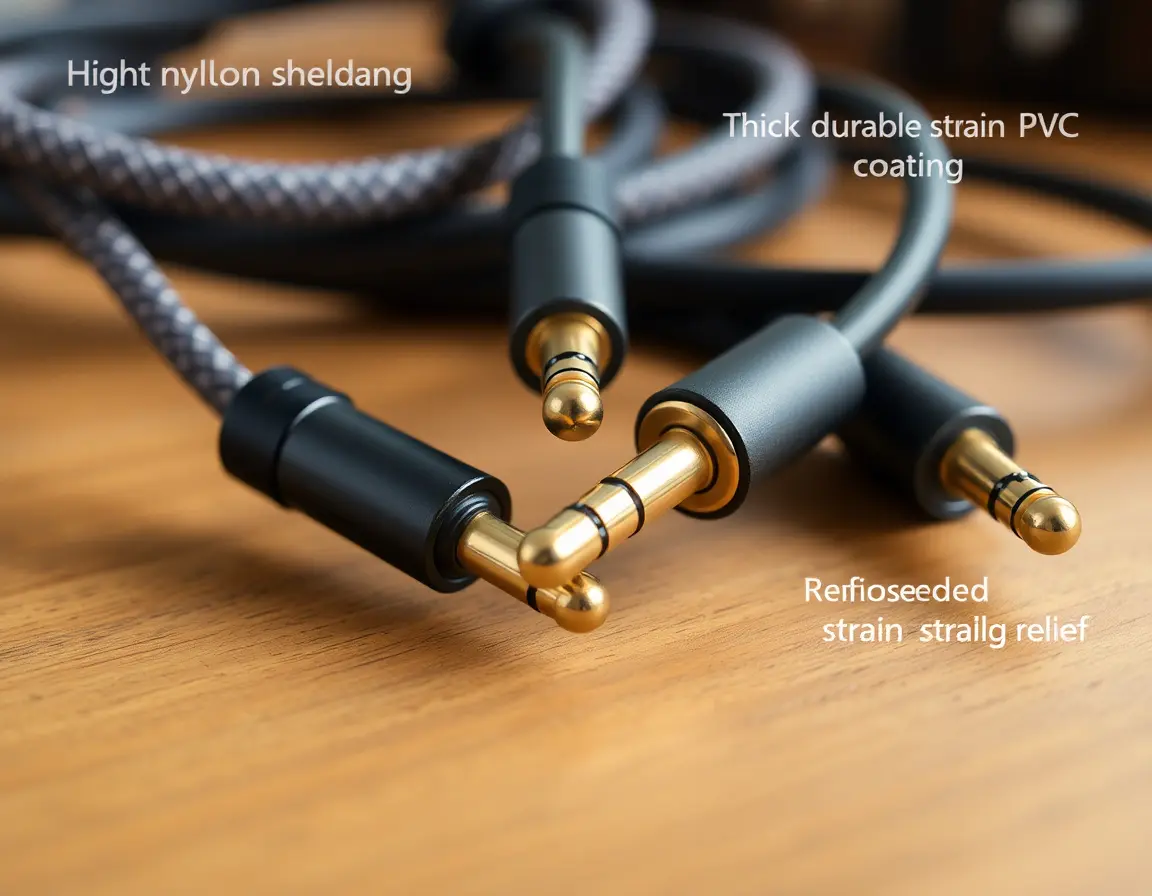
EMI protection is the most important technical spec for 3.5mm cables, especially in American homes packed with WiFi routers, microwaves, phone chargers, and other electronics. Quality cables have braided copper shielding or aluminum foil that prevents external electronic noise from messing with your audio signal.
Build quality signs include reinforced strain relief at connector joints, thick wire construction, and tough outer jackets made from materials like braided nylon or high-quality PVC. These prevent the most common failures: wire breaks near connectors and jacket cracks from repeated bending.
Cable length depends on what you're doing. For desktop computer connections, 3-6 foot cables give enough reach without excess that can create interference or clutter. Room-spanning connections benefit from 10+ foot cables, though longer distances may need extra shielding to maintain signal quality.
Top 3.5mm Cable Brands at Major US Retailers
Budget options include Monoprice and Amazon Basics cables, both offering solid performance at low prices with convenient Prime shipping. These brands focus on essential functionality without premium packaging or marketing overhead.
Mid-range quality choices like Anker and Belkin provide better build quality and reliability while staying widely stocked at Best Buy, Target, and Walmart locations across America. These brands offer good warranties and customer support for peace of mind.
High-end choices such as AudioQuest and Mogami cater to serious audio enthusiasts and professional applications. While much more expensive, these brands are available at specialized retailers like Guitar Center and Sam Ash, serving customers who demand maximum performance from their audio chains.
3.5mm vs Wireless Audio: Wired vs Bluetooth Performance
Understanding the technical differences between wired 3.5mm connections and wireless alternatives helps American consumers make informed decisions based on their specific needs.
Audio Quality: Analog vs Bluetooth Compression
Wired 3.5mm connections deliver uncompressed analog audio signals directly from your device's DAC to your headphones or speakers. This direct transmission preserves all audio data without any quality loss during connection.
Bluetooth audio requires digital compression using codecs like SBC, AAC, aptX, or LDAC to transmit audio wirelessly. While modern high-quality codecs have significantly narrowed the gap, some audio information gets lost during compression and transmission.
For typical listening using popular streaming services like Spotify, Apple Music, or YouTube, most users won't notice meaningful differences between quality wired and Bluetooth connections. However, audiophiles using high-end headphones with lossless audio sources can detect the superior clarity and detail retention of direct wired connections.
Latency: Why Gamers and Content Creators Choose Wired
Audio latency—the delay between when sound is generated and when you hear it—represents one of the biggest advantages of 3.5mm wired connections. Wired audio typically has less than 10 milliseconds of latency, essentially unnoticeable to human ears.
Bluetooth connections introduce 150-200 milliseconds of latency with standard codecs, creating noticeable delays that become problematic for specific applications. Competitive gaming requires precise audio timing for directional awareness and reaction speeds, making wired connections essential for serious American esports players and streamers.
Video editing and content creation workflows, increasingly important in America's creator economy, demand audio-visual sync accuracy that only wired connections can reliably provide. Professional podcasters, YouTubers, and streaming content creators consistently choose wired audio solutions for critical recording and monitoring.
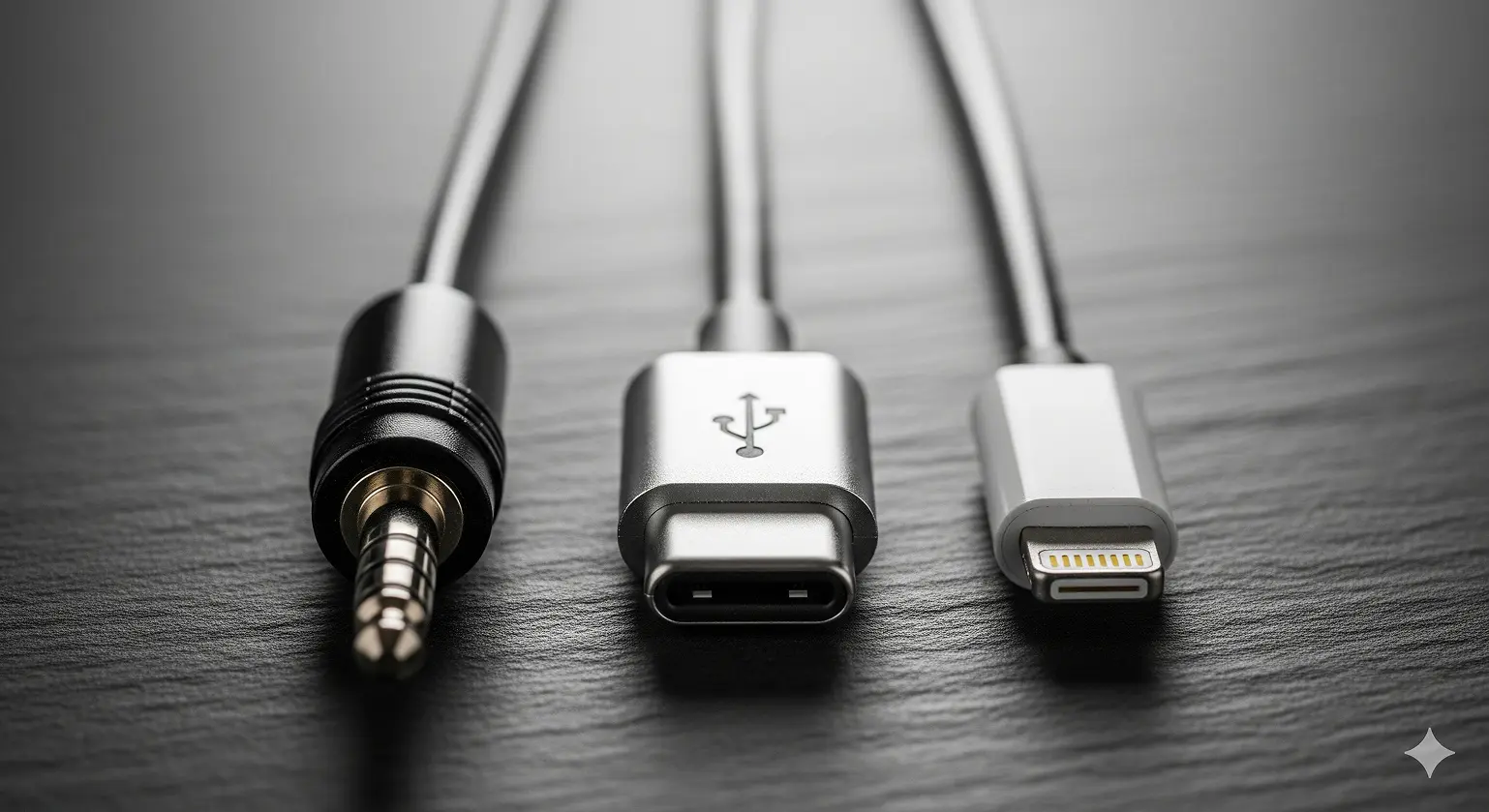
USB-C vs Lightning vs 3.5mm Audio: Digital vs Analog Differences
The key difference between traditional 3.5mm audio and newer USB-C or Lightning audio is where digital-to-analog conversion happens. With 3.5mm jacks, your phone's internal DAC processes digital audio files and outputs analog signals through the headphone port.
USB-C and Lightning audio connections transmit digital audio data to external DACs located either within the headphones themselves or in adapter dongles. This means audio quality depends on the accessory manufacturer's DAC implementation rather than your phone's internal audio hardware.
Apple's Lightning audio ecosystem maintains relatively consistent quality through strict accessory certification requirements, while USB-C audio quality varies significantly depending on the specific adapter or headphones chosen. This variability can make USB-C audio either better or worse than 3.5mm audio depending on your accessory choices.
Why US Tech Companies Removed the Headphone Jack
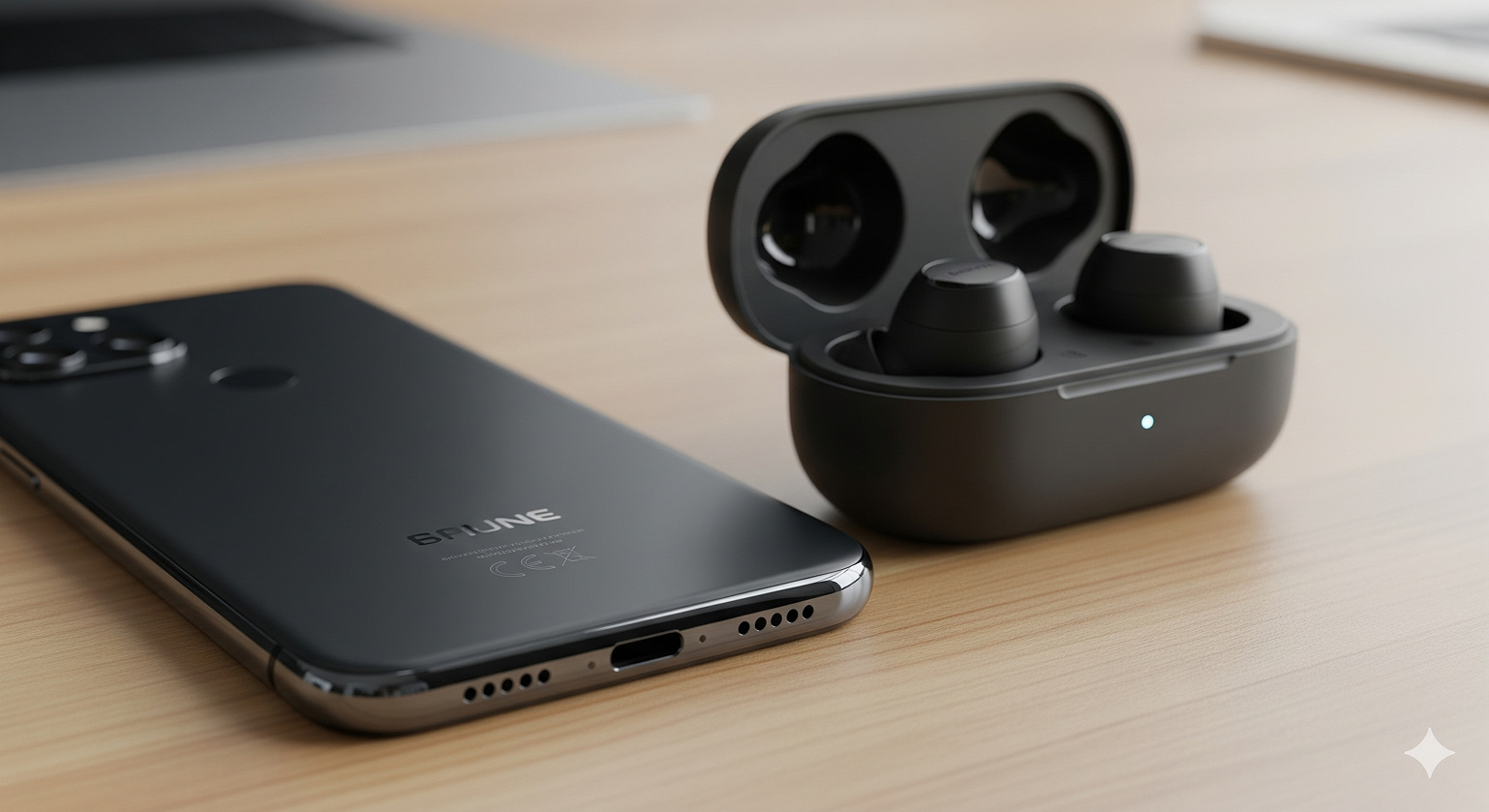
The elimination of 3.5mm headphone jacks from flagship smartphones represents one of the most controversial decisions in recent consumer electronics history, driven by legitimate technical considerations and strategic business objectives.
Official Reasons: Thinner Phones and Better Water Resistance
American smartphone manufacturers presented several technical arguments for headphone jack removal. Space optimization became critical as phones incorporated larger batteries, multiple cameras, and advanced sensors within increasingly thin designs. The 3.5mm jack and its internal circuitry took up valuable space that could house other components.
IP rating improvements for dust and water resistance aligned with active American lifestyles demanding durable electronics for outdoor activities, fitness routines, and unpredictable weather. Eliminating the headphone jack reduced potential entry points for moisture and debris, enabling higher protection standards.
Component integration simplified manufacturing and reduced potential failure points, theoretically improving long-term device reliability while streamlining production costs for major US-designed devices from Apple, Google, and other manufacturers.
Market Strategy: Pushing AirPods Sales and Ecosystem Lock-in
The business motivations behind headphone jack removal became clear when examining the financial impact of wireless audio accessories. Apple's AirPods alone generated over $12 billion in annual revenue by 2021, representing one of the most successful product launches in consumer electronics history.
Samsung, Google, and other manufacturers quickly followed to promote their own wireless earbuds and capture similar high-margin accessory revenue. The removal created artificial demand for new accessories while encouraging customer loyalty through ecosystem integration.
Consumer consequences include the frustration of "dongle life," where users must carry and manage additional adapters for basic functionality. Environmental concerns have emerged regarding increased e-waste from battery-dependent wireless devices with limited lifespans compared to passive wired alternatives.
Common Questions About 3.5mm Audio Cables
Q1: Can I use TRRS headphones with microphone in a regular TRS headphone jack?
A: Yes, you'll get perfect stereo audio, but the microphone won't work because TRS jacks lack the fourth conductor needed for microphone input. The headphones will work exactly like standard stereo headphones in this setup.
Q2: What's the difference between aux cables sold at US retailers?
A: Most "aux cables" are functionally identical 3.5mm TRS stereo cables regardless of price. Differences typically reflect build quality, brand markup, and marketing rather than actual audio performance. A $5 cable from Monoprice often performs identically to a $50 "premium" cable for typical consumer use.
Q3: Will expensive 3.5mm cables improve my music streaming quality?
A: For typical streaming from Spotify, Apple Music, or YouTube, a basic well-shielded cable performs identically to premium options costing ten times more. Significant audio improvements come from better headphones, higher-quality audio sources, or improved device DACs—not expensive cables.
Q4: How do I fix static in my headphone jack?
A: Start by using compressed air to remove lint and dust from the port, which causes most connection issues. Test with different cables and devices to isolate whether the problem lies with your cable, device, or headphones. Make sure the plug is fully inserted and check your device's audio settings for any digital processing that might cause interference.
Q5: What are my options if my new US phone lacks a headphone jack?
A: You have three main choices: Use USB-C or Lightning to 3.5mm adapters (dongles) available from all major US carriers and retailers; purchase headphones that plug directly into USB-C or Lightning ports; or switch to Bluetooth wireless headphones. Each option involves trade-offs in convenience, cost, and audio quality.
Wrapping Up
The 3.5mm audio cable represents over 140 years of connector evolution, from 19th-century telephone switchboards to becoming the global standard through iconic devices like Sony's Walkman. While major American smartphone manufacturers have largely abandoned the headphone jack, it remains important across gaming, professional audio, automotive, and home entertainment applications.
For US consumers, the 3.5mm connector remains an essential, reliable solution offering zero-latency audio, universal compatibility, and simple plug-and-play functionality. Whether you're a competitive gamer in San Francisco, a podcast creator in Austin, or simply someone who values the dependability of wired audio during your daily commute, the humble 3.5mm audio cable continues to serve as a critical bridge in our increasingly connected world.
As technology continues moving toward wireless solutions, the 3.5mm audio cable has earned its place in tech history and will remain a vital, reliable connector for years to come—proving that sometimes the simplest solutions are also the most lasting.