










What is a DMX Cable? Your Complete Guide to Professional Stage Lighting Cables
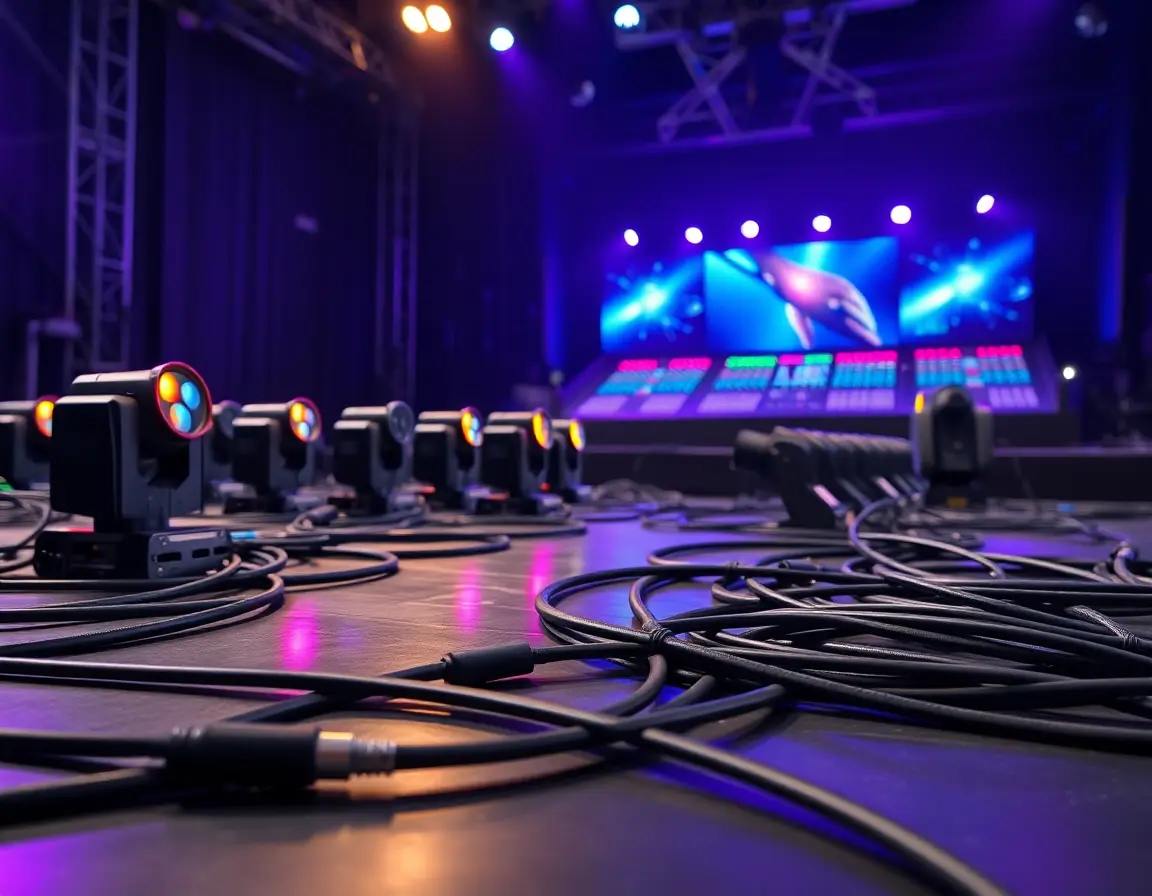
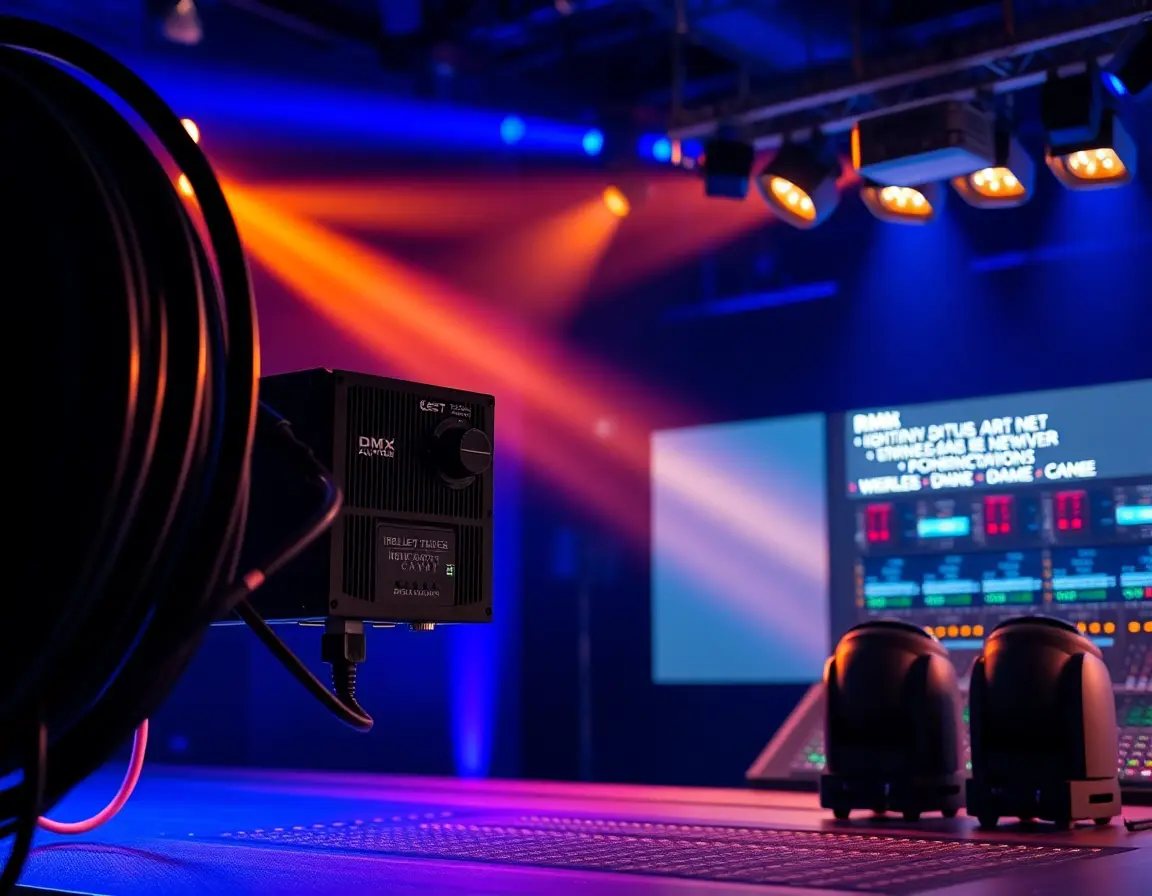
Setting up professional stage lighting, sound systems, or special effects equipment? Understanding what a DMX cable is becomes your first step toward reliable performance. DMX cables act as the digital backbone of modern lighting control systems, sending precise commands from lighting consoles to individual fixtures with rock-solid reliability and lightning speed.
A DMX cable is a specialized shielded twisted-pair cable built specifically for transmitting DMX512 protocol signals between lighting control consoles and fixtures. Unlike standard audio cables, DMX cables feature a characteristic impedance of 120 ohms and tough dual-layer shielding to maintain signal integrity across long distances in noisy electromagnetic environments.
Understanding DMX512 Protocol and Digital Lighting Control Systems
What Makes DMX512 the Industry Standard?
The DMX512 (Digital Multiplex with 512 values) protocol, established by the United States Institute for Theatre Technology (USITT) in 1986 and later standardized as ANSI E1.11-2008, changed professional lighting control forever. This protocol allows a single control console to manage up to 512 individual channels within one "universe," with each channel carrying 8-bit control values (0-255) for precise dimming and color control.
Running on RS-485 differential signaling at 250 kbps, DMX512 delivers real-time updates at rates up to 44 frames per second. This means smooth transitions and effects every time. The protocol's reliability comes from its differential signal transmission, which naturally rejects electromagnetic interference common in stage environments packed with high-powered lighting fixtures and audio equipment.
How DMX Differs from Art-Net and sACN Protocols
While DMX512 remains the foundation protocol, modern installations increasingly use Ethernet-based alternatives like Art-Net and sACN (Streaming ACN). These newer protocols can transmit multiple DMX universes over standard network infrastructure, supporting thousands of channels at once. However, the physical DMX cable connection stays essential for connecting individual fixtures to network nodes and maintaining compatibility with older equipment.
DMX Cable Construction: Why 120 Ohm Impedance Matters for Signal Integrity
The Critical Role of Characteristic Impedance
The 120-ohm characteristic impedance of DMX cables isn't random—it's specifically matched to RS-485 differential receivers and transmitters. This impedance matching prevents signal reflections that could cause data corruption, frame drops, or flickering lights. When wrong cables (such as 75-ohm audio cables) get substituted, impedance mismatches create standing waves that damage signal quality, especially over longer runs.
Professional DMX Cable Construction Elements
The 120-ohm characteristic impedance of DMX cables isn't random—it's specifically matched to RS-485 differential receivers and transmitters. This impedance matching prevents signal reflections that could cause data corruption, frame drops, or flickering lights. When wrong cables (such as 75-ohm audio cables) get substituted, impedance mismatches create standing waves that damage signal quality, especially over longer runs.
Conductor Configuration: True DMX cables feature twisted-pair conductors (Data+ and Data-) with an additional ground wire. Premium 5-pin DMX cables include spare twisted pairs for future expansion or backup connections.
Shielding System: Dual-layer shielding combines aluminum foil and braided copper mesh to provide complete protection against electromagnetic interference (EMI) and radio frequency interference (RFI) from nearby power cables and wireless equipment.
Cable Jacket: Professional-grade DMX cables use flame-retardant, flexible outer jackets designed to withstand repeated coiling, dragging across stages, and exposure to stage chemicals and weather conditions.
Best DMX Cable vs XLR Audio Cable: Critical Performance Differences
Why Standard Audio Cables Fail in DMX Applications
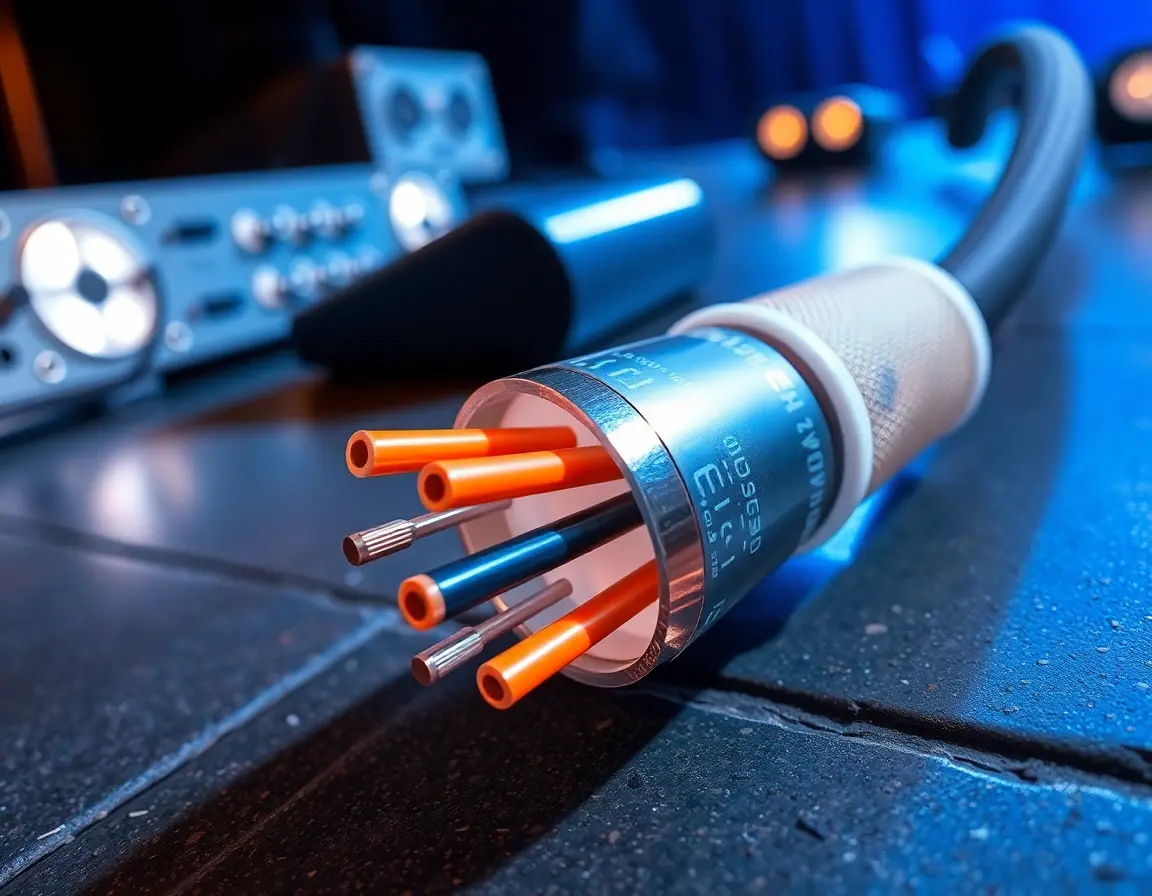
Many newcomers to professional lighting wrongly assume that standard XLR audio cables can substitute for proper DMX cables. This assumption leads to unreliable performance and potential equipment damage. The fundamental differences go far beyond physical appearance:
Impedance Mismatch: Audio cables typically feature 45-75 ohm impedance, creating significant signal reflections when used in 120-ohm DMX systems. These reflections show up as intermittent control issues, particularly noticeable during complex lighting sequences.
Insufficient Shielding: Single-layer shielding in audio cables proves inadequate against the intense electromagnetic environment of stage lighting rigs, resulting in signal corruption and unpredictable fixture behavior.
When Audio Cables Might Work (And Why You Shouldn't Risk It)
While short runs (under 50 feet) with minimal fixtures might occasionally function with audio cables, professional installations demand reliability. The cost difference between proper DMX cables and audio alternatives is minimal compared to the potential losses from show-stopping technical failures.
Heavy Duty DMX Cable Types: 3-Pin vs 5-Pin Professional Standards
Standard 3-Pin DMX Cable Specifications
Three-pin DMX cables, while technically non-standard, have gained widespread acceptance in the industry due to their compatibility with existing audio infrastructure. These cables carry the essential Data+, Data-, and Ground connections required for basic DMX communication.
Typical Specifications:
- Conductor gauge: 24 AWG minimum (18-22 AWG for long runs)
- Maximum single-run distance: 300 meters (150 meters recommended)
- Connector type: XLR-3 male/female
- Applications: Basic lighting control, temporary installations
Official 5-Pin DMX Standard for Future-Proof Installations
The official DMX512-A standard specifies 5-pin XLR connectors, providing additional conductors for future protocol expansion and enhanced reliability:
Pin Configuration:
- Ground
- Data- (Primary)
- Data+ (Primary)
- Data- (Secondary/Spare)
- Data+ (Secondary/Spare)
Five-pin systems offer built-in redundancy and support for emerging bidirectional protocols like RDM (Remote Device Management), making them ideal for permanent installations and high-stakes productions.
Affordable DMX Cable Options for Budget-Conscious Productions
Quality DMX cables don't need to break production budgets. Several manufacturers offer cost-effective solutions that maintain proper impedance and shielding standards:
- Entry-level options: Basic 120-ohm cables suitable for indoor installations under 100 feet
- Mid-range choices: Enhanced shielding and flexibility for touring applications
- Premium solutions: Military-spec construction for outdoor festivals and permanent installations
Professional DMX Cable Installation Best Practices and Termination
Proper DMX Signal Chain Configuration
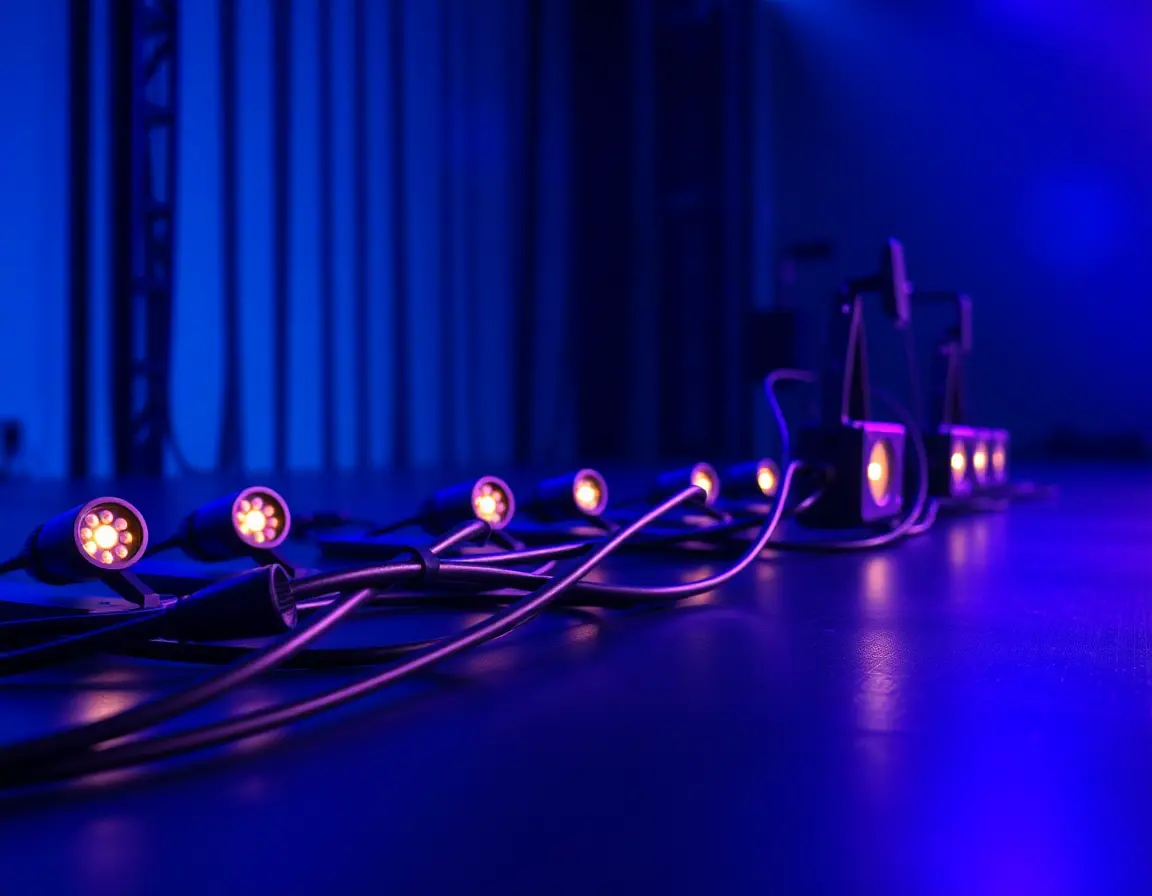
DMX systems require daisy-chain topology, with signal flowing from console output (female XLR) through each fixture's input (male XLR) and output (female XLR) to the next device. This linear arrangement maintains signal integrity and simplifies troubleshooting.
Critical Installation Guidelines:
- Always connect console OUT to first fixture IN
- Use male-to-female cables between fixtures
- Maintain consistent signal flow direction
-
Avoid star or branched configurations
The Importance of 120-Ohm Termination and Grounding
Every DMX chain must end with a 120-ohm terminator to absorb signal reflections. This simple component—basically a 120-ohm resistor connected between Data+ and Data- pins—prevents signal bounce-back that could corrupt data throughout the entire chain.
Proper grounding involves connecting cable shields to fixture chassis at one end only, typically at the console. Multiple ground connections create ground loops that introduce noise and potential safety hazards.
Troubleshooting Common DMX Signal Issues
Flickering or Intermittent Control:
- Check termination at chain end
- Inspect connectors for corrosion or damage
- Verify impedance matching of all cables
- Test for electromagnetic interference sources
Complete Signal Loss:
- Confirm console output configuration
- Test cable continuity with a multimeter.
- Check fixture addressing and DMX mode settings
- Verify power connections to all fixtures
Long-Distance DMX Cable Solutions and Signal Amplification
Extending DMX Beyond Standard Cable Limits
Standard copper DMX cables transmit signals up to 300 meters, but longer distances require signal conditioning. Several solutions extend DMX reach:
DMX Splitters/Amplifiers: Regenerate clean signals every 300 meters while providing multiple isolated outputs to prevent ground loops and reduce troubleshooting complexity.
Fiber Optic DMX: Converts electrical DMX signals to optical transmission, allowing runs of several kilometers with complete immunity to electromagnetic interference. Perfect for outdoor festivals and architectural installations.
Wireless DMX Systems: Use 2.4 GHz or 5.8 GHz frequency bands for cable-free fixture control. Modern systems employ frequency hopping and adaptive protocols to maintain reliability in congested RF environments.
Choosing the Right Extension Method
Distance Requirements:
- Under 300m: Standard copper DMX cable
- 300m-1km: DMX amplifiers every 300m
- Over 1km: Fiber optic conversion
- Mobile/temporary: Wireless DMX systems
Environmental Factors:
- Indoor permanent: Copper or fiber
- Outdoor weather exposure: Fiber optic preferred
- High EMI environments: Fiber optic essential
- Temporary/touring: Wireless or copper
Advanced DMX Technologies: Wireless, RDM, and Ethernet Integration
Wireless DMX Benefits and Frequency Considerations
Wireless DMX systems eliminate cable runs for temporary installations and mobile fixtures like moving lights on lifts or flying rigs. Modern systems provide:
- Frequency Agility: Automatic channel selection avoids interference from WiFi and other 2.4 GHz devices
- Multiple Universe Support: Simultaneous transmission of multiple DMX universes
- Battery Monitoring: Real-time power status for wireless receivers
- Encryption Options: Secure transmission for sensitive installations
RDM: Bidirectional Communication Over DMX
Remote Device Management (RDM), standardized as ANSI E1.20, extends DMX to support two-way communication. RDM-enabled fixtures can report status information, lamp hours, temperature warnings, and configuration settings back to the console over the same DMX cable.
Benefits include:
- Remote fixture addressing and configuration
- Proactive maintenance alerts
- System monitoring
- Reduced troubleshooting time
Art-Net and sACN: High-Channel Ethernet Networks
Large installations benefit from Ethernet-based protocols that transmit multiple DMX universes over standard network infrastructure:
Art-Net: Industry-standard protocol supporting up to 32,768 universes over Ethernet networks, with built-in device discovery and configuration tools.
sACN (E1.31): ANSI-standardized protocol optimized for one-way transmission with multicast efficiency and priority handling for backup console systems.
DMX Cable Maintenance and Longevity Best Practices
Regular Inspection for Signal Degradation
Professional DMX installations require systematic maintenance to keep working reliably:
Monthly Inspections:
- Visual connector examination for corrosion, bent pins, or cracked housings
- Cable jacket inspection for cuts, kinks, or excessive wear
- Impedance testing using specialized DMX cable testers
- Documentation of any issues or repairs
Annual Testing:
- Complete system signal integrity analysis
- Connector replacement for high-use connections
- Cable replacement based on impedance drift measurements
- Grounding system verification
Proper Storage and Cable Management
Correct cable handling extends service life and maintains signal quality:
Storage Best Practices:
- Over/under coiling technique prevents twisting stress
- Climate-controlled storage prevents jacket degradation
- Separation from power cables reduces electromagnetic exposure
- Proper labeling systems allow quick identification
Field Handling:
- Gentle curves instead of sharp bends
- Protection from foot traffic and equipment movement
- Temporary strain relief at connection points
- Immediate repair of any damage
When to Replace Your DMX Cables
Several indicators suggest DMX cable replacement becomes necessary:
- Impedance Drift: Measurements outside 120Ω ±20% specification
- Shielding Degradation: Visible braided shield damage or separation
- Connector Wear: Loose connections or intermittent contact
- Jacket Deterioration: Cracking, hardening, or chemical damage
Professional installations typically budget for cable replacement every 3-5 years for touring applications or 5-10 years for permanent installations, depending on usage intensity and environmental conditions.
Your Next Steps: Choosing Quality DMX Cables for Professional Results
Understanding what is a DMX cable goes far beyond recognizing its physical appearance—it means appreciating the precise engineering required for reliable digital lighting control. From the critical 120-ohm impedance specification to the robust dual-layer shielding, every aspect of DMX cable design serves one goal: flawless show performance.
Whether you're designing a small theater's lighting system or managing a major touring production, investing in proper DMX cables pays off in reliability, reduced troubleshooting time, and professional results. The modest cost difference between quality DMX cables and inadequate alternatives is nothing compared to the potential losses from technical failures during critical moments.
As lighting technology continues advancing with LED fixtures, wireless integration, and intelligent control systems, the humble DMX cable remains the reliable foundation that makes these innovations possible. Choose wisely, install correctly, and maintain properly—your productions depend on these digital lifelines performing flawlessly, show after show.