










What Is a Snake Cable: Ultimate Guide for Audio Professionals and Event Planners
Key Takeaways
- Snake cables (audio multicore cables) bundle 4-64 individual audio conductors into one rugged outer jacket, simplifying multi-channel signal routing
- Digital snake offer better noise immunity and lighter weight compared to traditional analog multicore systems
- Proper cable selection depends on channel count, run length, venue type, and budget requirements
- Professional installations can reduce setup time by 60-80% compared to individual XLR cable runs
- Stage box typically range from 8×4 (8 sends, 4 returns) to 32×8 for large venues
Introduction
If you've ever attended a live concert, visited a recording studio, or witnessed a broadcast production, you've likely spotted a thick, professional cable running from the stage to the sound booth. That's a snake cable—an essential component in professional audio setups that often goes unnoticed by audiences but is indispensable to audio engineers worldwide.
But what is a snake cable, exactly? Simply put, it's a multi-channel audio cable designed to carry multiple audio signals between two points—typically from a stage box to a mixing console—while saving time, reducing clutter, and maintaining pristine sound quality. Whether you're a live sound engineer, studio owner, broadcast technician, or AV professional, understanding snake cables can transform your workflow efficiency.
Understanding Audio Multicore Cable Systems
What Is a Snake Cable Definition and Core Components
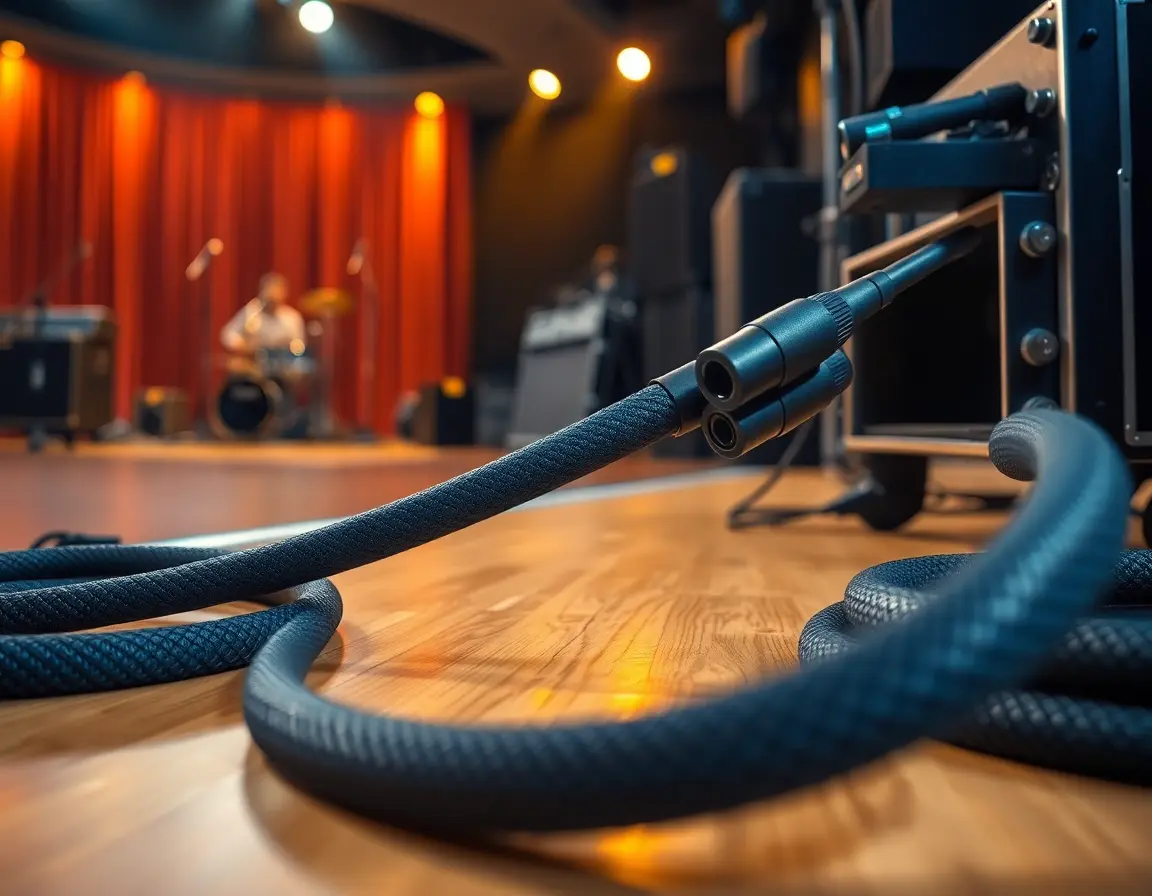
A snake cable, also known as an audio multicore cable or stage snake, bundles multiple individual conductors (typically 4 to 64 channels) within a single protective outer jacket. Each conductor can carry balanced microphone or line-level signals between fixed points, such as a stage box and mixing console.
The core components include :
- Heavy-duty outer jacket (PVC or rubber) for protection and strain relief
- Individual shielded conductors to minimize crosstalk and electromagnetic interference
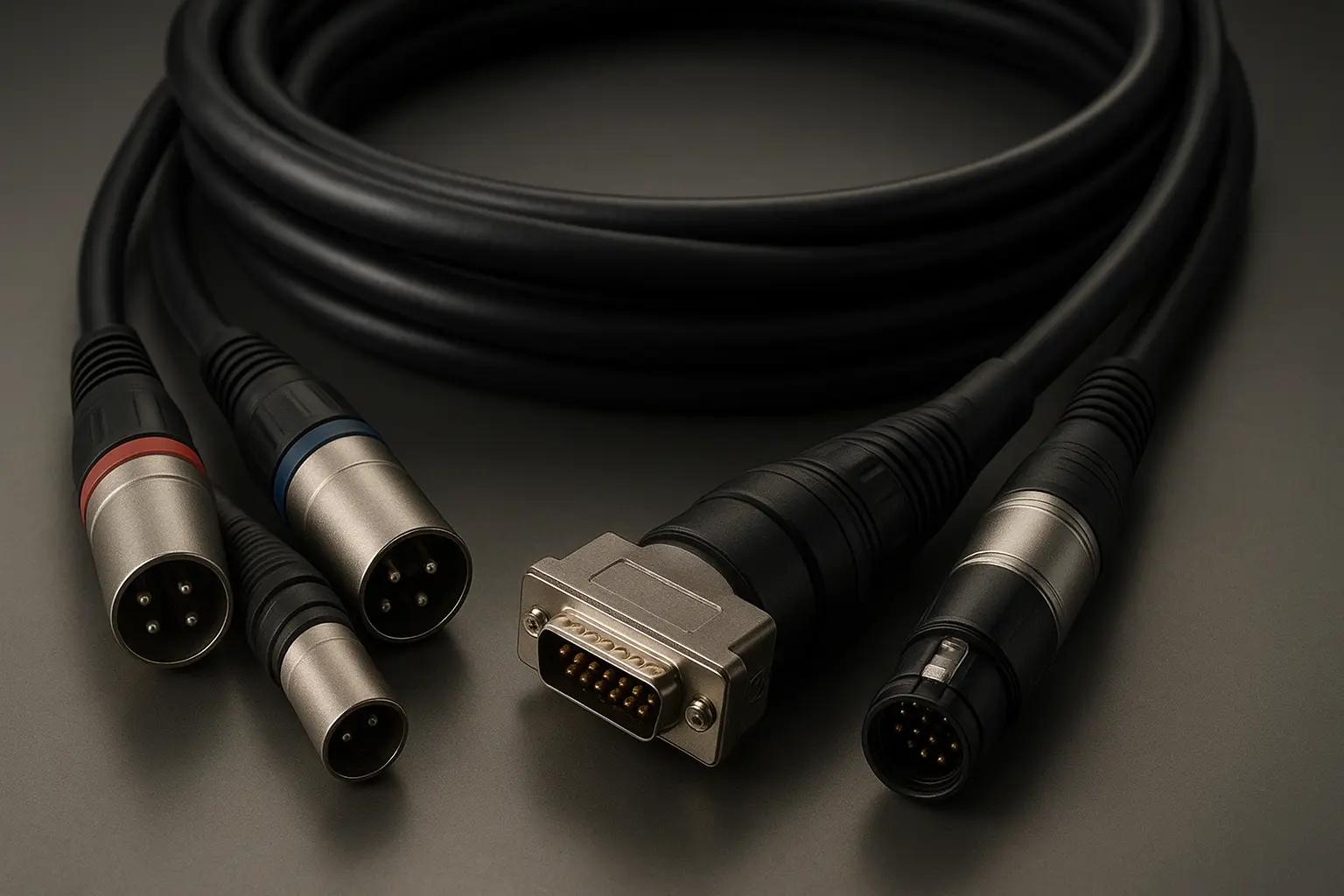
- Stage box or fan-out tails with numbered XLR, TRS, or multipin connectors
- Strain relief systems to prevent cable damage during transport and setup
Audio Snake Cable vs Individual XLR Connections
Without a multicore system, audio professionals would need dozens of separate XLR or TRS cables to connect each microphone, instrument, or line input to the mixer—creating a tangled web of cables that's both hazardous and time-consuming to manage.
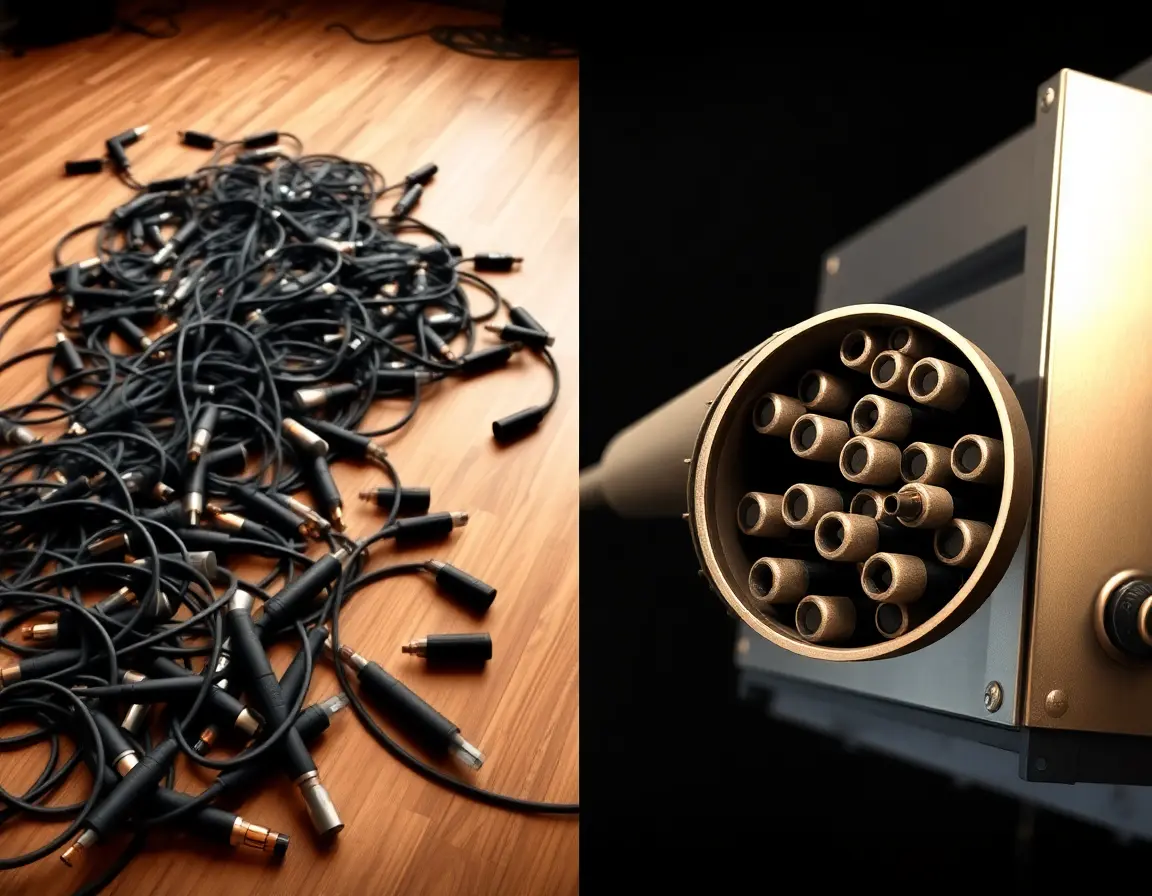
Individual XLR Setup Challenges:
- Increased trip hazards and safety risks
- Difficult cable management and identification
- Extended setup and teardown times
- Higher likelihood of signal interference
- Greater storage and transportation requirements
How Stage Snake Cables Streamline Professional Audio Setups
By centralizing multiple audio pathways into one organized run, snake cables transform chaotic cable management into a streamlined professional system. This consolidation improves workspace safety, reduces labor costs, and maintains consistent signal quality across all channels.
Key Benefits of Professional Snake Cable Systems
Better Cable Management for Live Sound Events
Snake cables eliminate the notorious "spaghetti junction" of individual cables that plague many audio setups. Instead of navigating through dozens of separate lines, technicians work with one sturdy, organized cable run that significantly reduces workplace hazards and improves overall production aesthetics.
Dramatic Setup Time Reduction for Touring Applications
Professional touring companies report setup time reductions of 60-80% when using snake systems compared to individual cable runs. This efficiency translates directly into cost savings, especially for productions with frequent load-ins and load-outs.
Better Signal Integrity and Noise Reduction Technology
Modern snake cables incorporate advanced shielding techniques that minimize crosstalk between channels and reduce electromagnetic interference. Digital snake cables take this further by eliminating analog noise entirely, delivering pristine audio quality over extended distances.
Analog vs Digital Snake Cable Technology Comparison
Traditional Analog Snake Cable Characteristics
Analog snake cables transmit audio as electrical voltages through copper conductors. While heavier and more susceptible to interference over long runs, they remain popular for their simplicity and zero-latency performance.
Analog Snake Specifications:
- Channel capacity: 8-64 channels per cable
- Maximum practical length: 300 feet before significant signal degradation
- Weight: 100+ pounds for large multicores
- Immunity to digital conversion artifacts
Modern Digital Snake Cable and Dante Protocol Integration
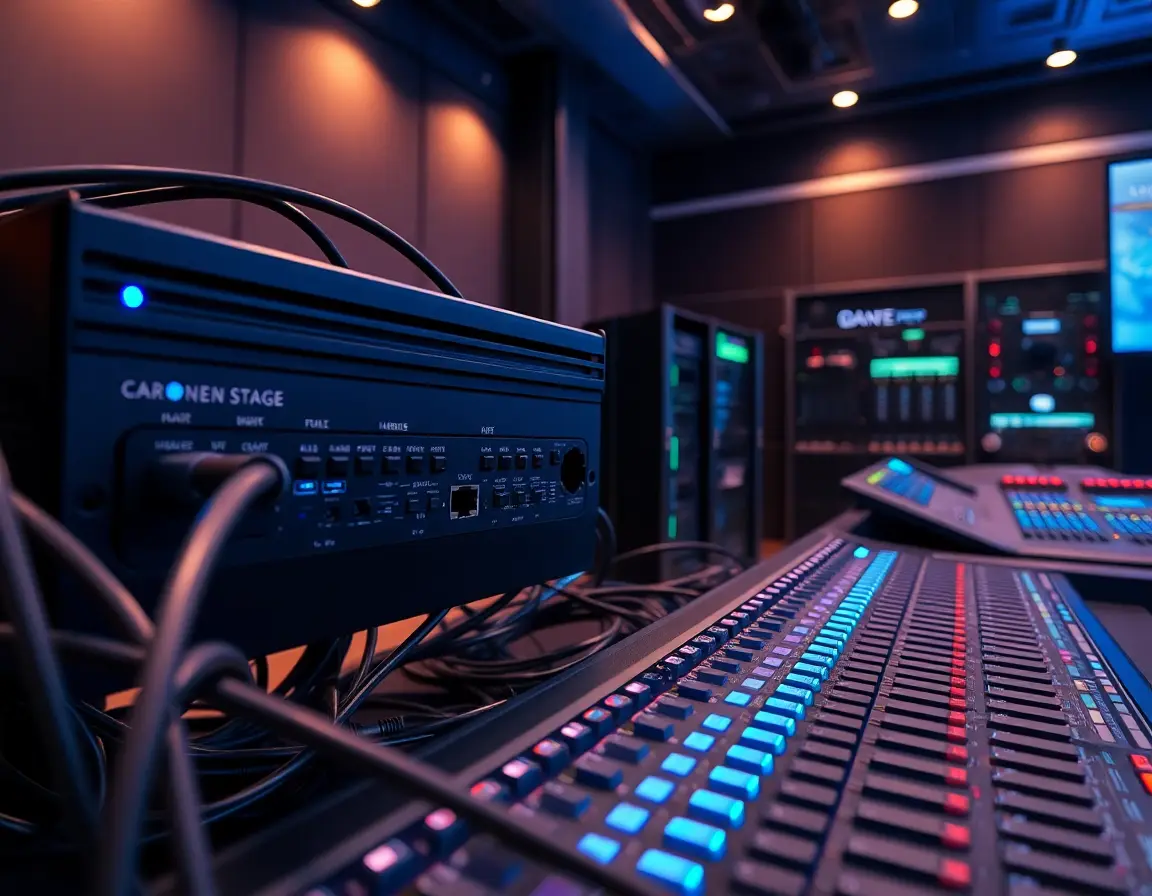
Digital snake cables convert audio signals to digital data at the source, transmitting pristine quality audio over lightweight Cat5e/Cat6 Ethernet or fiber optic cables. Dante protocol represents the industry standard, capable of carrying 40+ channels of 24-bit/96 kHz audio with sub-millisecond latency.
Digital Snake Advantages:
- Lightweight Cat5e/fiber construction
- Extended range capabilities (1000+ feet with fiber)
- Built-in signal processing capabilities
- Network redundancy and remote monitoring
- PoE (Power over Ethernet) compatibility for powered stage boxes
Analog Snake Cable vs Digital Audio Snake Selection Criteria
Choose Analog When:
- Budget constraints are primary concern
- Setup requires minimal channels (8-16)
- Zero-latency monitoring is critical
- Existing console lacks digital connectivity
Choose Digital When:
- Channel count exceeds 32 inputs
- Cable runs exceed 200 feet
- Network audio integration is required
- Weight and portability are priorities
Professional Snake Cable Types and Configuration Options
Standard 8×4 and 16×4 Stage Snake Cable Configurations
The industry-standard notation "8×4" indicates eight sends (input channels) and four returns (output channels back to stage monitors). This configuration suits small to medium venues, corporate events, and house of worship applications.
Common Configurations:
- 8×4 : Small venues, acoustic performances
- 16×4 : Medium venues, full band setups
- 24×8 : Large venues, monitor systems
- 32×8 : Major touring productions, festivals
Multichannel XLR Snake vs RJ45 Audio Snake Connectivity
XLR-based snake cables remain the analog standard, offering:
- Universal compatibility with existing equipment
- Robust, professional-grade connections
- Field-repairable terminations
- Time-tested reliability in demanding environment
RJ45/EtherCON digital snakes provide:
- Standardized network connectivity
- Single cable carries audio, control, and power
- Cost-effective installation for permanent venues
- Integration with IT network infrastructure
Fiber Optic Snake Cables for Broadcast and OB Van Applications
Fiber optic snake systems represent the premium tier, essential for broadcast television, stadium installations, and outdoor broadcast (OB) vehicles. These systems can carry hundreds of audio channels plus HD video signals over distances exceeding 10 kilometers without quality degradation.
Snake Cable Selection Guide for Different Venue Types
Determining Channel Count and Cable Length Requirements
Channel Count Planning:
- Count all microphones, instruments, and line inputs
- Add 25% capacity for expansion and backup channels
- Account for both input sends and monitor returns
- Include effects sends and stereo returns
Length Requirements:
- Measure actual cable path, not straight-line distance
- Add 20% extra length for proper cable management
- Account for venue-specific routing requirements
- Plan for temporary installations vs. permanent mounts
Professional Cable Jacket Materials and Durability Standards
Touring-Grade Jackets:
- Heavy-duty PVC for foot traffic resistance
- Reinforced strain relief at connectors
- Temperature resistance (-20°F to 140°F)
- Flame-retardant compounds meeting venue codes
Installation-Grade Options:
- Plenum-rated jackets for ceiling installations
- Direct-burial rated for outdoor permanent runs
- Low-smoke, zero-halogen compounds for sensitive environments
Snake Cable Connector Types and Professional Termination Options
Fan-Out Tails:
- Direct connection to mixing console inputs
- Color-coded identification systems
- Professional strain relief boots
- Field-serviceable XLR/TRS terminations
Stage Box Configurations:
- Metal chassis with numbered inputs/outputs
- Front-panel access for easy patching
- Integrated ground lift switches
- Optional transformer isolation
Multipin Connectors:
- D-Sub (DB-25) for 8-channel analog
- MIL-DT series for broadcast applications
- EtherCON for professional network audio
- Custom configurations for OEM applications
Professional Snake Cable Installation and Maintenance Best Practices
Optimal Cable Routing and Long-Term Storage Techniques
Installation Best Practices:
- Maintain minimum bend radius (10x cable diameter)
- Avoid parallel runs with AC power cables
- Use proper cable supports every 6-8 feet
- Implement strain relief at all connection points
Storage Recommendations:
- Over-under coiling technique to prevent twisting
- Climate-controlled storage when possible
- Regular inspection for jacket damage or connector wear
- Documented maintenance schedules for rental inventory
Stage Box Setup and Signal Flow Optimization
Professional Setup Protocol:
- Number all inputs and outputs clearly with durable labels
- Implement color-coding systems for quick identification
- Test all channels before connecting sources
- Document signal flow for troubleshooting reference
- Maintain consistent grounding practices throughout the system
Troubleshooting Common Snake Cable Audio Issues
Noise and Interference Diagnosis:
- Systematically swap channels to isolate problems
- Check for damaged cable shielding
- Verify proper grounding at both ends
- Use cable testers for continuity and shorts
- Maintain service logs for recurring issues
Preventive Maintenance:
- Annual professional inspection and testing
- Connector cleaning and lubrication
- Cable jacket inspection for wear patterns
- Performance documentation and trending
Geographic and Local Market Options for Snake Cable Selection
"Best Snake Cable for Live Sound Near Me" - Regional Supplier Networks
Local market factors significantly impact snake cable selection and support:
Major Metropolitan Areas (New York, Los Angeles, Nashville, Atlanta):
- Extensive rental inventory available
- Multiple competing suppliers drive pricing
- Same-day service and emergency support
- Specialized touring and broadcast suppliers
Regional Markets:
- Limited local inventory may require advance planning
- Shipping costs impact total project budgets
- Regional dealers offer personalized service
- Local code requirements vary by jurisdiction
Professional Audio Snake Cable Rental vs Purchase Analysis
Rental Advantages:
- No capital investment required
- Access to latest technology
- Professional maintenance included
- Flexible configurations for varying projects
Purchase Options:
- Break-even typically occurs after 10-15 rental days
- Custom configurations possible
- Complete control over maintenance schedules
- Asset depreciation and tax implications
Frequently Asked Questions About Snake Cables
What is a snake cable and why do audio professionals need one?
A snake cable is a multi-channel audio cable that bundles multiple individual conductors into one protective jacket, connecting stage inputs to mixing consoles efficiently. Audio professionals need snake cables to streamline setup, improve safety, and maintain signal quality in live sound, studio, and broadcast applications.
Can I use a snake cable for studio recording applications?
Absolutely. Recording studios frequently use permanent snake cable installations to connect live rooms to control rooms, eliminating cable clutter and providing consistent, reliable connections for tracking sessions.
How many channels does a professional stage snake cable support?
Professional snake cables typically support 8 to 64 channels, with common configurations including 8×4, 16×4, 24×8, and 32×8. The specific channel count depends on venue size and production requirements.
Are digital snake cables better than analog multicore systems?
Digital snake cables excel in applications requiring long cable runs (300+ feet), high channel counts (24+ channels), or integration with network audio systems. Analog snake cables remain preferred for budget-conscious applications, simple setups, or situations requiring zero latency monitoring.
What's the difference between a snake cable and regular audio cables?
Regular audio cables carry single signals between individual components, while snake cables bundle multiple audio channels into one organized system, reducing cable management tasks and setup time.
How much does a professional snake cable system cost?
Professional snake cable systems range from $500 for basic 8×4 analog configurations to $15,000+ for large-format digital systems with fiber connectivity and advanced stage boxes.
Final Thoughts
Understanding what is a snake cable represents fundamental knowledge for any serious audio professional. These multi-channel marvels transform chaotic cable management into streamlined, professional operations while maintaining quality signal and workplace safety.
Whether you're managing live sound for local venues, recording in professional studios, or handling broadcast production, selecting the appropriate snake cable system directly impacts your efficiency, sound quality, and bottom line. Think about channel count, cable technology, venue requirements, and local market conditions to make informed decisions that serve your clients and advance your career.
The evolution from analog multicore systems to modern digital networks continues advancing, but the core principle remains unchanged: snake cables are indispensable tools that enable audio professionals to deliver exceptional results while working more efficiently and safely.
References and Citations
1.Wikipedia Contributors. "Audio multicore cable." Wikipedia, The Free Encyclopedia.
3.Belden Technical Team. "Snake Cables and When to Use Them." Belden Cable Blog.
4.PCM Cable Solutions. "What Snake Cable Means in Professional Audio." PCM Technical Resources.
5.Sescom Professional Audio. "Multichannel XLR Snake Cable Products." Sescom Product Catalog.
6.Audio Engineering Research. "Digital Audio Transmission Systems." Semantic Scholar Database.
7.Broadcast Technology Institute. "Professional Audio Cable Management." Semantic Scholar Database.
8.Live Sound Engineering Association. "Stage Box and Multicore Systems." Semantic Scholar Database.
9.IEEE Audio Engineering Society. "Digital Audio Networking Standards." IEEE Xplore Digital Library.