










What is an Interface Cable? Your Complete Guide to Data Transmission in 2025
Key Takeaways
- Interface cables move data and signals, separating them from power cables, though modern cables often combine both functions
- USB-C and Thunderbolt represent the futureof universal connectivity, reducing cable mess while increasing capability
- Cable construction directly impacts performance– quality materials and proper shielding justify higher prices for important applications
- HDMI dominates home entertainmentwhile DisplayPort leads in professional displays due to higher bandwidth and advanced features
- Proper troubleshooting fixes 80% of connection issueswithout needing cable replacement or professional service
- Industrial and medical applicationsneed specialized, compliant cables that meet strict safety and performance standards
- Americans should choose quality over pricefor cables supporting important applications like professional work or gaming
You're setting up your new home office in Denver, staring at cables everywhere. There's that thick black cord powering your Dell monitor, the sleek USB-C cable from your MacBook, and an HDMI cable running to your second screen. But here's what trips up most people: which ones are actually "interface cables," and why should you care?
If you've ever wondered about the difference between interface cables and power cables, or why some cables cost $5 while others cost $50, you're in good company. The average American household has over 20 different types of cables lying around. Understanding what each one does has become pretty important for staying productive and avoiding expensive mistakes.
This guide will clear up the confusion around interface cables, help you pick the right connections for your setup, and fix the most annoying cable problems that frustrate millions of people every day. Whether you're hooking up your Xbox Series X for 4K gaming or building a multi-monitor workspace, we'll cover what you need to know about modern connectivity.
Interface Cable vs Power Cable: Understanding the Core Difference
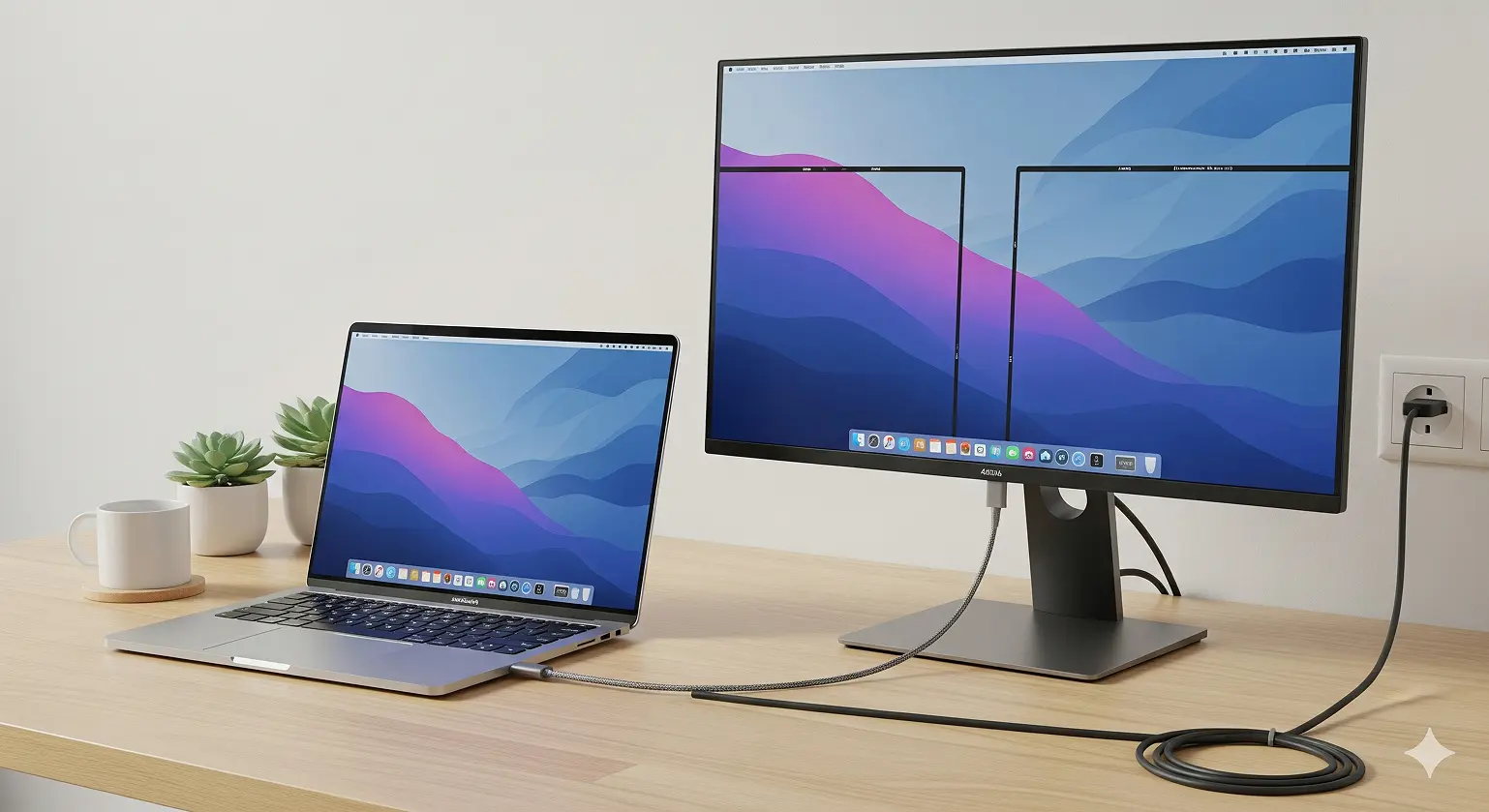
What Makes an Interface Cable Different from Power Cables
Here's the basic difference: interface cables move data and signals between devices, while power cables deliver electricity. Take your iPhone's Lightning cable. When you plug it into your MacBook, it's working as an interface cable, syncing photos and music. Plug that same cable into a wall charger, and now it's acting like a power cable, sending electricity to charge your battery.
Modern tech has mixed things up quite a bit. USB-C and Thunderbolt cables can handle high-speed data, video signals, and up to 100 watts of power all through one connection. This "one cable does everything" approach has changed how people set up their desks, cutting down on clutter while boosting what you can do.
The main point: even if a cable carries power, if its main job is letting devices talk to each other, it's an interface cable. This matters when you're shopping, fixing problems, or upgrading your setup.
The Three Layers of Interface Technology
Interface cables work on three levels you should know about:
Physical Layer: What you actually see – the connector that plugs into your device. A USB-C port, HDMI jack, or DisplayPort connection is where devices physically meet.
Protocol Layer: The invisible communication rules that control how data moves. USB 3.2, DisplayPort 1.4, and HDMI 2.1 are protocols that set speed limits, features, and what works with what.
Application Layer: What you actually get done – moving files, showing 4K video, or powering your laptop. This layer is the real-world result of all that underlying tech.
For regular folks, this explains why not all USB-C cables work the same way, and why that "universal" connector you grabbed at the gas station might not handle the 4K video you wanted.
Popular Interface Cable Types in American Homes and Offices
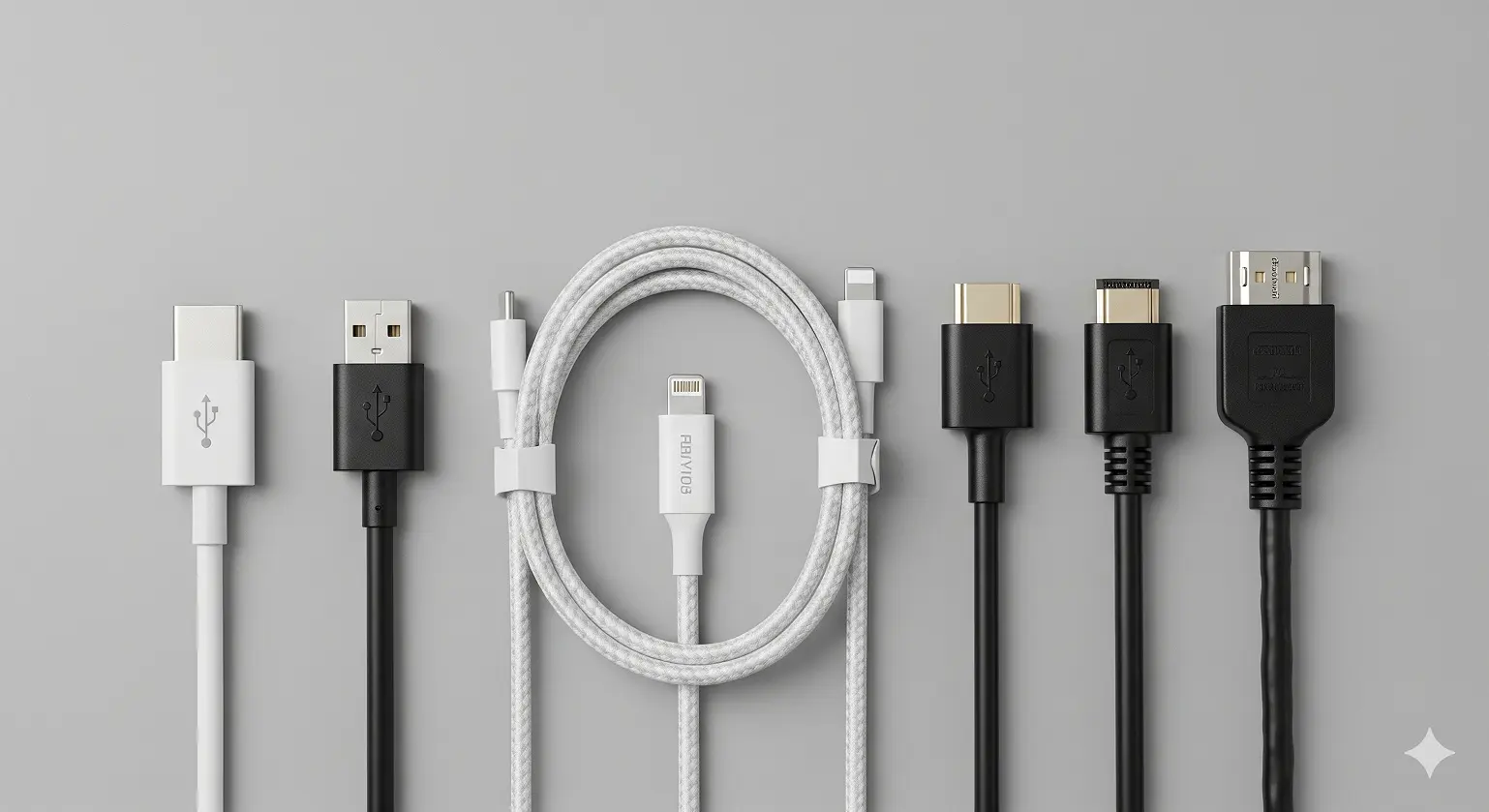
USB Cable Types Every American Should Know
USB-A to USB-C is still the most common interface cable in American homes. You'll see this connection linking phones, tablets, and portable gadgets to computers for charging and moving data. With over 3 billion USB-A ports still working in homes and offices across the country, this cable type bridges old and new devices.
USB-C to USB-C cables are quickly becoming the new go-to, especially for tech-savvy Americans. Apple's switch to USB-C across its MacBook lineup, plus wide adoption by Dell, HP, and Lenovo laptops, has made this the cable for premium devices. These handle the fastest data speeds (up to 40 Gbps with USB4) and highest power delivery (100W), perfect for professional setups.
Lightning to USB cables are still everywhere in American homes because of Apple's huge iPhone market share (over 50% in the US). While Apple is moving to USB-C for newer devices, millions of Americans still depend on Lightning connections for their phones, AirPods, and accessories.
Market research shows 73% of American consumers own at least three different USB cable types, which shows why understanding each type's abilities matters.
Audio Video Interface Cables for Entertainment Systems
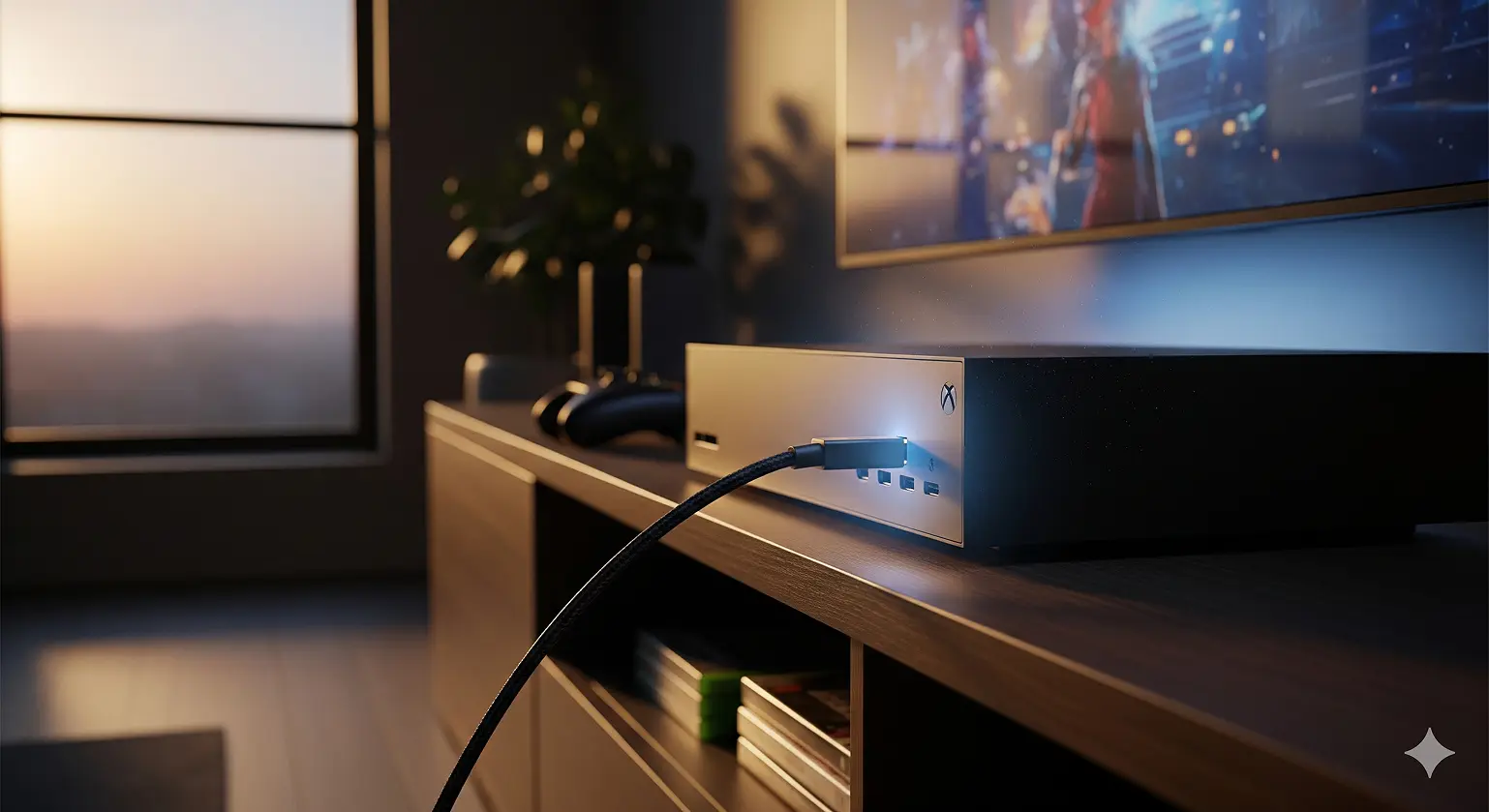
HDMI cables rule American living rooms, and there's good reason for that. With over 85% of US households owning at least one 4K TV, HDMI has become the standard language of home entertainment. The newest HDMI 2.1 standard handles the features that matter most to American consumers: 4K@120Hz gaming for PlayStation 5 and Xbox Series X, enhanced Audio Return Channel (eARC) for premium soundbars like Sonos and Bose, and Variable Refresh Rate (VRR) for smoother gaming.
What makes HDMI appealing to US consumers is its simplicity – one cable carries both perfect digital video and multi-channel audio, getting rid of the cable mess that made earlier home theater setups a nightmare.
DisplayPort cables serve a different purpose: the professional and gaming monitor market. With bandwidth reaching 80 Gbps compared to HDMI's 48 Gbps, DisplayPort excels where American professionals and enthusiasts need it most. The protocol's Multi-Stream Transport (MST) lets you daisy-chain multiple monitors – a feature that's changed remote work setups across America, where 42% of workers now work from home at least part-time.
DisplayPort's higher refresh rates (up to 240Hz at 4K) make it the top choice for competitive gamers and content creators who want every advantage.
Ethernet Cables for Reliable Internet Connections
Despite Wi-Fi's convenience, Ethernet cables stay important for American households wanting ultimate reliability and speed. Cat6 and Cat6a cables have become the standard for homes with gigabit internet service, now available to over 80% of US addresses.
For gaming, wired connections provide the stable, low-delay performance that wireless just can't match. Professional esports players and serious gamers all prefer Ethernet for competitive gaming, where even 5-10 milliseconds of extra delay can decide who wins.
In home office setups, Ethernet ensures stable video calls – a lesson millions of Americans learned the hard way during the remote work shift of 2020-2022.
How Interface Cable Construction Affects Performance
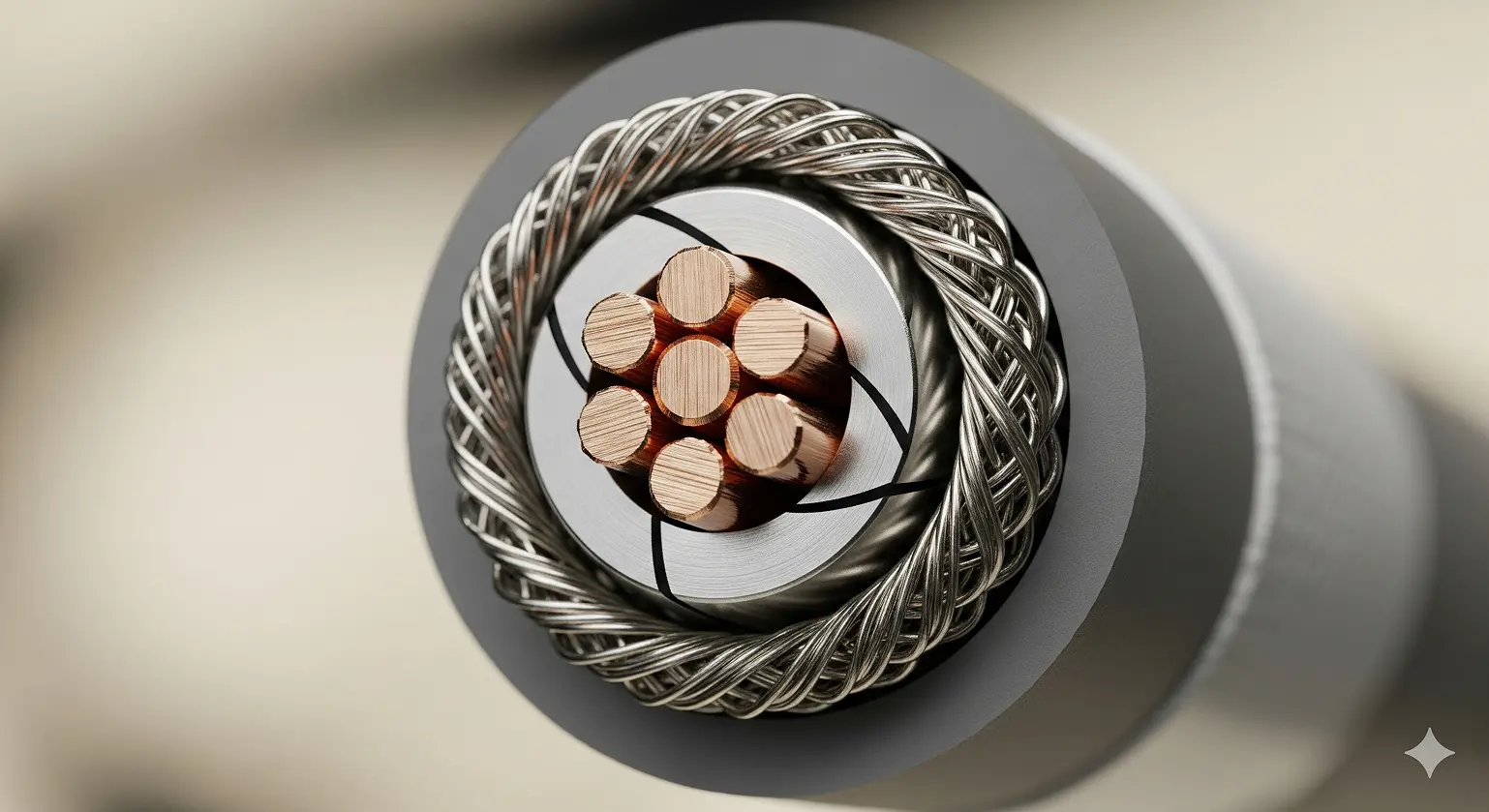
Conductor Materials That Matter for Signal Quality
The core of any interface cable is its conductor – the metal pathway that carries electrical signals. Copper dominates quality cables because of its excellent conductivity and flexibility. Premium cables use oxygen-free copper (OFC) with purity levels over 99.9%, keeping signal loss to a minimum over distance.
Wire gauge makes a big difference. Thicker conductors (lower gauge numbers) reduce electrical resistance, keeping signal quality strong over longer runs. This explains why that 20-foot HDMI cable you bought at the dollar store might work fine for 3 feet but completely fail at full length.
For Americans balancing cost and performance, the sweet spot usually lies in mid-tier cables from established brands like Belkin, Anker, or Amazon Basics. These offer copper conductors with good gauge ratings without the premium pricing of audiophile-grade cables.
Cable Shielding: Protection Against Interference
Modern American homes are full of devices that create interference. Wi-Fi routers, Bluetooth gadgets, microwave ovens, and smart home devices all generate noise that can mess up cable performance. Good shielding acts as a protective barrier, keeping signal quality strong in these challenging environments.
Foil shielding provides 100% coverage and works great at blocking high-frequency interference – perfect for homes packed with wireless devices. But foil is mechanically fragile and can get damaged during installation.
Braided shielding offers better mechanical strength and flexibility, making it ideal for cables that get moved or bent frequently. While braided shields typically provide 85-95% coverage, their toughness often makes them the better choice for active households.
Premium cables often use both approaches: foil for complete coverage wrapped in braided shield for protection – giving you the best of both worlds for a reasonable price bump.
Professional and Industrial Interface Cable Applications in America
Medical Grade Cables in US Healthcare
America's $4 trillion healthcare industry depends on interface cables that meet extremely strict requirements. FDA compliance isn't optional – it's required for any cable used in patient care. Medical-grade interface cables must prove biocompatibility, ensuring they won't cause bad reactions if they touch patients or healthcare workers.
Signal accuracy becomes literally life-or-death in medical uses. An invasive blood pressure (IBP) monitoring cable must transmit pressure waveforms with zero drift and minimal noise, as these measurements guide critical treatment decisions in ICUs across America. Leading medical cable manufacturers like TE Connectivity and Amphenol invest heavily in specialized materials and manufacturing processes to meet these exact standards.
Sterilization compatibility adds another challenge. Medical interface cables must survive repeated exposure to high-pressure steam sterilization, gamma radiation, or chemical disinfectants without losing their electrical or mechanical properties.
Industrial Automation Cable Standards
American manufacturing depends on interface cables that work as "industrial lifelines," connecting sensors, actuators, and control systems in factories from Detroit to Silicon Valley. These cables must handle conditions that would destroy regular consumer cables: continuous bending through millions of cycles, exposure to cutting oils and industrial chemicals, and temperature extremes from -40°F to +180°F.
UL listing provides the safety certification that US industrial buyers demand. This third-party verification ensures cables meet tough standards for fire resistance, electrical safety, and environmental performance. Companies like Belden and Alpha Wire have built their reputations on providing UL-listed cables that keep American factories running safely and efficiently.
Continuous flex applications – like robotic assembly lines and automated material handling systems – need specialized cable constructions with extra-fine stranded conductors and advanced jacket materials that resist cracking under constant motion.
Troubleshooting Common Interface Cable Problems
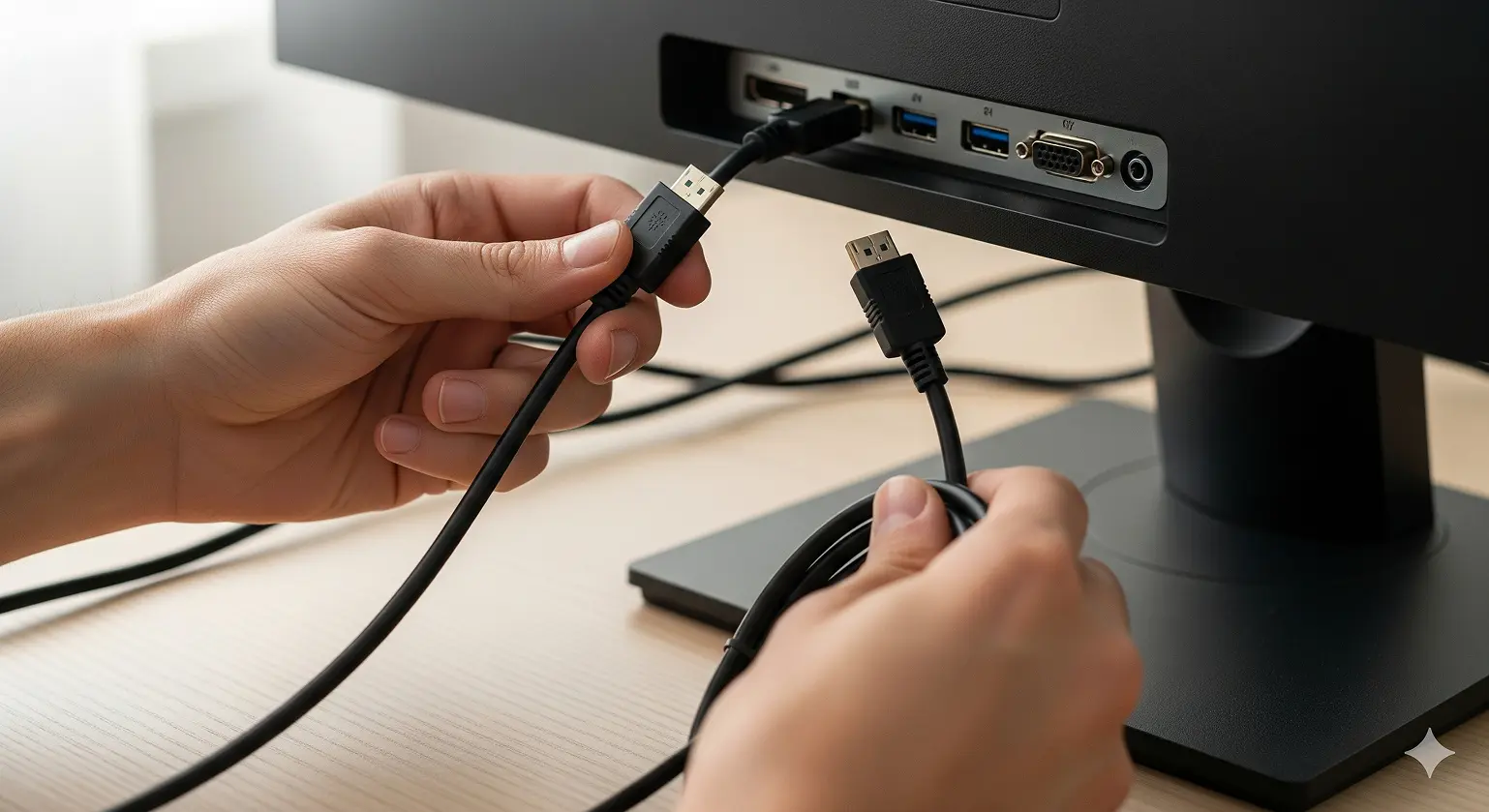
Step-by-Step Cable Troubleshooting Guide
When your interface cable stops working, follow this systematic approach used by IT professionals across America:
- Physical Check: Look for obvious damage like bent connectors, crushed cables, or loose connections. Check both ends of the cable and look in the ports for debris or damage.
- Port Testing: Try different ports on your device. If your USB device works in one port but not another, the problem is likely port-specific rather than cable-related.
- Cable Swap: Test with a cable you know works. This is often the fastest way to figure out if the issue is cable-related or device-related.
- Driver Updates: Visit manufacturer websites (Dell, HP, Apple, etc.) to download the latest drivers. Outdated drivers cause more connection problems than broken cables.
- Device Restart: A simple reboot fixes connection issues surprisingly often, especially with USB devices that may have hit driver conflicts.
When to Contact Support vs DIY Solutions
Warranty considerations matter for American consumers. Most branded cables include 1-3 year warranties that cover manufacturing defects. Keep your receipts and check manufacturer websites before throwing away "broken" cables.
Professional installation becomes worthwhile for complex setups with multiple monitors, professional audio equipment, or structured cabling installations. Local technicians understand building codes and safety requirements that DIY installers often miss.
Replace vs repair calculations favor replacement for consumer cables. With basic HDMI cables available for under $10, repair rarely makes financial sense. However, specialized or expensive cables (like 25-foot Thunderbolt cables costing $200+) might justify professional repair services.
Frequently Asked Questions About Interface Cables
What's the difference between USB-C and Thunderbolt cables?
All Thunderbolt cables use USB-C connectors, but not all USB-C cables support Thunderbolt. This key distinction confuses many American consumers. Thunderbolt guarantees 40 Gbps bidirectional speed and can power dual 4K monitors or daisy-chain up to six devices. USB-C speed varies dramatically – from 5 Gbps (USB 3.2 Gen 1) to 40 Gbps (USB4) depending on the specific implementation. When buying cables for high-performance applications, look for "Thunderbolt 4" or "USB4" certification rather than generic "USB-C" labeling.
Can I use any HDMI cable for my 4K TV and PS5?
For basic 4K@60Hz viewing, any HDMI 2.0 cable works fine. However, to unlock your PS5's full potential with 4K@120Hz gaming, you need HDMI 2.1 "Ultra High Speed" cables. Look for certified cables from reputable brands like Belkin, AudioQuest, or Amazon Basics. Avoid no-name cables from gas stations or dollar stores – they often lack the bandwidth for advanced gaming features and may cause intermittent connection issues.
Why do some interface cables cost $50 while others cost $5?
Price differences reflect conductor quality, shielding performance, build quality, and certification costs. Premium cables use oxygen-free copper conductors, advanced shielding designs, and gold-plated connectors that resist corrosion. They also undergo extensive testing and certification processes. For important applications like professional video production or medical equipment, these investments pay off in reliability. For basic home use, mid-tier cables from established brands typically offer the best value.
Are interface cables covered by warranty in the US?
Most branded cables include 1-3 year limited warranties covering manufacturing defects. Keep your receipts and register products when possible. Additionally, consumer protection laws in most US states provide coverage for defective products, and credit card purchase protection may extend warranties further. Always buy from reputable retailers who honor warranty claims – the cheapest price isn't worth it if you can't get support when problems happen.
How do I know if my interface cable meets US safety standards?
Look for certification marks from recognized testing laboratories. UL (Underwriters Laboratories) listing is the gold standard for electrical safety in the US. For data cables, FCC compliance ensures they won't interfere with wireless communications. Medical applications require FDA registration. Avoid unmarked cables from unknown manufacturers when safety matters – the few dollars saved aren't worth the risk of fire, electrical shock, or equipment damage.
References