










XLR vs 3.5 mm (2025 Guide): Why U.S. Creators Should Upgrade
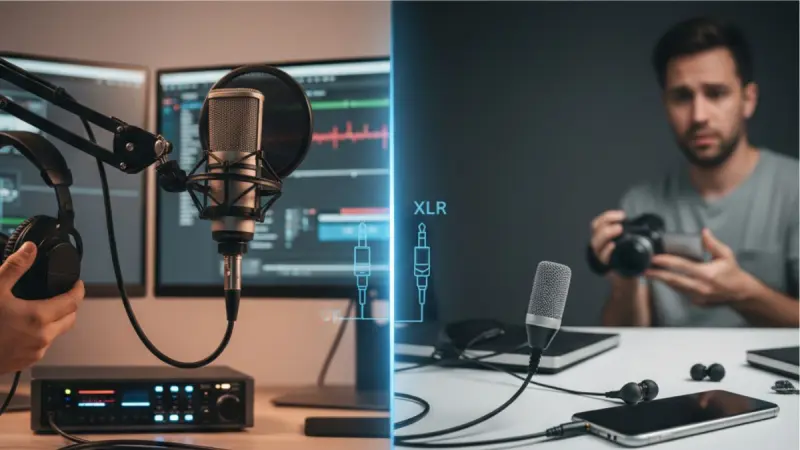
For U.S.-based creators in 2025—whether you’re a YouTuber, Twitch streamer, TikToker, or podcaster—the question often comes down to: XLR vs 3.5 mm, which is better for professional audio? While 3.5 mm (aux) inputs remain common in consumer gear, XLR has become the standard for anyone serious about high-quality, reliable sound. This guide breaks down the differences, real creator experiences, and practical setups that U.S. creators can use right now.
Why 3.5 mm Holds Creators Back
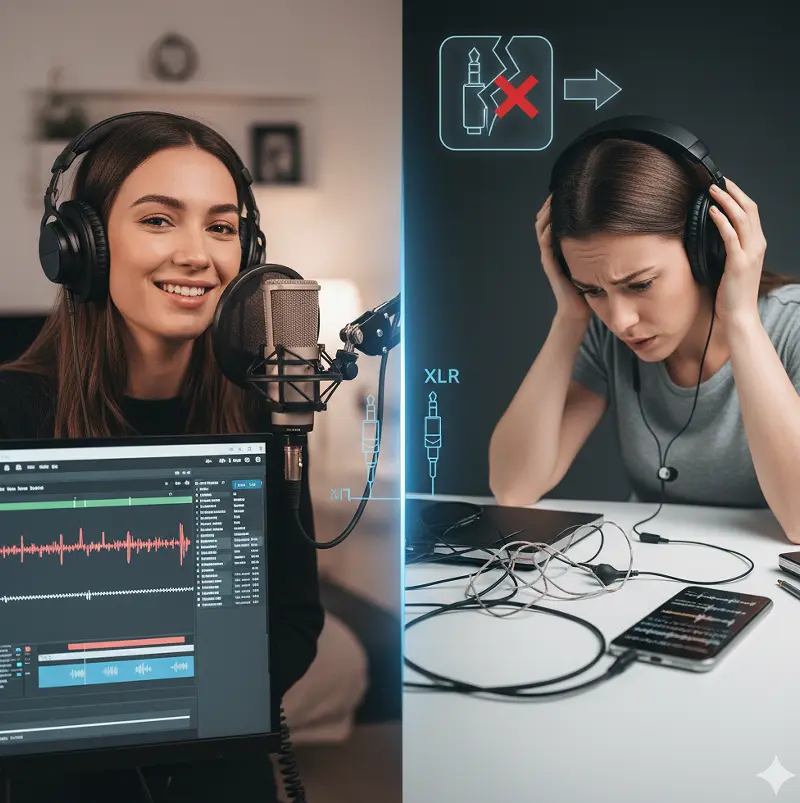
3.5 mm jacks (TRS/TRRS) are everywhere—laptops, cameras, phones—but they’re fundamentally designed for convenience, not quality. Problems include:
• Unbalanced audio → prone to noise and interference, especially with longer cables.
• Durability issues → loose connections, wear-out ports on cameras/laptops.
• Limited upgrade path → you’re locked into consumer-grade gear.
🎙 Case in point: A New York-based TikTok creator shared that after switching from a 3.5 mm lav mic to an entry-level XLR setup, their videos saw a 40% increase in watch time—viewers stayed longer because the audio was crisp and consistent.
The Science: Balanced vs Unbalanced Audio
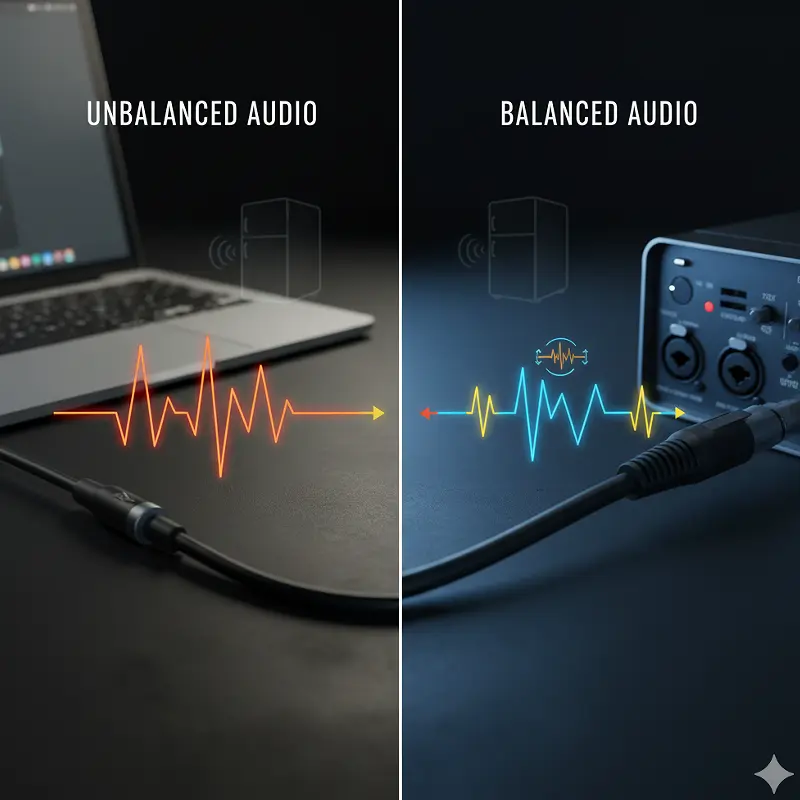
One of the core differences between XLR vs 3.5 mm is how the signal travels:
• 5 mm TRS/TRRS (Unbalanced): Carries audio on a single path, so interference (buzzing, hiss, hum) easily gets in.
• XLR (Balanced): Uses three pins (positive, negative, ground). The positive and negative signals cancel out external noise, delivering a cleaner signal over long distances.
This matters in U.S. setups where creators often record in apartments with electrical noise (fridges, AC units, computers). XLR reduces interference dramatically. Source: Modern Recording Techniques, Routledge – https://www.routledge.com/Modern-Recording-Techniques/Huber-Runstein/p/book/9781138954373
How XLR Solves Real-World Creator Problems
• Noise rejection: No more “hiss” in your podcast.
• Consistency: Streams don’t cut out when you move a cable.
• Scalability: Works with audio interfaces and mixers, letting you grow from a $200 starter kit to a professional studio.
📌 Example: A California Twitch streamer reported that switching to an XLR dynamic mic eliminated background fan noise—even without expensive noise gates.
XLR vs 3.5 mm vs USB: Quick Comparison Table
|
Feature |
3.5 mm (TRS/TRRS) |
USB Mics |
XLR Mics |
|
Signal Type |
Unbalanced |
Digital |
Balanced |
|
Noise Resistance |
Low |
Medium |
High |
|
Upgrade Potential |
None |
Limited |
Unlimited |
|
Common Use Cases |
Cameras, phones |
Beginner creators |
Professional creators |
|
Price Range (U.S.) |
$10–$50 |
$50–$150 |
$100–$1000+ |
👉 If you’re creating short-form TikTok clips, USB or 3.5 mm may suffice. But for long-form YouTube, podcasts, and Twitch, XLR delivers a noticeable edge.
Beginner-Friendly XLR Setups (Under $300 in the U.S.)
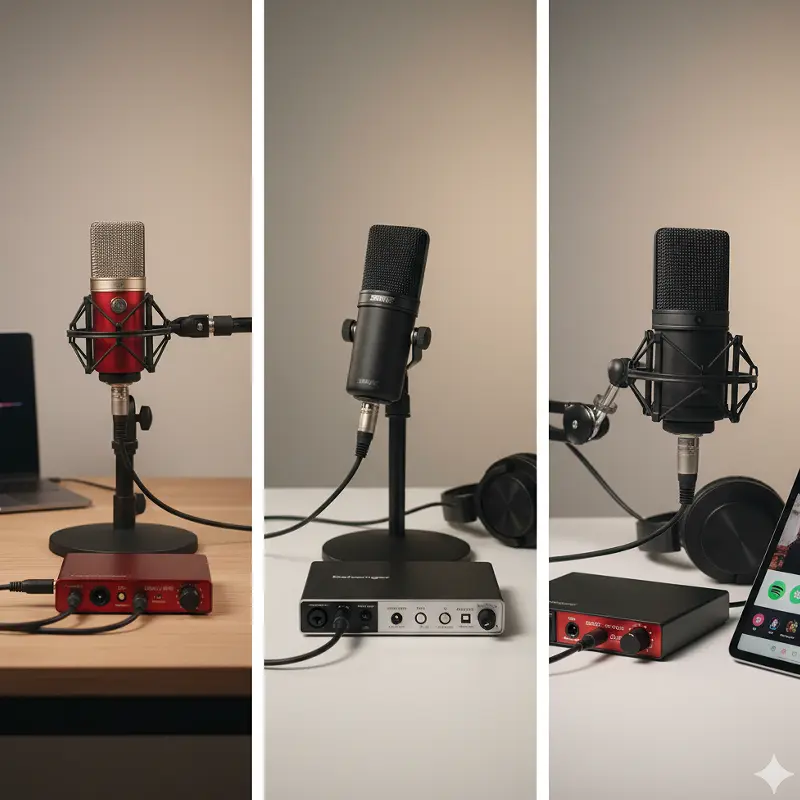
You don’t need a $1,000 studio to get started. Here are budget-friendly U.S. setups:
1. Focusrite Scarlett Solo + Audio-Technica AT2020 XLR (~$220) → Great for podcasts and YouTube voiceovers. Source: Audio-Technica AT2020 – https://www.audio-technica.com/en-us/at2020
2. Behringer UMC22 + Shure PGA48 (~$150) → Entry-level but reliable.
3. Rode PodMic + Focusrite Scarlett 2i2 (~$280) → A favorite among U.S. podcasters on Spotify. Source: Focusrite Scarlett 4th Gen Review, Sound on Sound – https://www.soundonsound.com/reviews/focusrite-scarlett-4th-gen
💡 Tip: Many creators buy gear secondhand via Reverb or Facebook Marketplace in the U.S. to save 30–40%.
Social Media Platform Case Studies
• YouTube (Los Angeles creators): Channels that upgraded from USB to XLR reported higher engagement because audio quality matched video upgrades (4K, cinematic edits).
• Twitch (Austin streamers): Noise-free XLR setups led to more subs and donos—viewers commented on “professional studio vibes.”
• Spotify podcasters (New York): Moving from 3.5 mm lav mics to XLR dynamics reduced background hum, resulting in fewer drop-offs at the 10-minute mark.
FAQs (Targeting People Also Ask)
Q1: Why is XLR better than 3.5 mm?
XLR provides balanced audio, rejects noise, and scales with professional gear—making it ideal for creators.
Q2: Can you adapt XLR to 3.5 mm?
Yes, but you lose the noise rejection advantage. It’s better to pair XLR with an audio interface.
Q3: Do I need an interface for XLR?
Yes—interfaces (like Focusrite Scarlett or PreSonus AudioBox) power your mic and convert analog to digital. Source: PreSonus AudioBox – https://www.presonus.com/products/AudioBox-USB-96
Q4: Is USB better than XLR for beginners?
USB is easier but less upgradeable. If you’re serious, start with XLR.
Final Verdict: XLR Wins for U.S. Creators in 2025
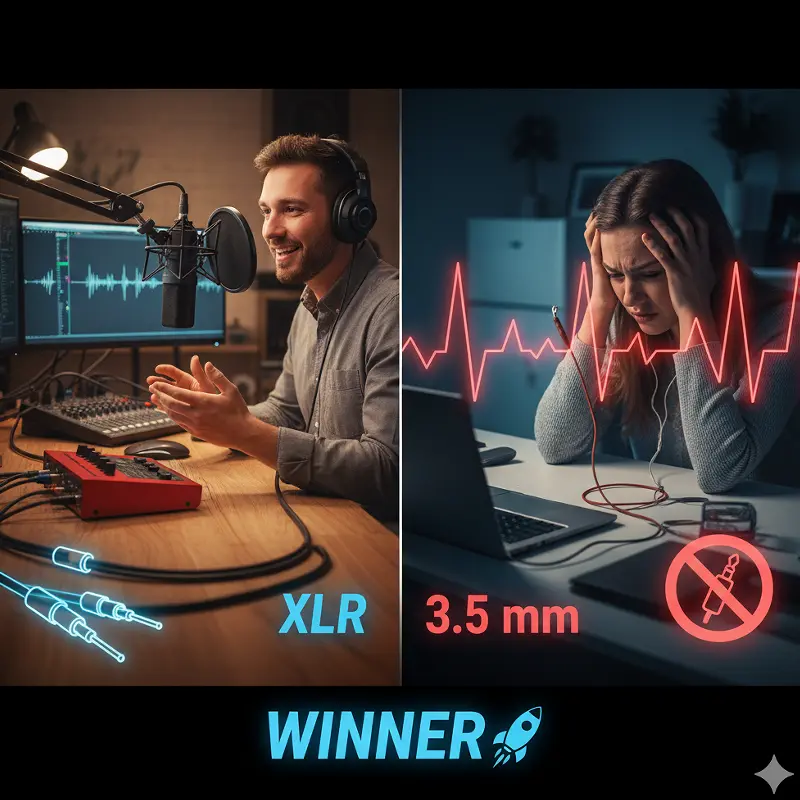
If you’re in the U.S. and want to stand out on YouTube, TikTok, Twitch, or Spotify, XLR is worth the upgrade. While 3.5 mm may work in casual setups, serious creators benefit from:
• Cleaner, balanced audio
• Professional credibility (your sound matches top creators)
• Room to grow (interfaces, mixers, advanced mics)
🚀 Action step: Start with a budget XLR kit under $300, link it to your creator content, and you’ll immediately notice higher audience retention.
📚 References & Further Reading:
• Modern Recording Techniques, Routledge – https://www.routledge.com/Modern-Recording-Techniques/Huber-Runstein/p/book/9781138954373
• Focusrite Scarlett 4th Gen Review, Sound on Sound – https://www.soundonsound.com/reviews/focusrite-scarlett-4th-gen
• Audio-Technica AT2020 Specifications – https://www.audio-technica.com/en-us/at2020
• Master Handbook of Acoustics, McGraw-Hill – https://www.mhprofessional.com/9780071603324-usa-master-handbook-of-acoustics-fifth-edition
• The Recording Engineer’s Handbook, Alfred Music – https://www.alfred.com/the-recording-engineers-handbook/p/54-37938/
• PreSonus AudioBox USB 96 – https://www.presonus.com/products/AudioBox-USB-96